
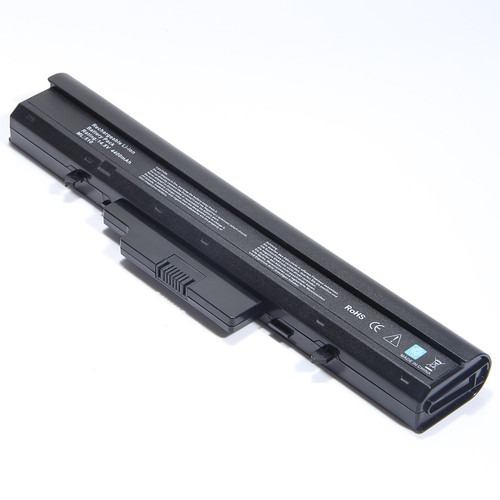

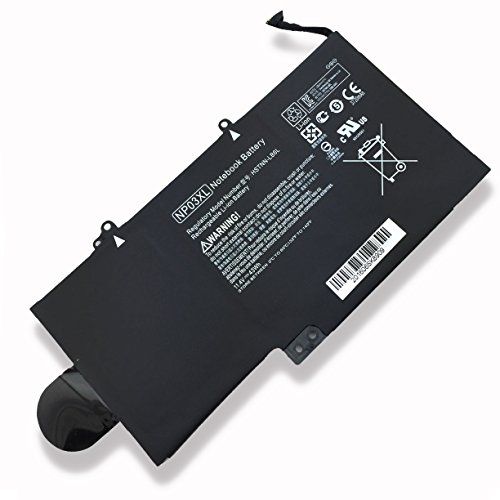

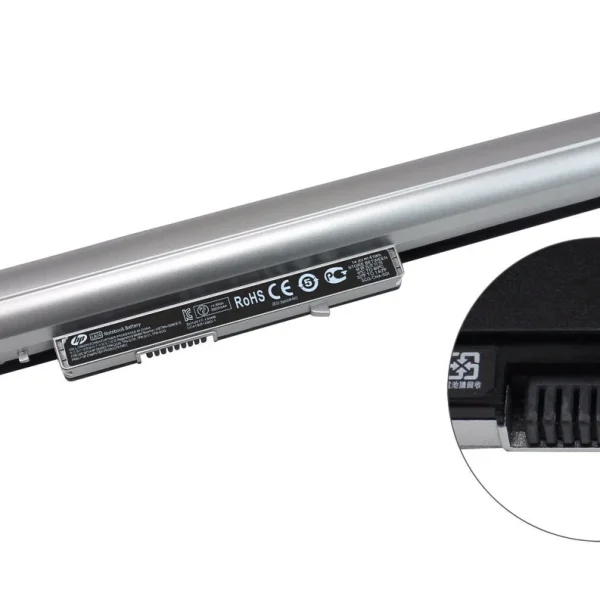
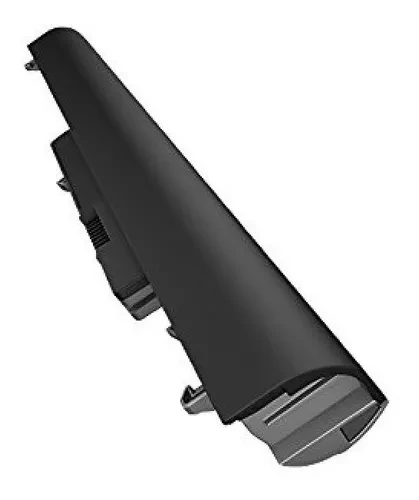

Restore Your Laptop’s Power with the Original HP Pavilion 15 Series Laptop Battery LA04 !
Is your laptop’s battery life letting you down? Don’t let a dead battery slow you down. Get back to work, school, or entertainment with a brand-new HP Pavilion 15 series Laptop Battery LA04 from laptopparts.co.ke. Our genuine replacement battery is specifically designed to give your laptop a new lease on life, providing reliable and long-lasting power.
This original HP Pavilion 15 series Laptop Battery LA04 is engineered to meet or exceed the performance of your original battery. With its high-quality cells, you can be sure of consistent power delivery and a long lifespan. Stop worrying about finding a power outlet and enjoy the freedom of using your laptop on the go. This genuine HP Pavilion 15 series Laptop Battery LA04 is the perfect, affordable solution for your power needs.
At laptopparts.co.ke, we understand the importance of quality and value. That’s why we offer this premium HP Pavilion 15 series Laptop Battery LA04 at an unbeatable price. To give you complete peace of mind, every purchase comes with a 3-month warranty against manufacturing defects. We are so confident in our products that we also offer free installation services for your new HP Pavilion 15 series Laptop Battery LA04 at our store.
Don’t settle for less. A faulty battery can harm your laptop’s performance and cause unexpected shutdowns. Replace it with an original HP Pavilion 15 series Laptop Battery LA04 and enjoy improved portability and productivity. Our battery is built to ensure a perfect fit and seamless performance with your compatible HP laptop. This HP Pavilion 15 series Laptop Battery LA04 is the smart choice for a reliable and secure power source.

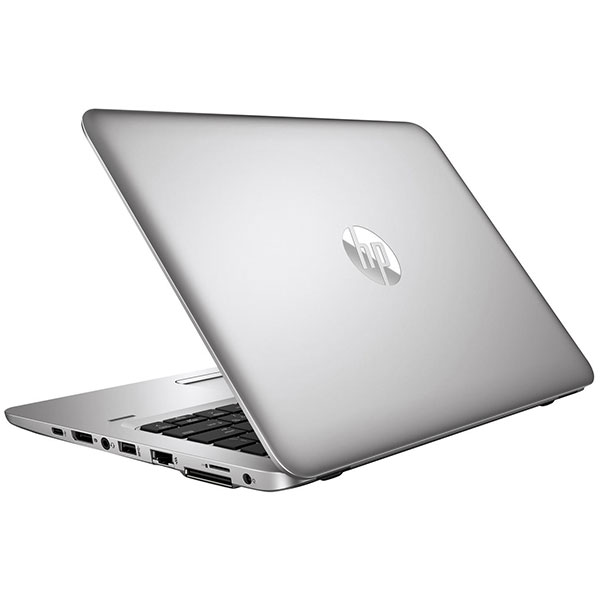
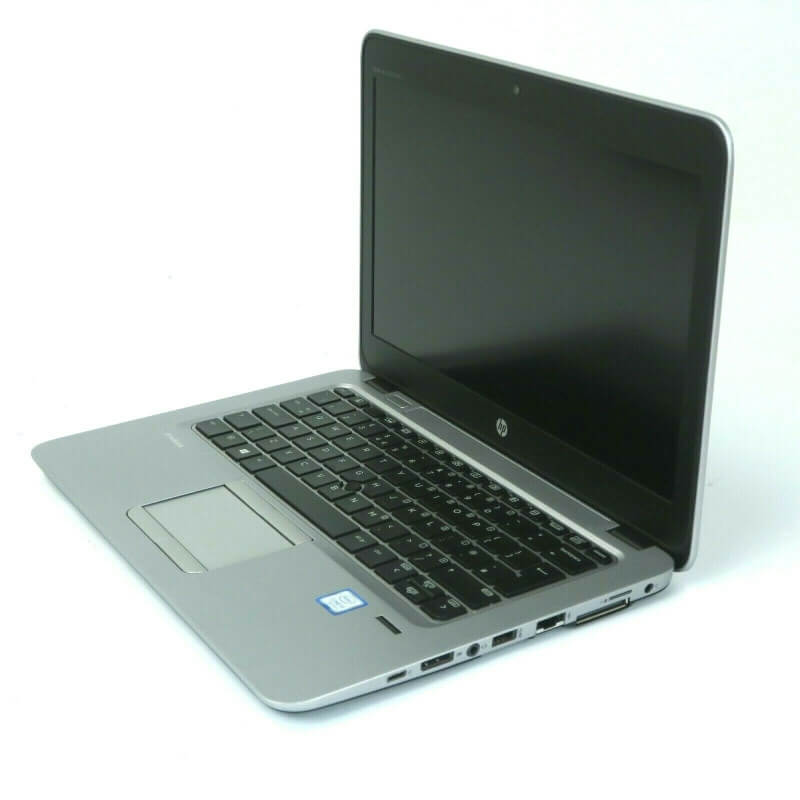
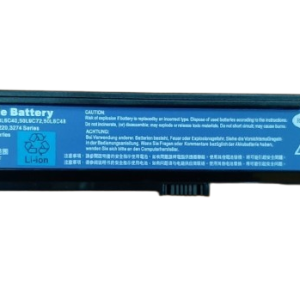
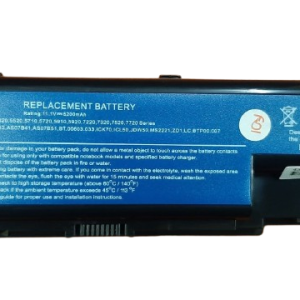
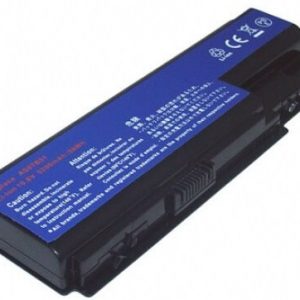
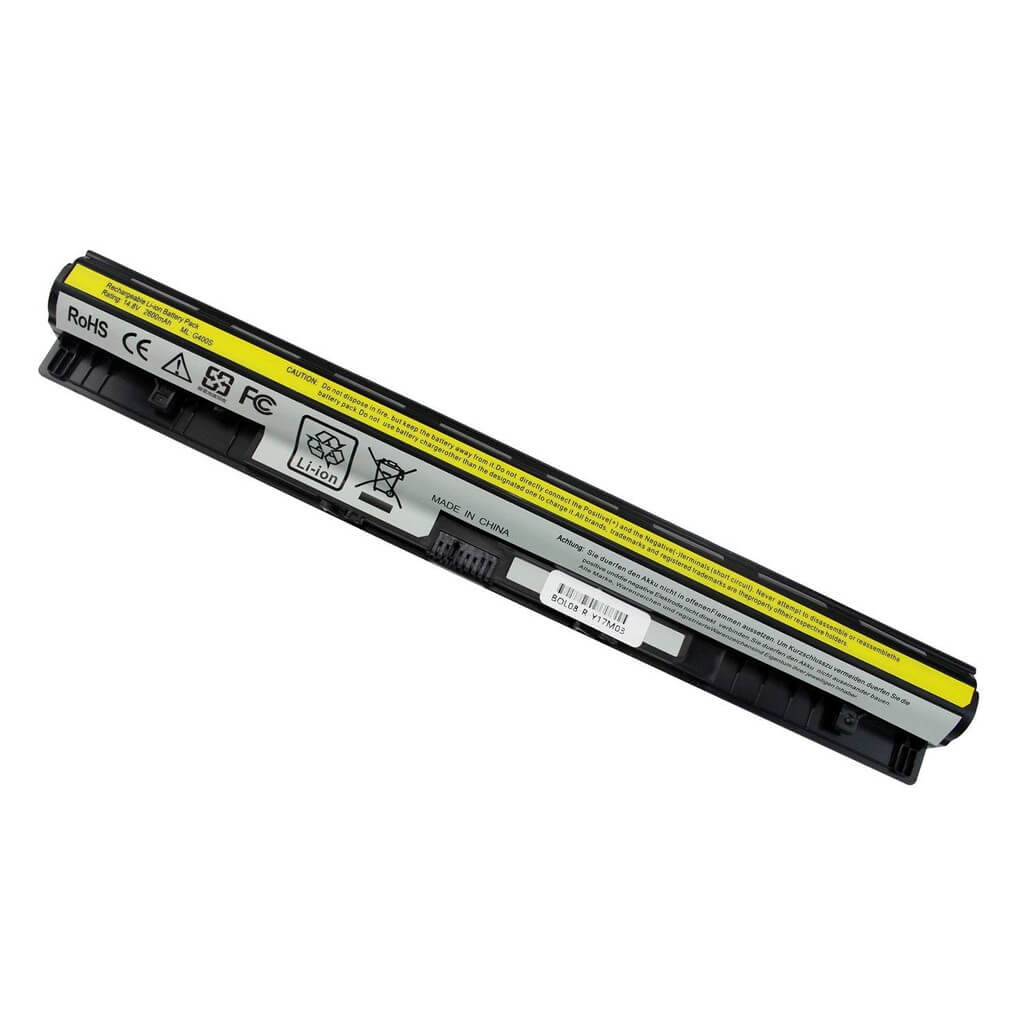
HP Pavilion 15 series Laptop Battery LA04
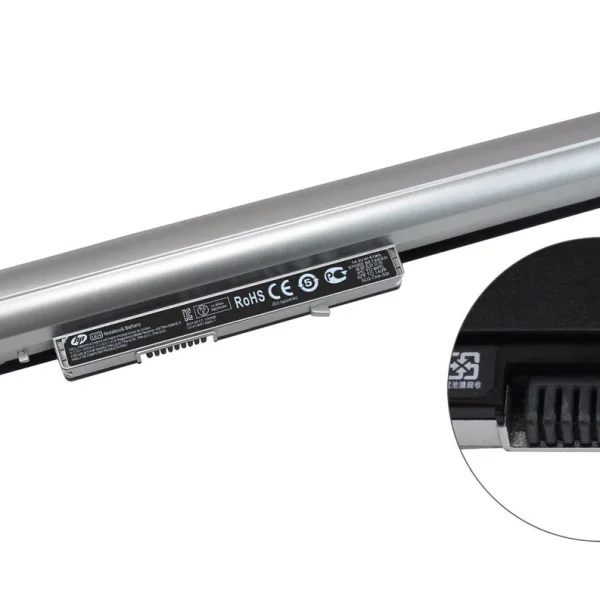

Specifications for HP Pavilion 15 series Laptop Battery LA04:
| Feature | Details |
| Battery Type | Li-ion |
| Voltage | 14.8V |
| Capacity | 2200-2600 mAh |
| Number of Cells | 4-Cell |
| Condition | Brand New |
| Warranty | 3 Months |
| Compatible Part Numbers | LA04, LA04DF, HSTNN-UB5M, HSTNN-UB5N, HSTNN-YB5M, TPN-Q129, TPN-Q130, TPN-Q131, 728460-001, 752237-001 |
| Compatible Laptop Models | HP 248 G1, HP 340 G1, HP 345 G1, HP 350 G1, HP Pavilion 14 Series, HP Pavilion 15 Series, HP Pavilion TouchSmart 14 Series, HP Pavilion TouchSmart 15 Series |
Bonus Tips for Maintaining Your Laptop Battery
- Keep it cool: Avoid exposing your laptop to high temperatures, as heat is a major enemy of battery health. Use your laptop on a hard, flat surface to allow for proper airflow.
- Avoid full discharge: It’s best to keep your battery charged between 20% and 80%. Letting it drop to 0% and charging it to 100% too often can reduce its lifespan.
- Unplug when full: Once your battery is fully charged, unplug the power adapter. Leaving it plugged in for extended periods can cause it to wear out faster.
- Calibrate occasionally: Once every few months, let the battery fully discharge and then charge it back up to 100%. This helps the battery management system to accurately report the battery’s charge level.
Factors to Consider When Purchasing a Battery
1. Compatibility: Always check the part number and laptop model to ensure the battery is compatible. An incompatible battery may not fit or could even damage your laptop.
2. Voltage and Capacity: Make sure the voltage matches your old battery. A small difference (e.g., 10.8V and 11.1V) is usually okay, but a larger difference can be a problem. Higher capacity (mAh) means longer runtime.
3. Warranty: A good warranty indicates the manufacturer’s confidence in their product. A warranty of 3 months or more is a good sign.
4. Reputable Seller: Buy from a trusted seller like www.laptopparts.co.ke to ensure you get a quality product and excellent after-sales support.
HP 248 Series Battery, HP 340 Series Battery,HP 350 Series Battery



Reviews
There are no reviews yet.