

[vc_row][vc_column][vc_column_text woodmart_inline=”no” text_larger=”no”]
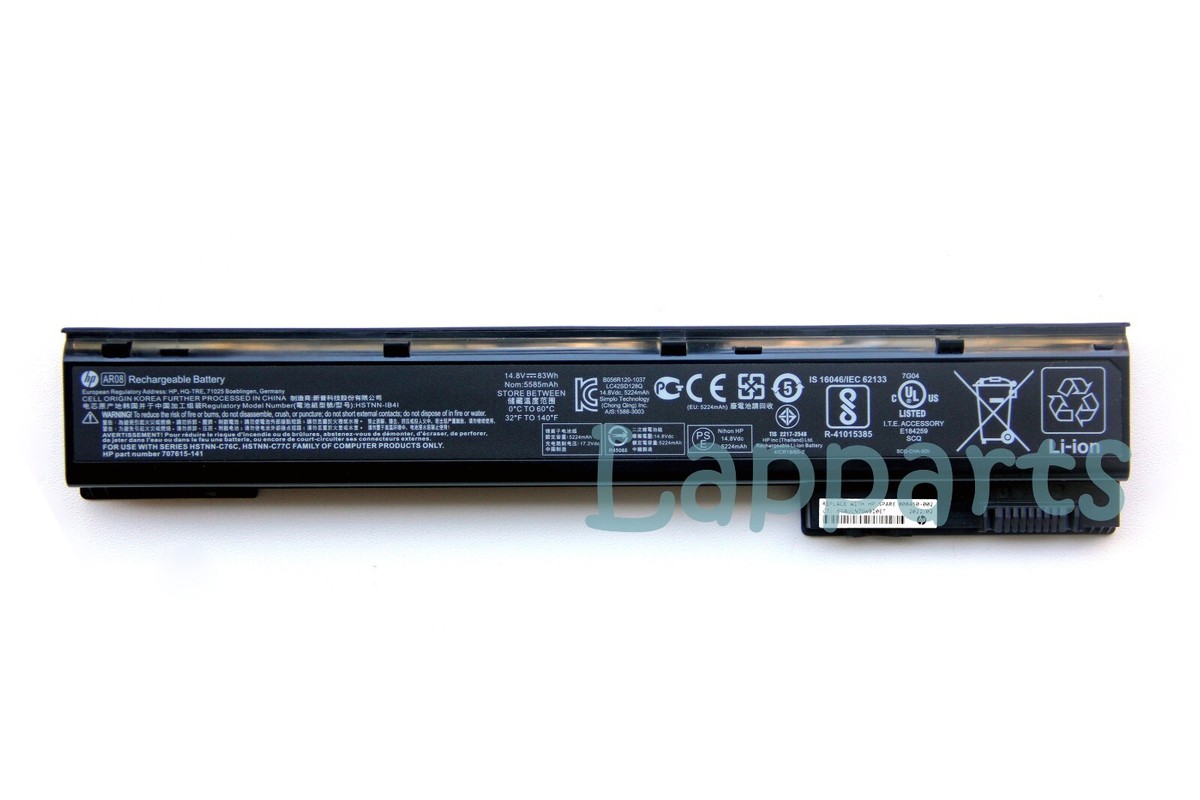
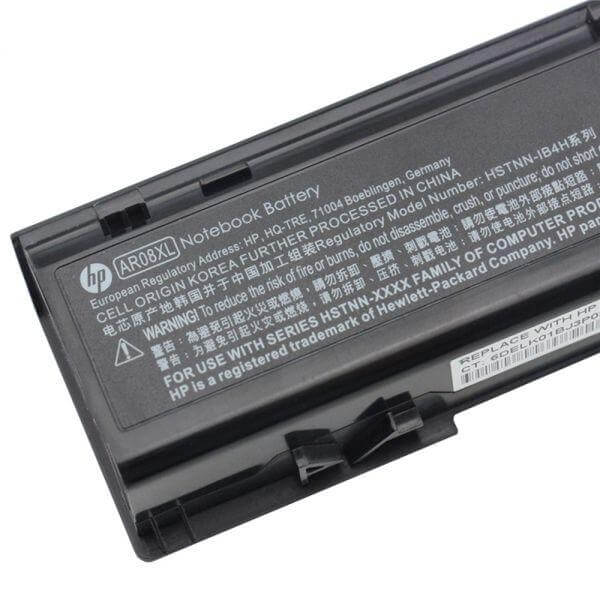
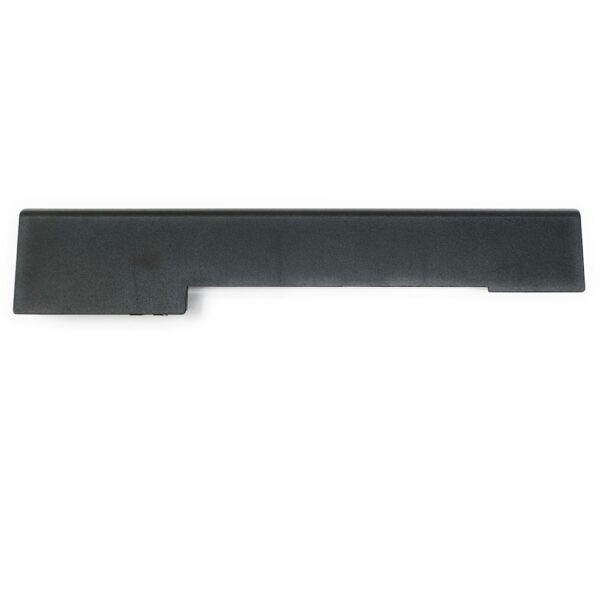
HP ZBook 15 17 G1 G2 AR08XL Original Laptop Battery
The HP ZBook 15 17 AR08XL Battery is an essential power upgrade designed to bring your HP Mobile Workstation back to peak operational standards. Professional workstation laptops like the HP ZBook require continuous, uninterrupted energy delivery to run resource-heavy programs, graphic processing units, and high-brightness displays. When an older battery begins failing, system performance degrades, and unannounced shutdowns can risk lost work.
Equipped with high-density Grade-A lithium-ion cells, this original replacement battery provides consistent voltage regulation, low internal resistance, and overcharge protection circuits. Whether you operate in the office, on field assignments, or remotely across Kenya, installing a fresh battery guarantees stable runtime and restores true portability to your workstation.

Specifications for AR08XL Battery for HP ZBook 15 17 Series:
| Feature | Details |
| Battery Type | Li-ion |
| Voltage | 14.4V / 14.8V (compatible) |
| Capacity | 75Wh / 5200mAh – 83Wh / 4400mAh (depending on specific variant, both are common and compatible) |
| Number of Cells | 8 Cells |
| Color | Black |
| Compatible Part Numbers | AR08, 707614-121, 707614-141, 707615-141, 708455-001, 708456-001, HSTNN-IB4H, HSTNN-IB4I, HSTNN-DB4H, E7U26AA |
| Compatible Laptop Models | HP ZBook 15 Series, HP ZBook 17 Series, HP ZBook 15 G1, HP ZBook 15 G2, HP ZBook 17 G1, HP ZBook 17 G2, HP ZBook 15 Mobile Workstation Series, HP ZBook 17 Mobile Workstation Series |
| Warranty | 3 Months |
| Installation | Free Installation |
Bonus Tips for Maintaining Your Laptop Battery:
- Optimal Charge Level: Try to keep your battery level between 20% and 80% for daily use. Avoid constantly draining it to 0% or keeping it plugged in at 100% for extended periods.
- Temperature Control: Extreme temperatures (both hot and cold) can degrade battery life. Avoid using or storing your laptop in very hot or very cold environments.
- Power Settings: Utilize your laptop’s power saving modes. Reduce screen brightness, disable Wi-Fi or Bluetooth when not in use, and close unnecessary background applications.
- Calibration: Periodically (every few months) fully discharge your battery until the laptop shuts down, then fully recharge it. This helps calibrate the battery’s gauge for accurate readings.
- Storage: If you won’t be using your laptop for several weeks, charge the battery to about 50% before storing it in a cool, dry place.
Factors to Consider While Purchasing a Battery:
- Compatibility: Always double-check the battery part number and your laptop model to ensure perfect compatibility.
- Voltage and Capacity (Wh/mAh): Match the voltage (V) of your old battery. A slight difference (e.g., 10.8V and 11.1V, or 14.4V and 14.8V) is usually fine. Higher Watt-hours (Wh) or milliampere-hours (mAh) indicate a longer battery life.
- Quality and Certifications: Look for batteries from reputable sellers that meet safety standards like CE and RoHS.
- Warranty: A good warranty provides peace of mind in case of any issues. Our 3-month warranty demonstrates our confidence in the AR08XL battery.
- Price: While affordability is key, be wary of unusually cheap batteries as they might compromise on quality and safety.
[/vc_column_text][/vc_column][/vc_row]