

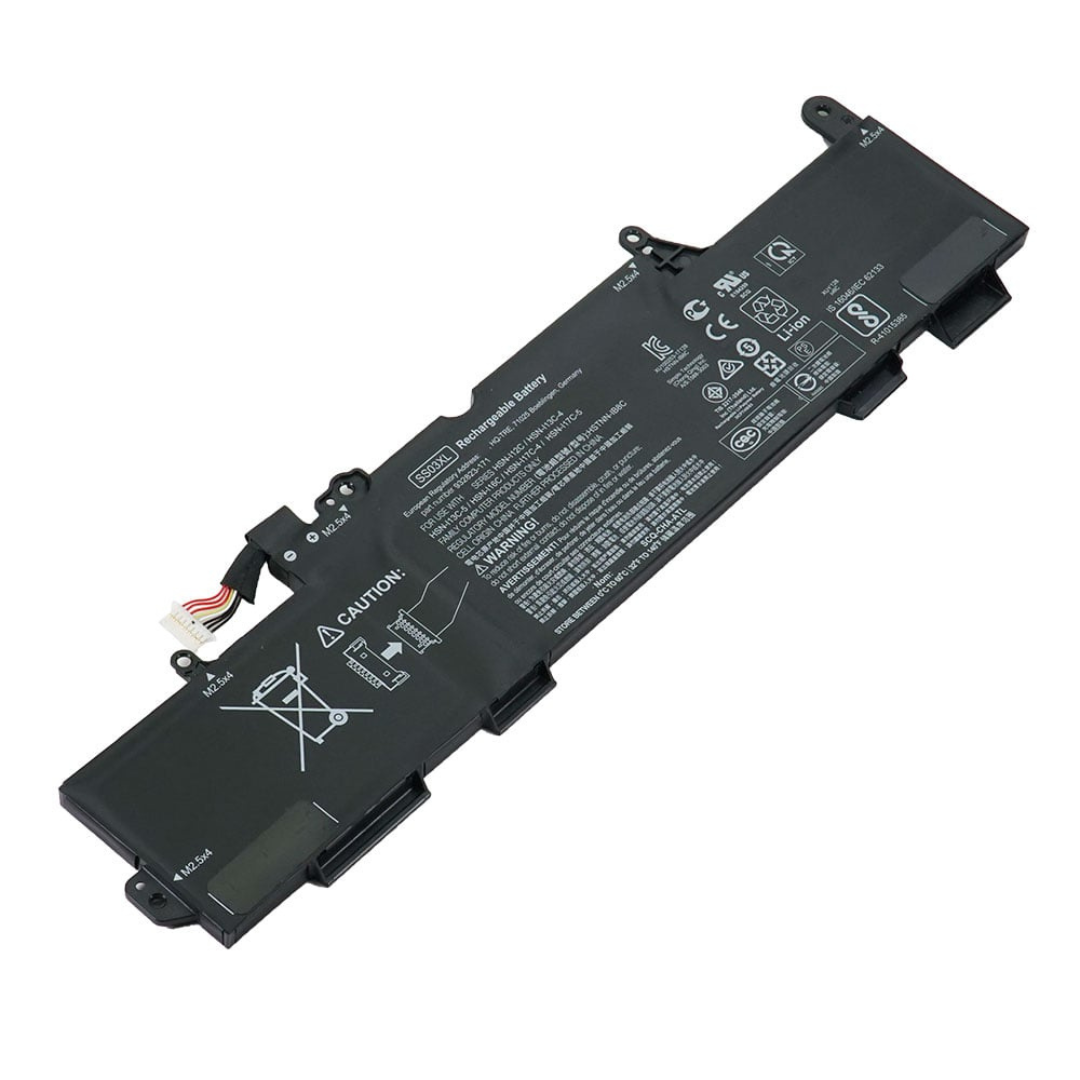
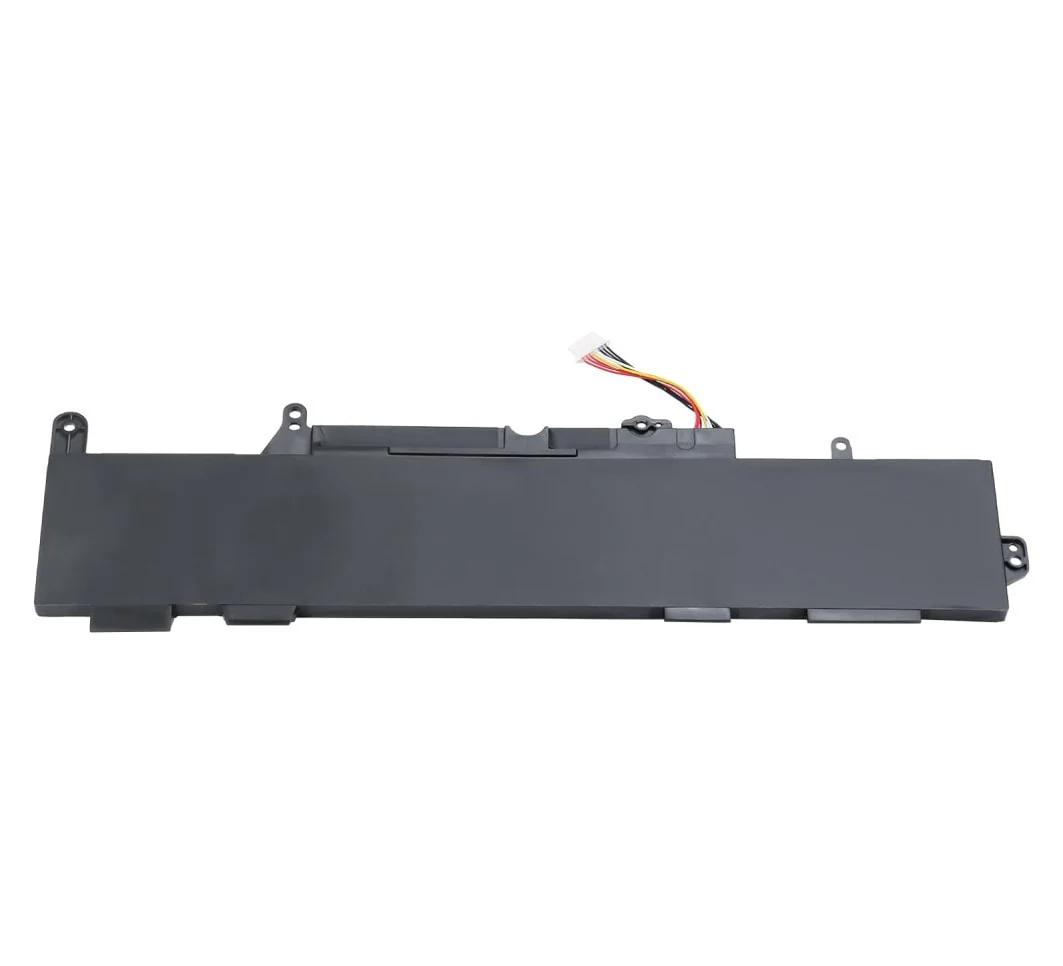
Revitalize Your HP Laptop with the HP 830 840 G5 Replacement Battery-SS03XL!
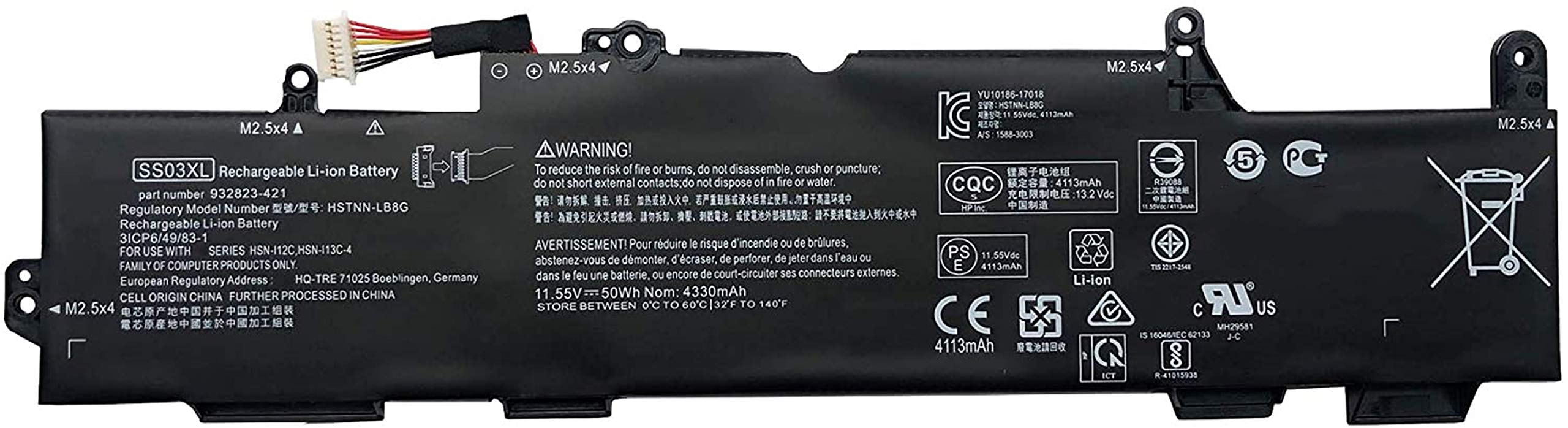
Is your HP EliteBook 830 G5 or 840 G5 losing its charge too quickly? Don’t let a failing battery slow you down! At www.laptopparts.co.ke, we offer the high-quality HP 830 840 G5 Replacement Battery-SS03XL, designed to bring your laptop back to life. This essential HP 830 840 G5 Replacement Battery-SS03XL ensures you can work, study, or play without constantly searching for a power outlet.
Our HP 830 840 G5 Replacement Battery-SS03XL is a perfect fit, engineered to meet or exceed original specifications. Say goodbye to frustrating shutdowns and enjoy extended productivity with a reliable HP 830 840 G5 Replacement Battery-SS03XL. We understand the importance of a dependable HP 830 840 G5 Replacement Battery-SS03XL for your daily tasks.
Get your HP 830 840 G5 Replacement Battery-SS03XL today and experience the difference! This HP 830 840 G5 Replacement Battery-SS03XL offers an affordable solution to your power needs. Plus, for your peace of mind, every HP 830 840 G5 Replacement Battery-SS03XL comes with a 3-month warranty and free installation when you purchase from us. Don’t compromise on quality when it comes to your HP 830 840 G5 Replacement Battery-SS03XL.

HP 830 840 G5 Replacement Battery-SS03XL
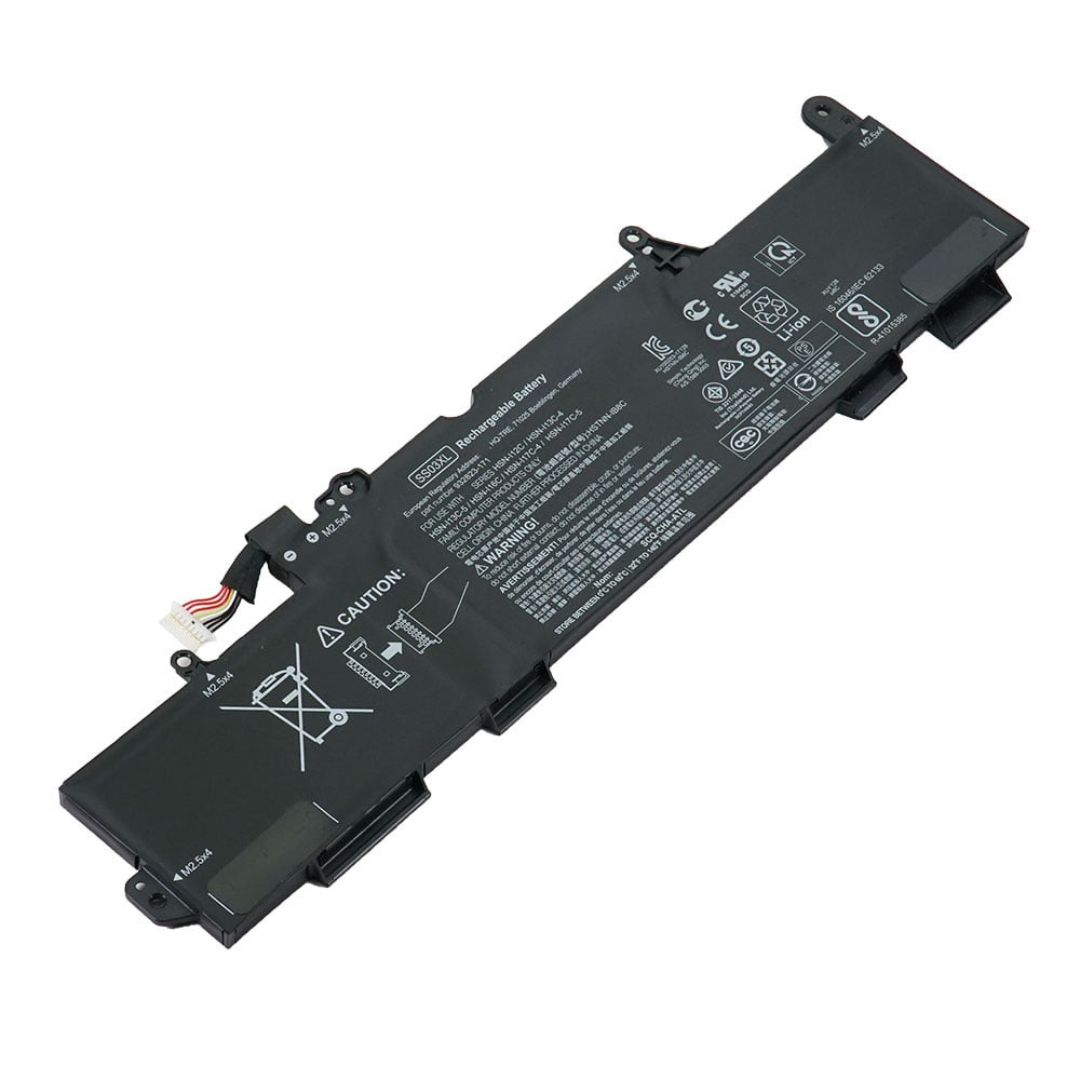

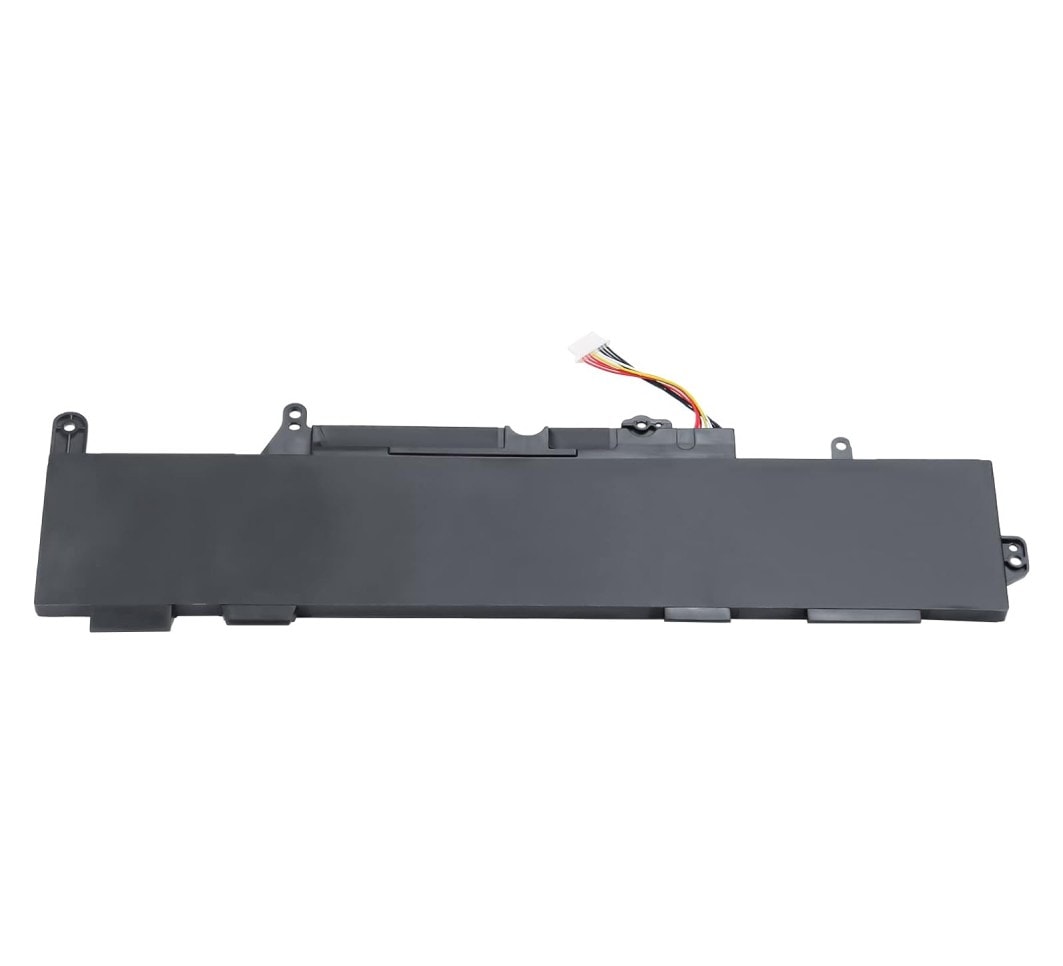
HP 830 840 G5 Replacement Battery-SS03XL Specifications:
- Optimal Charge Level: Try to keep your battery level between 20% and 80%. Frequent full charges or complete discharges can shorten its lifespan.
- Avoid Extreme Temperatures: High heat is a battery’s enemy. Avoid using or charging your laptop in very hot environments.
- Unplug When Fully Charged (if applicable): If you mainly use your laptop plugged in, consider unplugging it once it’s fully charged to prevent continuous trickle charging, which can stress the battery.
- Manage Power Settings: Use your laptop’s power-saving modes to reduce power consumption when not performing demanding tasks. Dimming the screen and disabling unnecessary background apps can help.
- Regular Calibration: Periodically, fully charge and then fully discharge your battery to 0% before recharging to 100%. This helps the battery management system accurately estimate remaining battery life.
Factors to Consider While Purchasing a Battery:
- Compatibility: Ensure the battery model (e.g., SS03XL) and part number precisely match your laptop model. Using an incompatible battery can damage your device.
- Voltage and Capacity (Wh/mAh): Match the voltage (V) of the new battery to your old one. A higher Wh or mAh capacity generally means longer battery life, but also consider physical size.
-
Brand and Quality: Choose reputable brands or trusted sellers to ensure you’re getting a quality product with proper safety certifications.
- Warranty: A good warranty (like our 3-month warranty) provides peace of mind in case of manufacturing defects.
- Reviews: Check customer reviews for insights into the battery’s performance and reliability from other users.