



[vc_row][vc_column][vc_column_text woodmart_inline=”no” text_larger=”no”]
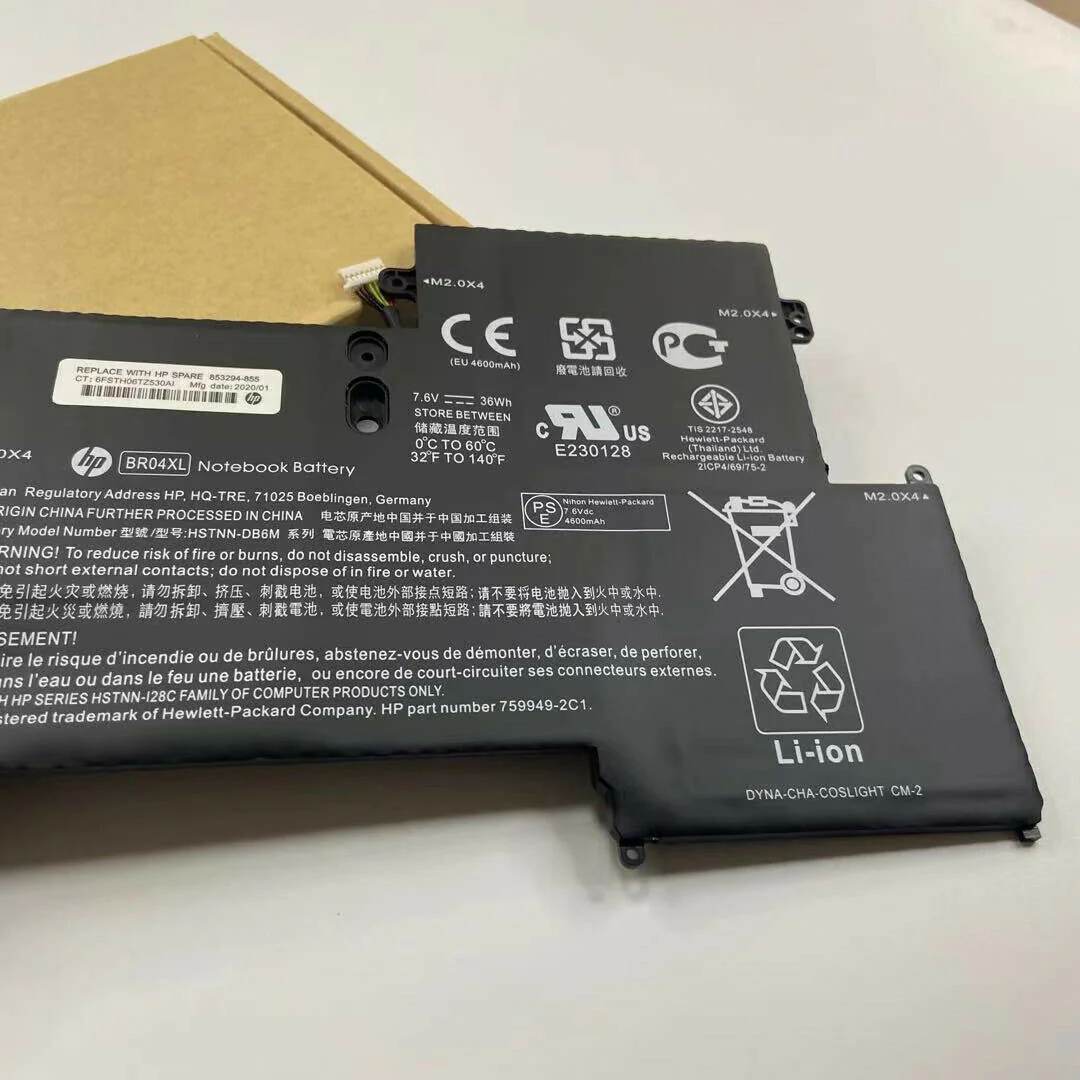
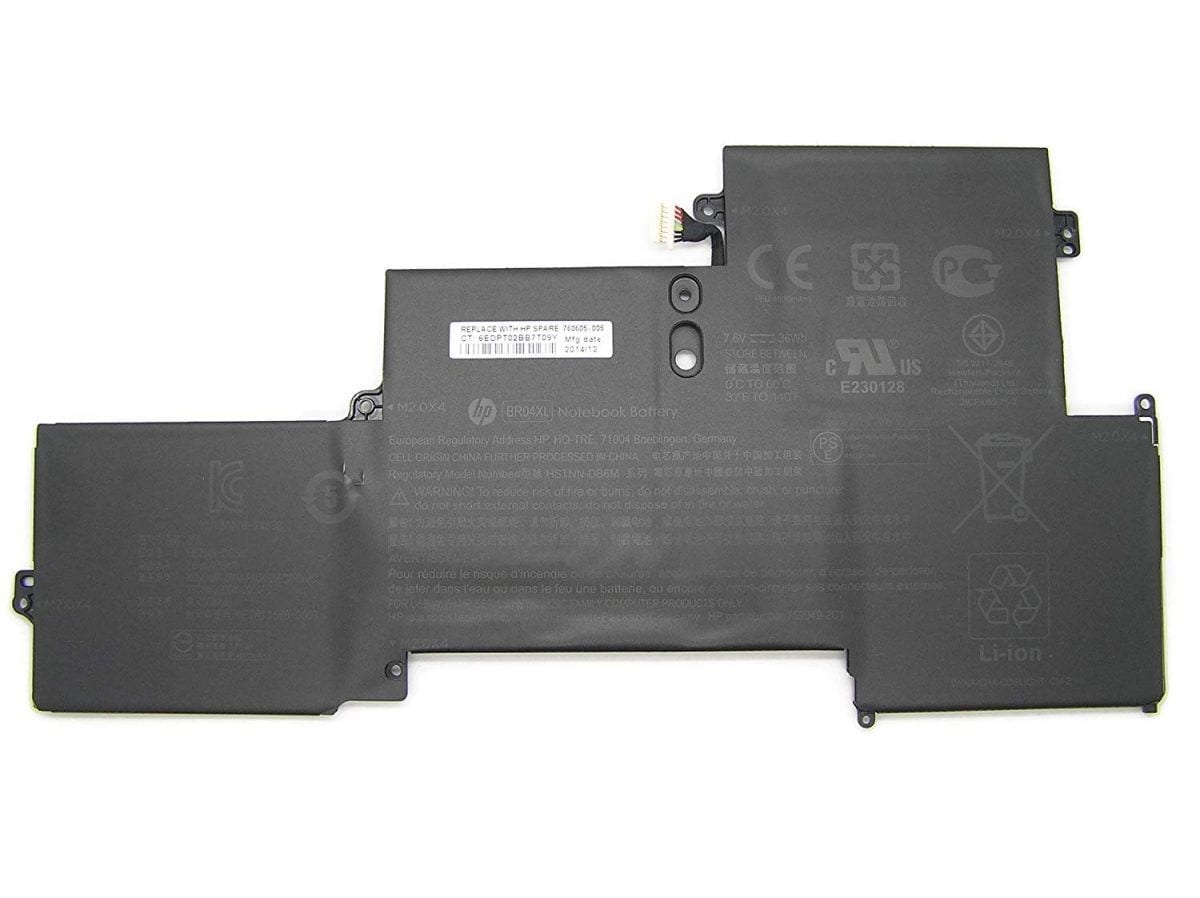
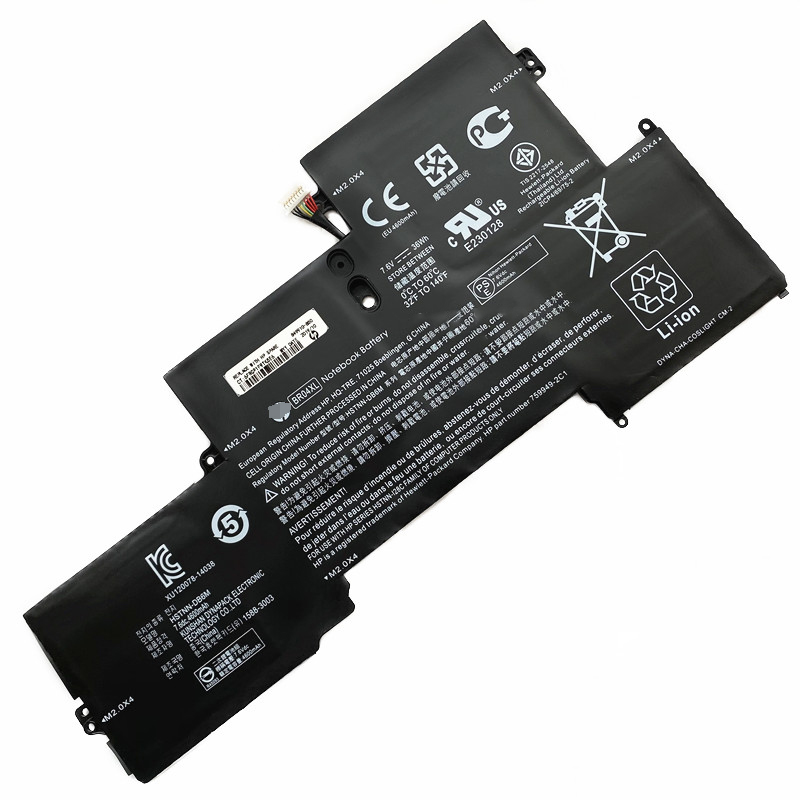
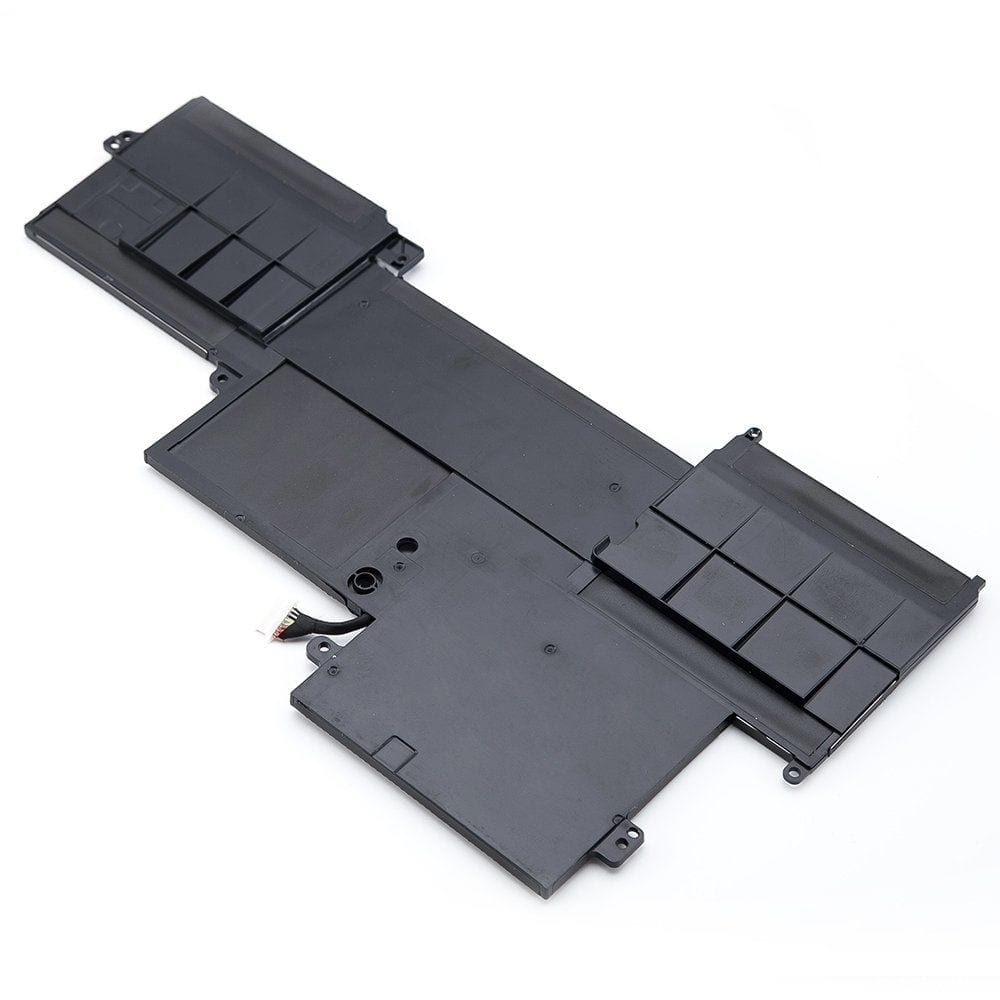
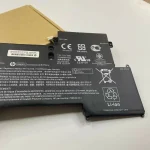
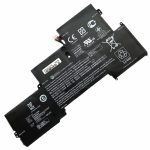
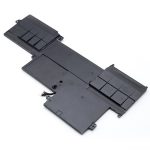
Original HP Elitebook 1020 1030 G1 BR04XL Laptop Battery
Is your HP Elitebook losing its charge rapidly, or does it shut down unexpectedly the moment you unplug it from the wall charger? A failing battery restricts your freedom, turning a premium portable notebook into a desk-bound workstation. At www.laptopparts.co.ke, we offer the Original BR04XL Notebook Battery, designed explicitly for HP Elitebook 1020 and 1030 G1 series laptops to deliver dependable uptime and stable power delivery.
Built using high-performance lithium-polymer cells, this replacement battery guarantees strict safety compliance, exact dimension sizing, and proper circuit communication with your laptop’s power management system. Enjoy working remotely, attending meetings, or handling assignments without being tethered to an AC outlet.

BR04XL for HP Elitebook 1020 G1 Battery


Specifications for BR04XL for HP Elitebook 1020 G1 Battery:
| Feature | Details |
| Battery Type | Li-Polymer |
| Voltage | 7.6V (compatible with 7.4V) |
| Capacity | 36Wh / 4737mAh (4 Cells) |
| Color | Black |
| Condition | Brand New, High Quality Replacement |
| Warranty | 3 Months |
| Installation | Free In-Store Installation |
| Compatible Models | HP Elitebook 1020 G1 Series, HP Elitebook Folio 1020 G1 (all variants), HP Elitebook 1030 G1 |
| Compatible Part Numbers | BR04XL, BO04XL, HSTNN-DB6M, HSTNN-I26C, HSTNN-I28C, 759949-2B1, 759949-2C1, 760605-005, 826004-2C1, 826038-005, BR04036XL, B004XL, HSTNN-DB7H, BO04040XL-PL |
Bonus Tips for Maintaining Your Laptop Battery:
- Calibrate Your Battery Periodically: Fully discharge your battery until the laptop shuts down, then recharge it completely without interruption. This helps the battery’s internal sensors provide accurate readings.
- Avoid Extreme Temperatures: Hot or very cold environments can degrade battery performance. Keep your laptop in a cool, dry place.
- Manage Power Settings: Utilize your laptop’s power-saving modes and adjust screen brightness to conserve battery life.
- Unplug Unused Peripherals: Devices like external hard drives or USB accessories draw power even when idle. Unplug them when not in use.
- Keep Drivers and Firmware Updated: Manufacturers often release updates that improve power management.
- Avoid Constant Full Discharge/Charge Cycles: While calibration is good, constantly draining your battery to 0% can shorten its lifespan.
Factors to Consider While Purchasing a Laptop Battery:
- Compatibility: Ensure the battery model (like BR04XL for HP Elitebook 1020 G1 Battery) matches your laptop’s model and part number.
- Voltage and Capacity (Wh/mAh): Match these specifications to your original battery or compatible options. A slightly higher capacity (Wh/mAh) can offer longer runtimes.
- Quality and Cell Type: Look for batteries with high-quality Li-ion or Li-Polymer cells from reputable manufacturers.
- Warranty: A good warranty (like our 3-month warranty) provides assurance against defects.
- Seller Reputation: Buy from trusted sellers like www.laptopparts.co.ke to ensure you receive a genuine and reliable product.
BR04XL for HP Elitebook 1020 G1 Battery Compatible Models:
|
|
BR04XL for HP Elitebook 1020 G1 Battery Part Number:
|
|
|
|
Facebook.
HP Elitebook 1030 G1 Battery[/vc_column_text][/vc_column][/vc_row]


Reviews
Clear filtersThere are no reviews yet.