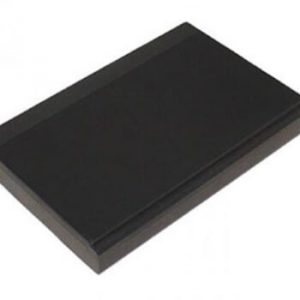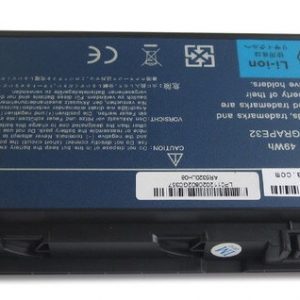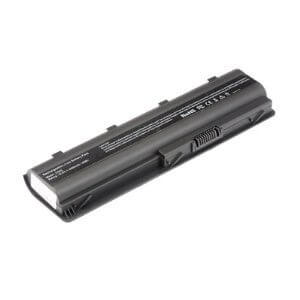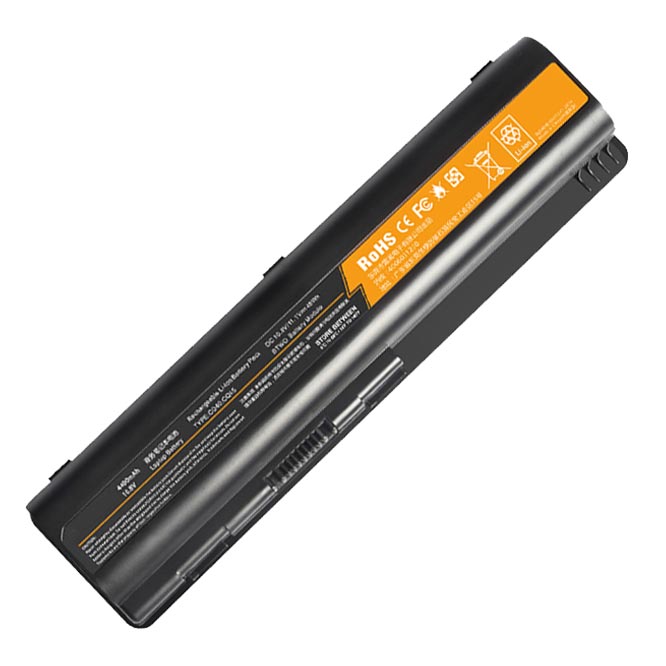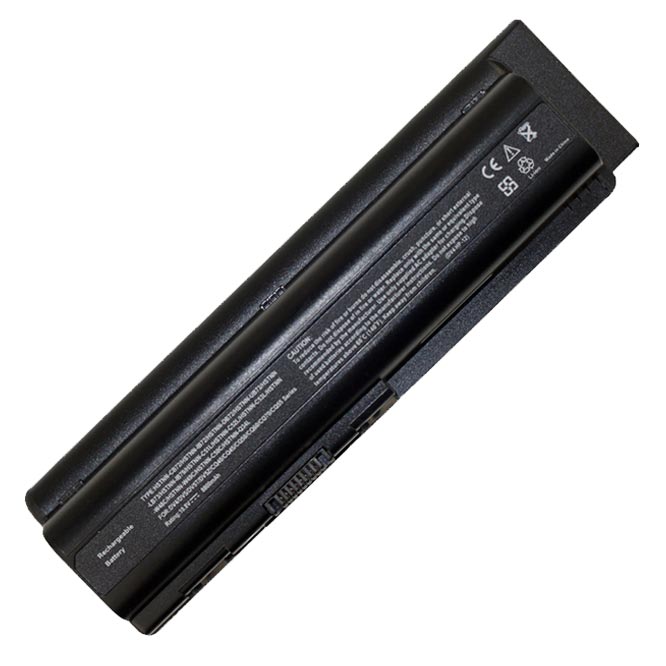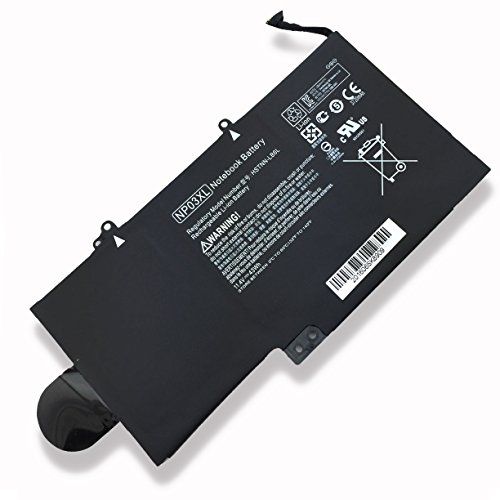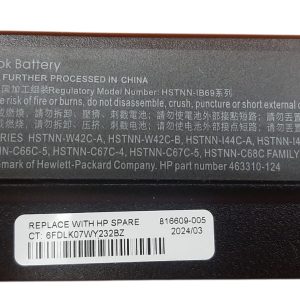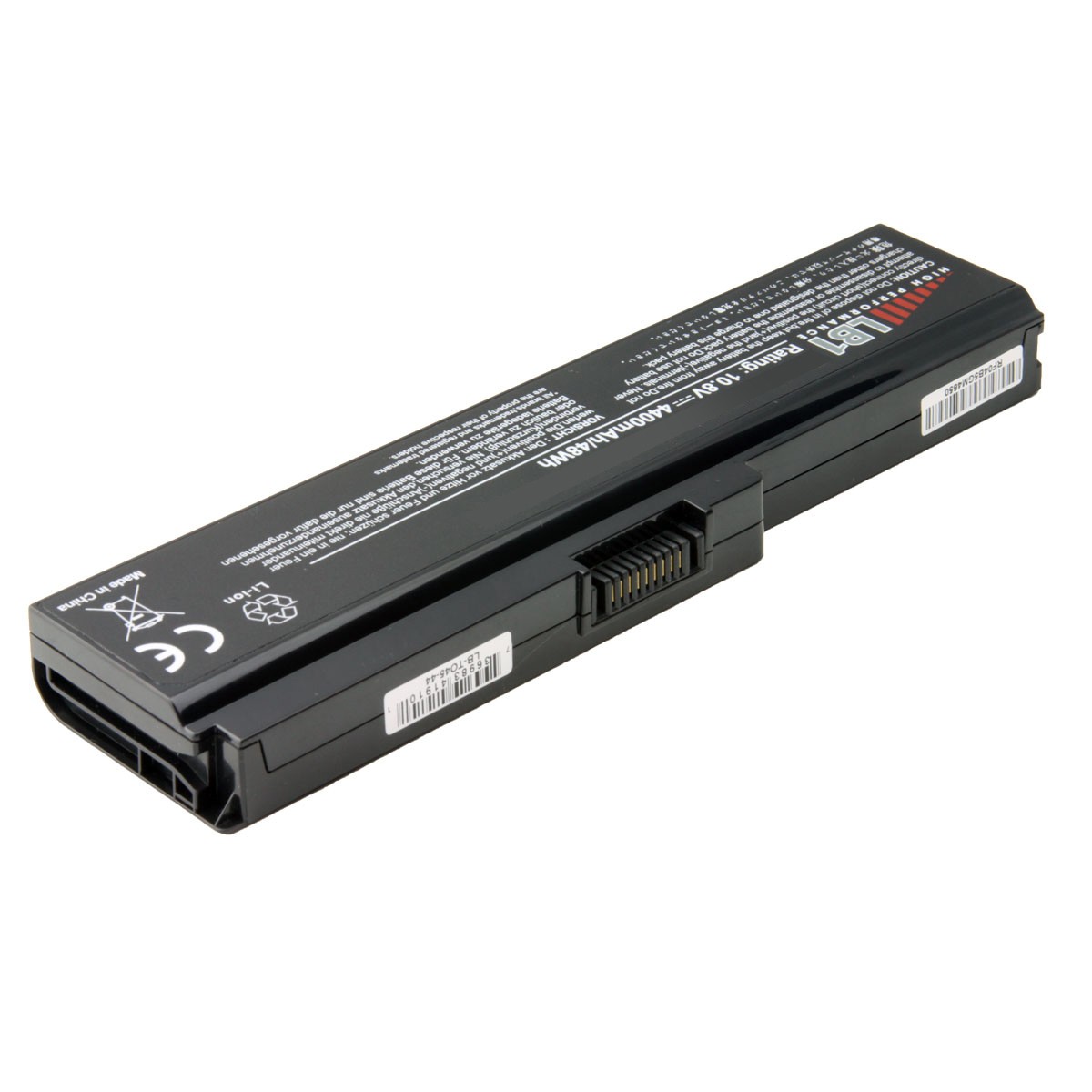

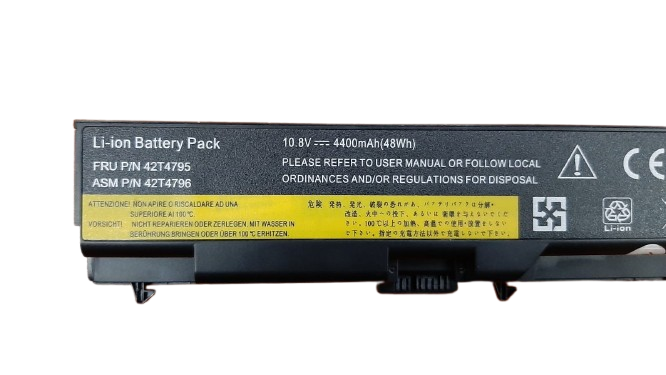
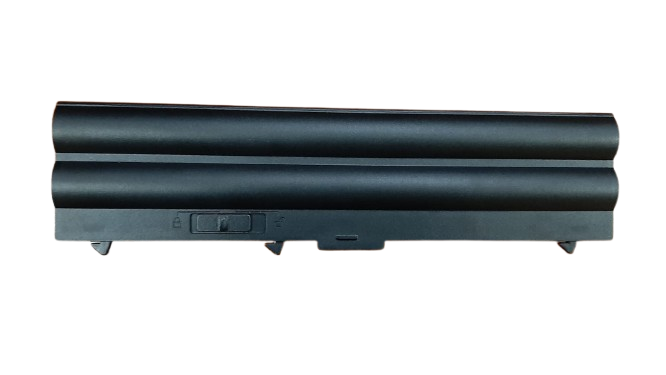


Revitalize Your Laptop with a New Lenovo ThinkPad L410 L412 Battery!
Is your Lenovo ThinkPad L410 or L412 struggling to hold a charge? Don’t let a dying battery slow you down! At www.laptopparts.co.ke, we offer high-quality replacement batteries designed to bring your laptop back to life. Our Lenovo ThinkPad L410 L412 Battery is the perfect solution for extended productivity and seamless mobile computing. Get your reliable Lenovo ThinkPad L410 L412 Battery today!
Experience uninterrupted work and entertainment with a brand new Lenovo ThinkPad L410 L412 Battery. This essential upgrade ensures your laptop performs at its best, providing you with the power you need, when you need it. We understand the importance of a dependable Lenovo ThinkPad L410 L412 Battery, which is why we only stock quality products.
Our Lenovo ThinkPad L410 L412 Battery offers excellent affordability without compromising on performance. You don’t have to break the bank to get a reliable power source for your ThinkPad. Plus, for your peace of mind, every Lenovo ThinkPad L410 L412 Battery comes with a 3-month warranty. We stand by the quality of our Lenovo ThinkPad L410 L412 Battery.
Worried about installation? Don’t be! We offer free installation for your new Lenovo ThinkPad L410 L412 Battery when you purchase from us. Our expert technicians will ensure your Lenovo ThinkPad L410 L412 Battery is perfectly fitted, so you can get back to using your laptop right away.
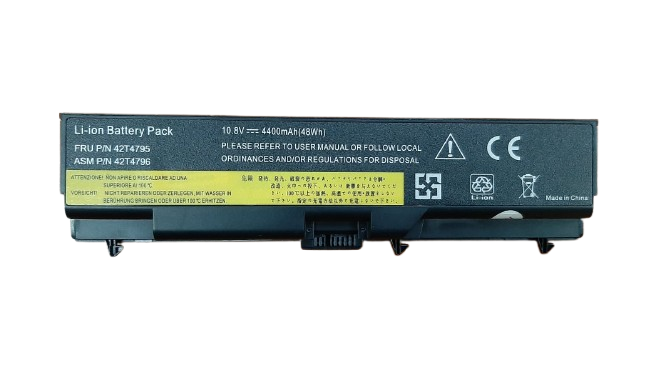
Lenovo ThinkPad L410 L412 Battery
Specifications of the Lenovo ThinkPad L410 L412 Battery:
| Feature | Specification |
| Battery Type | Lithium-Ion (Li-Ion) |
| Voltage | 10.8V or 11.1V (compatible) |
| Capacity | Typically 4400mAh – 5200mAh (6-cell) |
| Color | Black |
| Condition | Brand New |
| Warranty | 3 Months |
| Installation | Free Installation with Purchase |
| Compatible Laptop Models | Lenovo ThinkPad L410, L412, L420, L421, L510, L512, L520, E40, E50, E420, E425, E520, E525, T410, T410i, T420, T420i, T510, T510i, T520, T520i, W510, W520, SL410, SL410k, SL510, SL510k, Edge 14″, Edge 15″ |
| Compatible Part Numbers | 42T4703, 42T4752, 42T4756, 42T4796, 45N1000, 42T4702, 42T4751, 42T4755, 42T4791, 42T4793, 42T4795, 42T4797, 42T4817, 42T4819, 42T4799, 42T4798, 42T4885, 42T4886, 42T4911, 0A36303, 51J0499, 57Y4185 |
Bonus Tips for Maintaining Your Laptop Battery:
- Avoid Extreme Temperatures: Heat and extreme cold can degrade battery life. Try to use and store your laptop in a cool, dry place.
- Don’t Always Fully Charge/Discharge: For Li-Ion batteries, it’s generally better to keep the charge between 20% and 80%. Full cycles (0% to 100%) can put more stress on the battery.
- Unplug When Not Using: If you’re going to store your laptop for a long time, aim for a 50% charge.
- Optimize Power Settings: Use your laptop’s power-saving modes to reduce drain on the battery. Dim your screen and turn off Wi-Fi/Bluetooth when not needed.
- Close Unused Applications: Background apps consume power. Close anything you’re not actively using.
- Calibrate Periodically: Every few months, fully discharge your battery and then charge it to 100% to recalibrate its charge sensor.
Factors to Consider While Purchasing a Laptop Battery:
- Compatibility: This is the most crucial factor. Ensure the battery’s model number and specifications (voltage, capacity) match your laptop’s requirements.
- Voltage (V): The new battery’s voltage should match your original battery. Slight differences (e.g., 10.8V and 11.1V) are generally compatible, but larger variations are not.
- Capacity (mAh or Wh): Higher mAh or Wh means longer battery life between charges. Consider your usage habits.
- Cell Count: More cells usually mean higher capacity and potentially longer life, but also a slightly larger and heavier battery.
- Warranty: A good warranty provides peace of mind in case of defects.
- Reputation of the Seller: Buy from a trusted vendor like www.laptopparts.co.ke to ensure you receive a quality product.