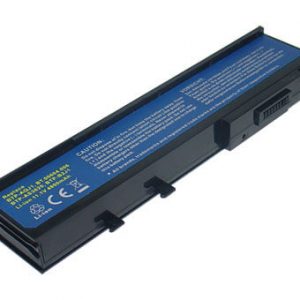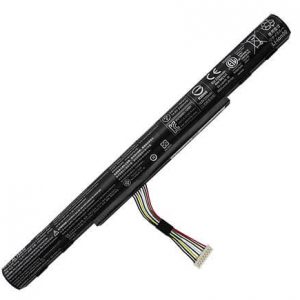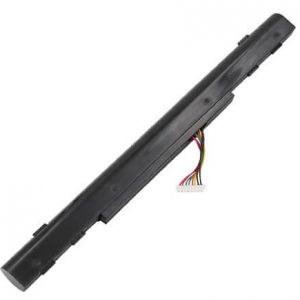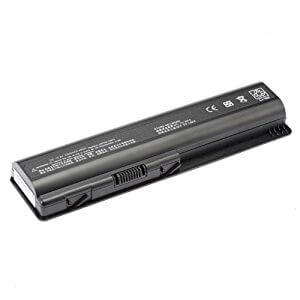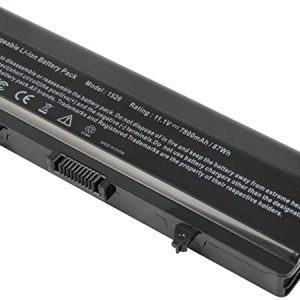
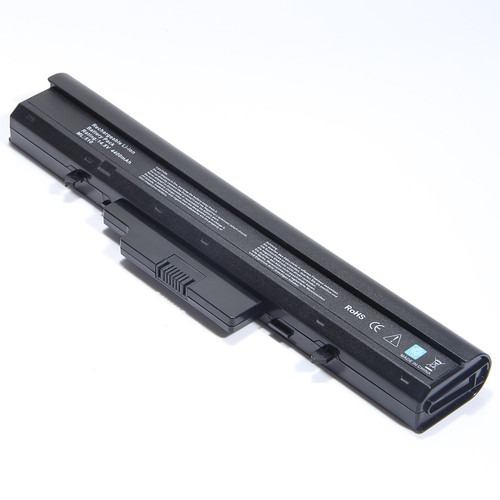



Energize your Dell Latitude E5480 with power-packed performance – unleash the potential of the Original Dell Latitude E5480 Battery-93FTF !
Has your Dell Latitude E5480 lost its ability to hold a charge? It’s time to upgrade with an Original Dell Latitude E5480 Battery- 93FTF from www.laptopparts.co.ke! This genuine, high-quality battery is the perfect replacement to get your mobile workstation running at peak performance again. Don’t let a failing battery limit your work or creativity. Our Original Dell Latitude E5480 Battery- 93FTF is a reliable and powerful choice.
At www.laptopparts.co.ke, we are dedicated to providing genuine parts. This Original Dell Latitude E5480 Battery- 93FTF is an authentic Dell component, ensuring compatibility and safety for your laptop. We understand that quality is key, but we also believe in affordability. The price of this Original Dell Latitude E5480 Battery- 93FTF is designed to be accessible, so you can restore your laptop’s functionality without a significant financial burden.
To give you complete peace of mind, we back this Original Dell Latitude E5480 Battery- 93FTF with a 3-month warranty. You can be confident in the product’s durability and performance. As a bonus, we also provide free installation with your purchase. Our expert technicians will carefully install your new battery, so you can leave with a fully functional laptop, ready to take on your tasks. The Original Dell Latitude E5480 Battery- 93FTF is the solution you’ve been looking for.

Original Dell Latitude E5480 Battery- 93FTF
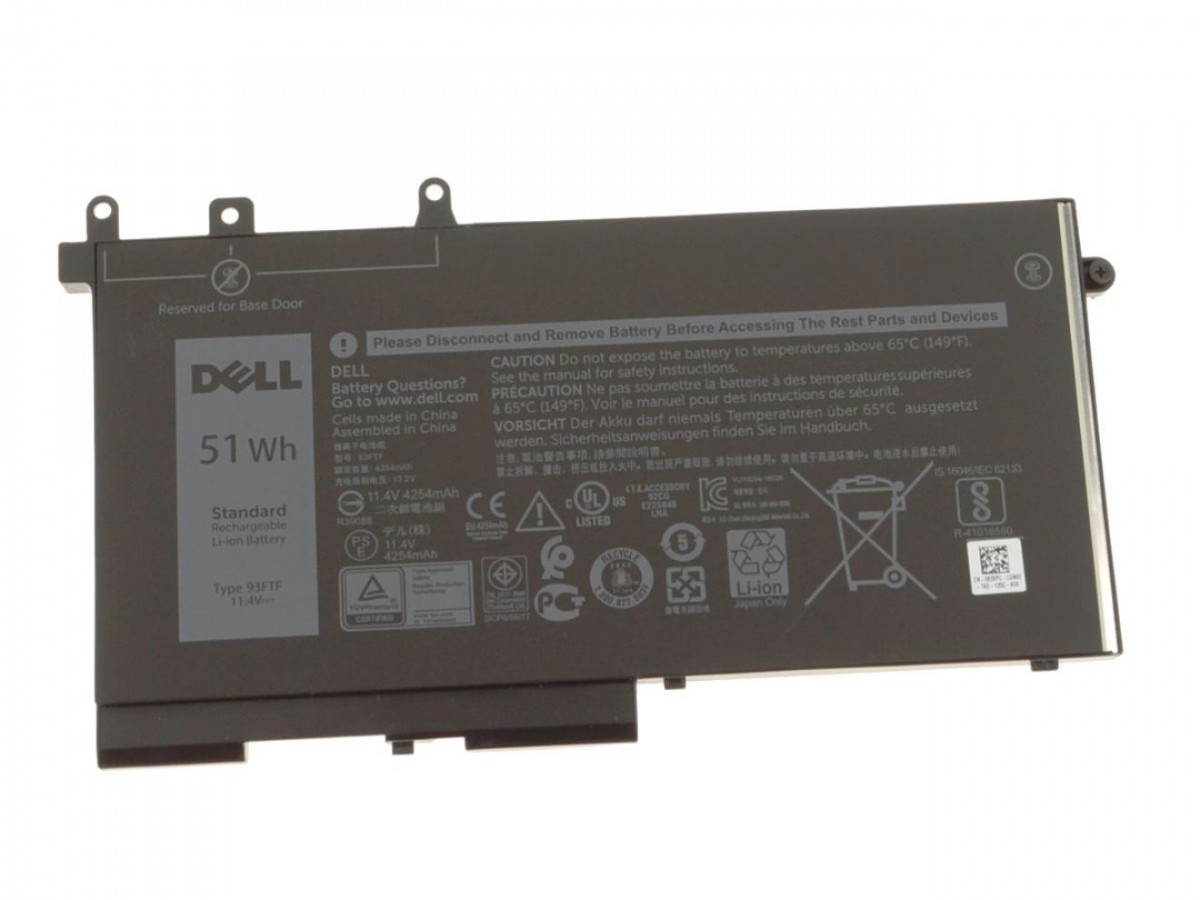
Original Dell Latitude E5480 Battery- 93FTF
Specifications for Original Dell Latitude E5480 Battery- 93FTF:
| Feature | Details |
| Battery Type | Li-ion |
| Voltage | 11.4V |
| Capacity | 51Wh / 4254mAh |
| Color | Black |
| Compatible Part Numbers | 93FTF, 083XPC, 83XPC, D4CMT, 4YFVG, 3DDDG, 451-BBZT |
| Compatible Laptop Models | Dell Latitude E5480, Dell Latitude 5280, Dell Latitude 5490, Dell Precision 3520, Dell Precision 3530 |
Suggested Keywords: Dell Latitude E5480 battery replacement, 93FTF battery, Dell E5480 battery, Dell laptop battery Kenya, genuine Dell battery, Dell Latitude 5490 battery, Precision 3520 battery.
Bonus Tips for Maintaining Your Laptop Battery
- Avoid Full Drains and Overcharging: Modern lithium-ion batteries prefer to be kept in a “happy zone” between 20% and 80% charge. Regularly letting your battery drain to 0% or leaving it plugged in at 100% can shorten its lifespan.
- Manage Temperatures: Heat is a battery’s worst enemy. Avoid using your laptop on soft surfaces like beds or carpets that block vents. If the laptop feels hot, give it a break or use a cooling pad.
- Adjust Power Settings: Use your operating system’s power-saving modes. Dimming the screen, turning off keyboard backlighting, and disabling Wi-Fi/Bluetooth when not in use can significantly extend your battery life on a single charge.
Factors to Consider When Purchasing a Battery
- Compatibility: This is non-negotiable. Always match the battery part number (e.g., 93FTF) and compatible laptop models. Check the voltage as well; while small differences like 10.8V and 11.1V are often interchangeable, a larger difference can damage your device.
- Voltage and Capacity: The voltage must be correct, but a higher capacity (measured in Wh or mAh) is often a welcome upgrade. A higher capacity means you get more runtime from a full charge.
- Brand and Quality: While generic, non-branded batteries may be cheaper, they often lack the safety features and quality control of original or reputable aftermarket brands. A good warranty (like our 3-month warranty) is a strong indicator of quality.