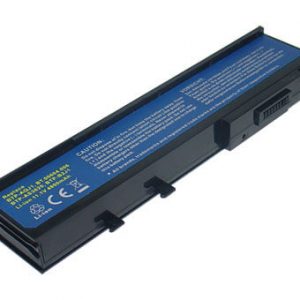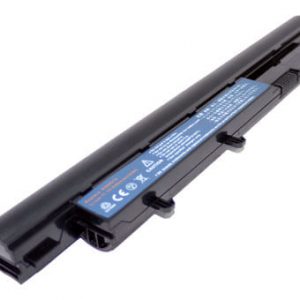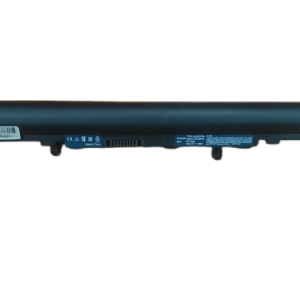
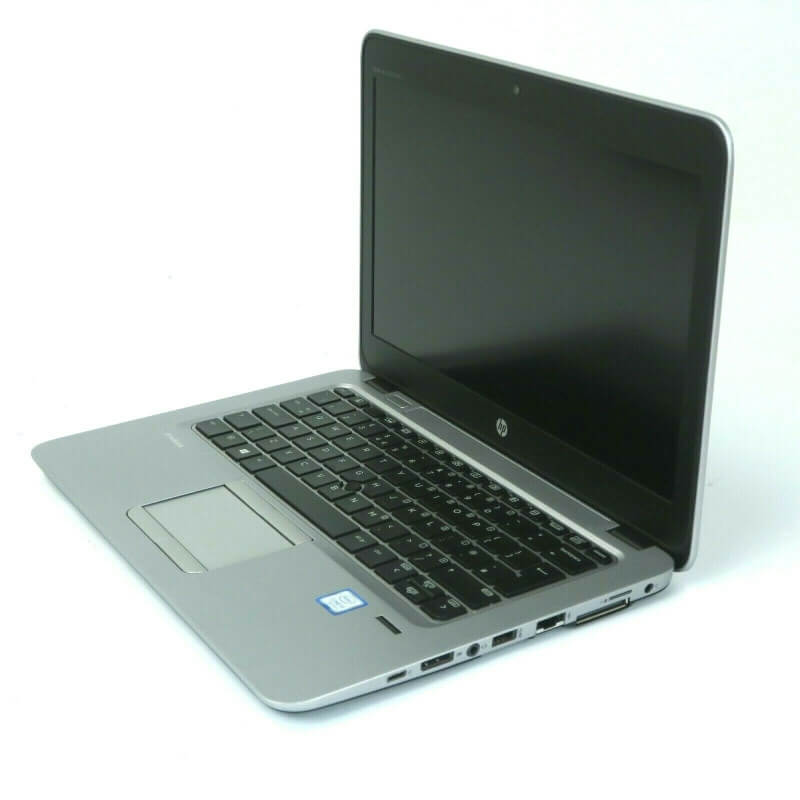
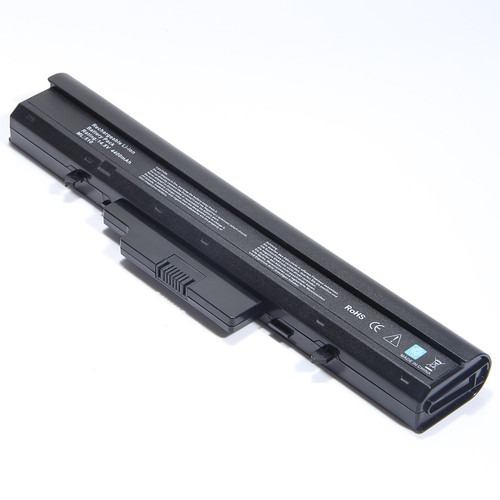

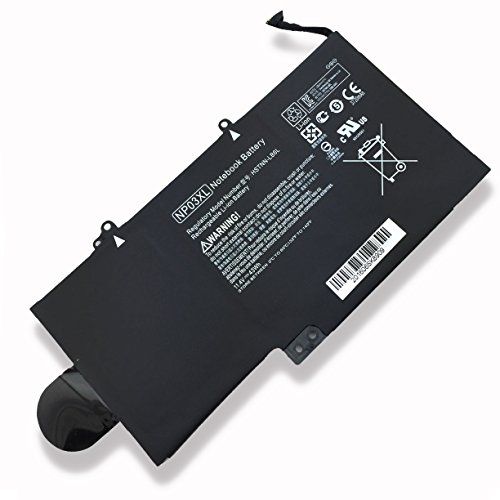

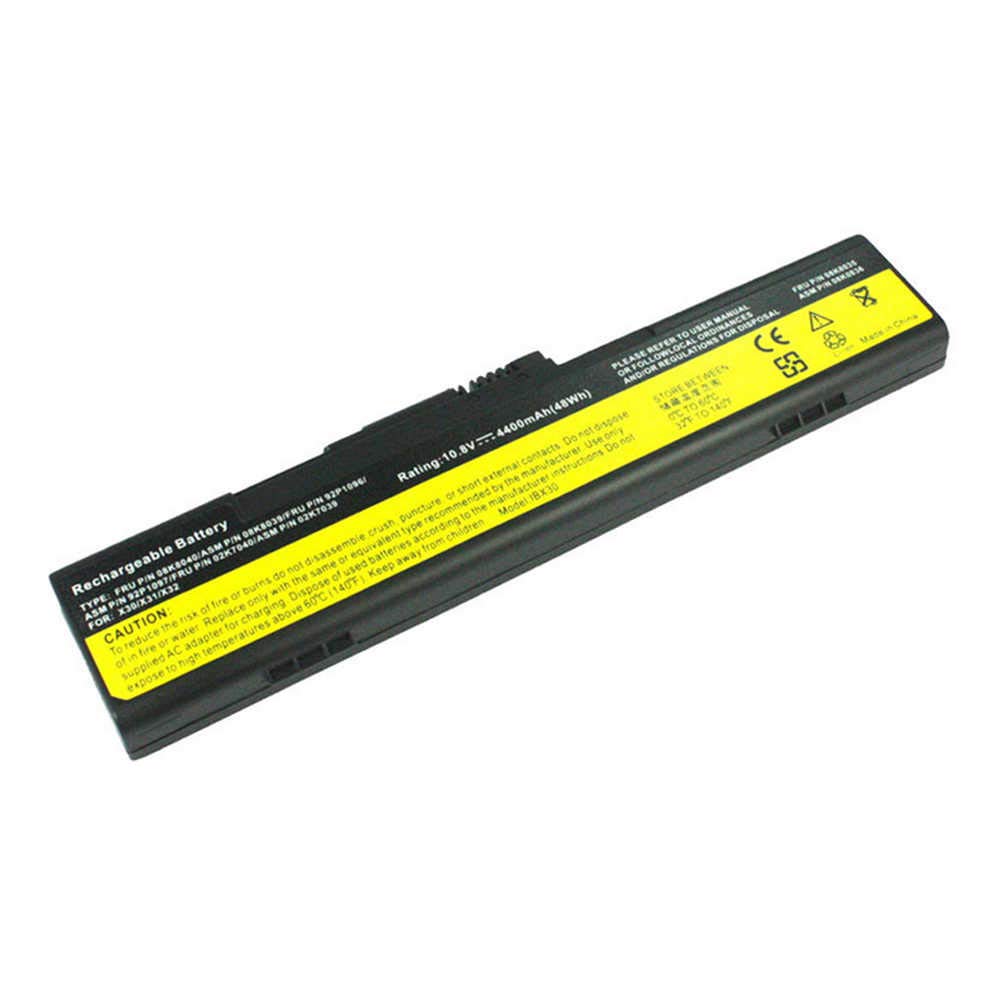

Unleash Full Power with the Original Lenovo Flex 2 14 Original Battery L13L4E61!
Is your Lenovo Flex 2 14 struggling to hold a charge? Are you constantly tethered to a power outlet? It’s time to revitalize your laptop with the genuine Lenovo Flex 2 14 Original Battery L13L4E61. At www.laptopparts.co.ke, we bring you the ultimate solution to restore your laptop’s portability and performance. This Lenovo Flex 2 14 Original Battery L13L4E61 is exactly what you need to get back to seamless computing.
Don’t settle for unreliable aftermarket batteries. Our Lenovo Flex 2 14 Original Battery L13L4E61 ensures perfect compatibility and optimal power delivery, just like the battery that came with your laptop. Experience extended battery life and peace of mind knowing you’re using a top-quality product. This Lenovo Flex 2 14 Original Battery L13L4E61 is built to meet strict quality standards.
We understand the importance of both quality and affordability. That’s why we offer this high-quality Lenovo Flex 2 14 Original Battery L13L4E61 at a competitive price. Plus, for your complete assurance, every Lenovo Flex 2 14 Original Battery L13L4E61 comes with a 3-month warranty. We also provide free installation services, making your battery replacement hassle-free! Get your Lenovo Flex 2 14 Original Battery L13L4E61 today and experience the difference.
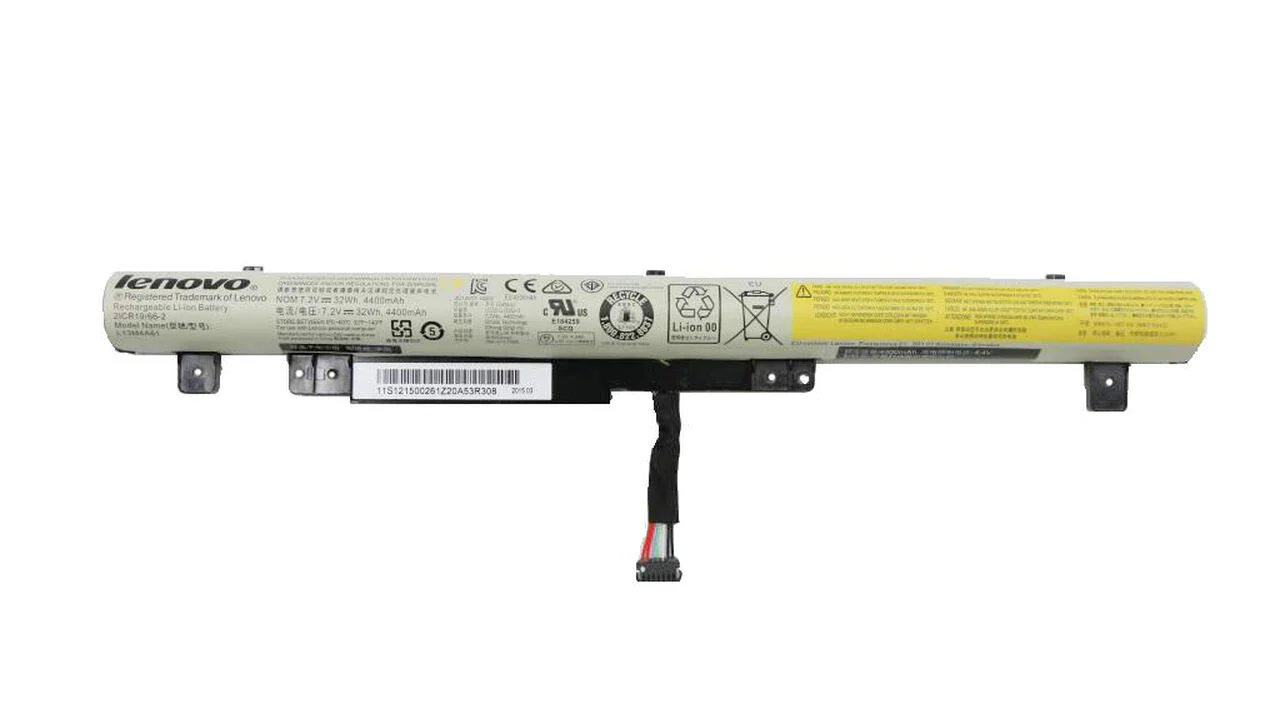
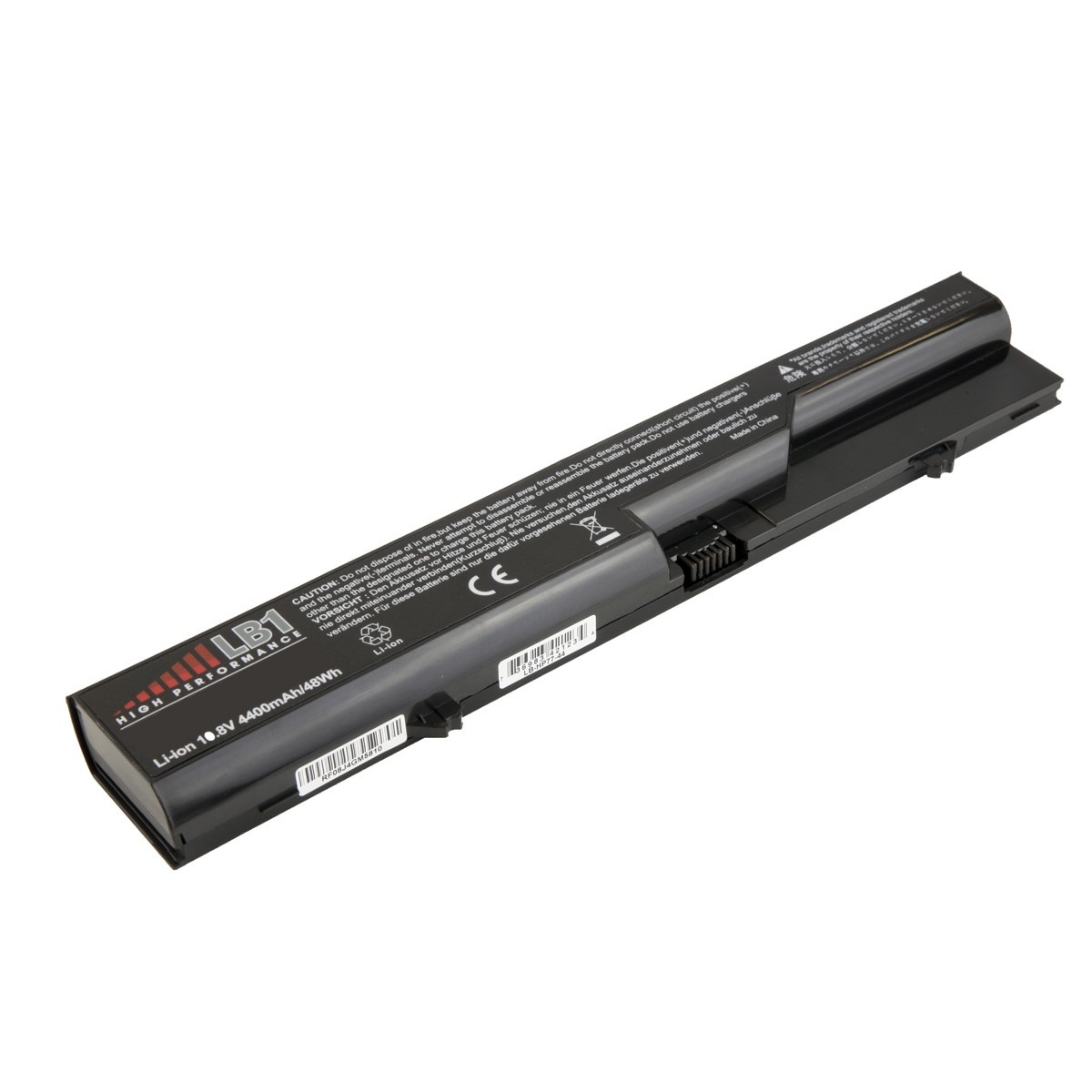
Lenovo Flex 2 14 Original Battery L13L4E61
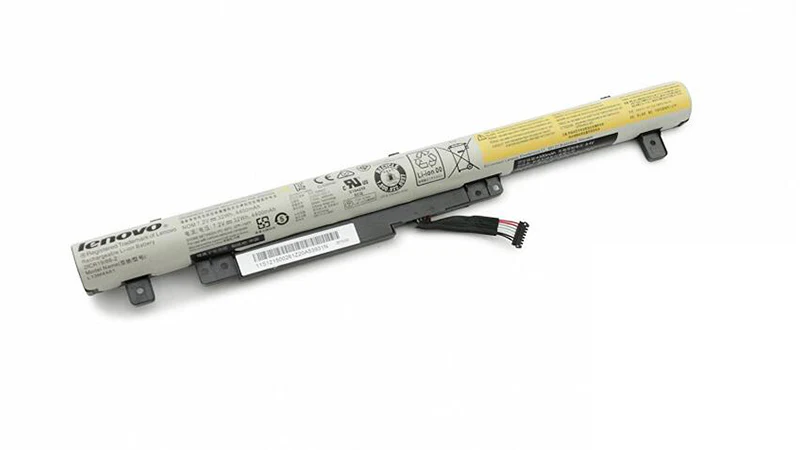
Lenovo Flex 2 14 Original Battery L13L4E61

Lenovo Flex 2 14 Original Battery L13L4E61
Specifications:
| Feature | Details |
| Battery Type | Li-ion (Lithium-ion) |
| Voltage | 7.2V / 7.44V (compatible variations) |
| Capacity | 41.6Wh / 5600mAh |
| Number of Cells | 4 Cells |
| Color | Black |
| Condition | Brand New, Original |
| Part Number | L13L4E61, L13L4A61, L13M4A61, L13M4E61, L13S4A61, 121500260, 121500262 |
| Compatible Laptop Models | Lenovo IdeaPad Flex 2 14 Series, Lenovo IdeaPad Flex 2 15 Series, Flex 2-14, Flex 2-14D, Flex 2-15, Flex 2-15D |
| Warranty | 3 Months |
| Installation | Free Installation |
Bonus Tips for Battery Maintenance:
- Optimal Charge Levels: For lithium-ion batteries, it’s generally best to keep the charge between 20% and 80%. Avoid frequently fully discharging or fully charging your battery.
- Avoid Extreme Temperatures: High temperatures can degrade battery health rapidly. Try to use and store your laptop in a cool, well-ventilated environment.
- Software Updates: Keep your laptop’s operating system and drivers updated. Manufacturers often release updates that improve battery management.
- Unplug When Charged: Once your battery reaches 100%, consider unplugging your laptop if you’re going to continue using it on AC power for extended periods. Some modern laptops have “smart charging” features that manage this automatically.
- Store Properly: If you plan to store your laptop for a long time, charge the battery to around 50% before turning it off.
Factors to Consider While Purchasing a Laptop Battery:
- Compatibility: Always double-check that the battery’s part number (e.g., L13L4E61) matches your original battery or is listed as compatible with your specific laptop model.
- Voltage and Capacity: Ensure the new battery’s voltage (V) is the same or very close to your old one (e.g., 7.2V and 7.4V are often interchangeable). Higher mAh or Wh capacity means longer battery life.
- Authenticity: Opt for original or high-quality OEM (Original Equipment Manufacturer) equivalent batteries to avoid performance issues and potential damage to your laptop.
- Warranty: A good warranty (like our 3 months) provides peace of mind and protection against manufacturing defects.
- Seller Reputation: Purchase from reputable sellers like www.laptopparts.co.ke to ensure you’re getting a genuine product and good customer service.