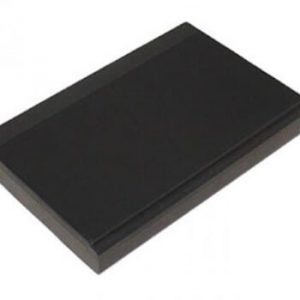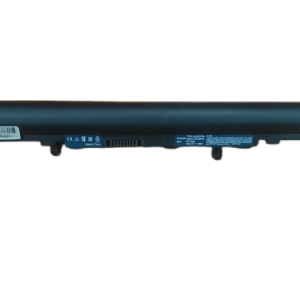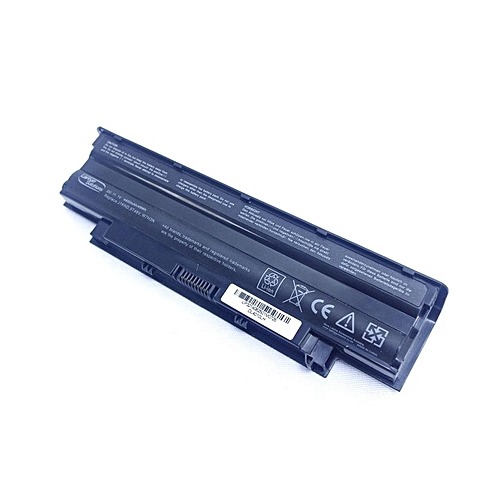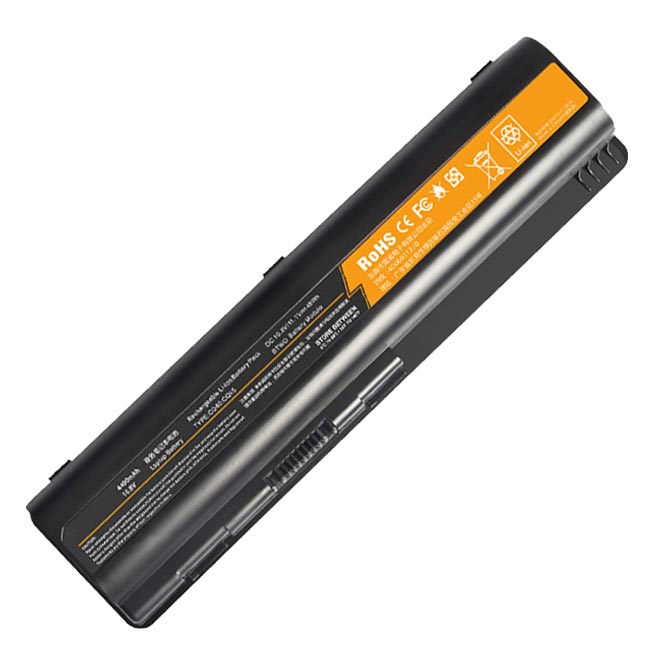

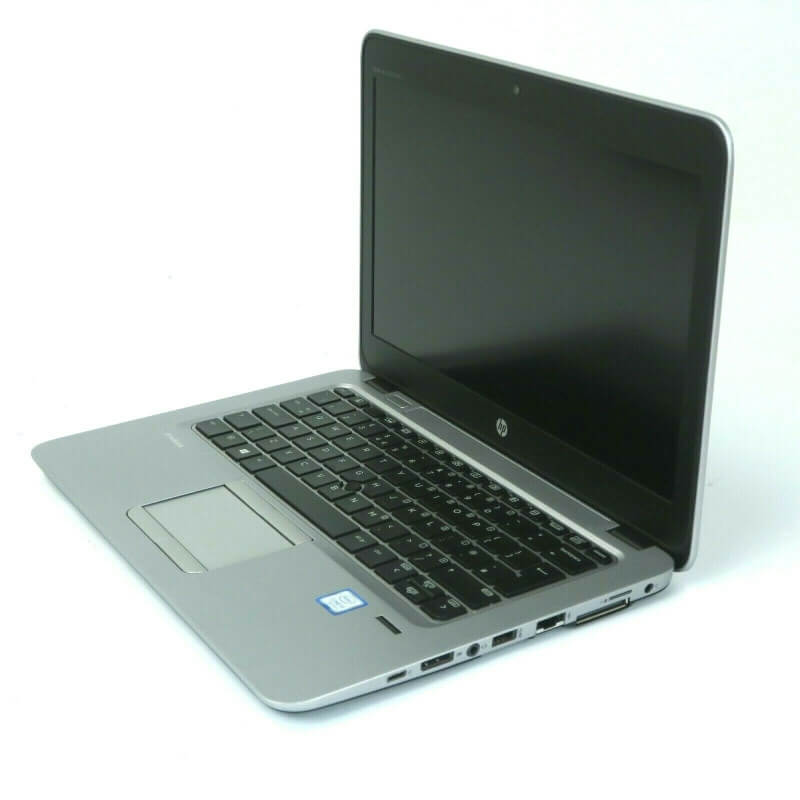
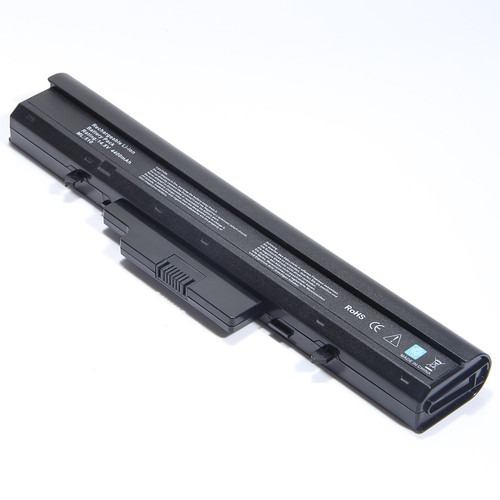

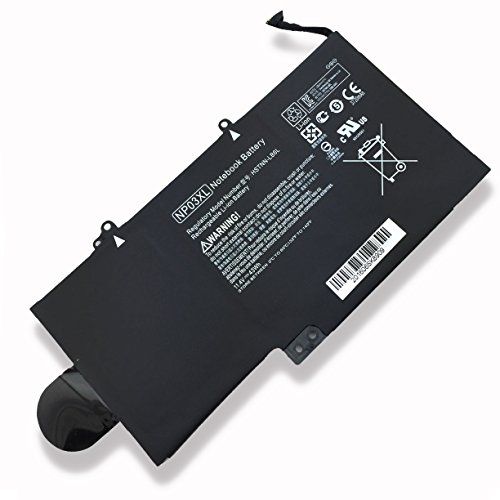
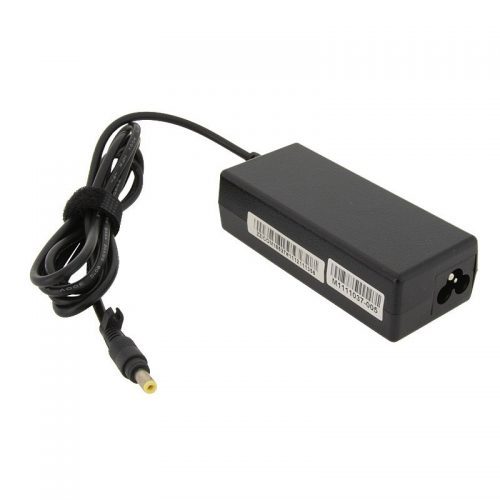
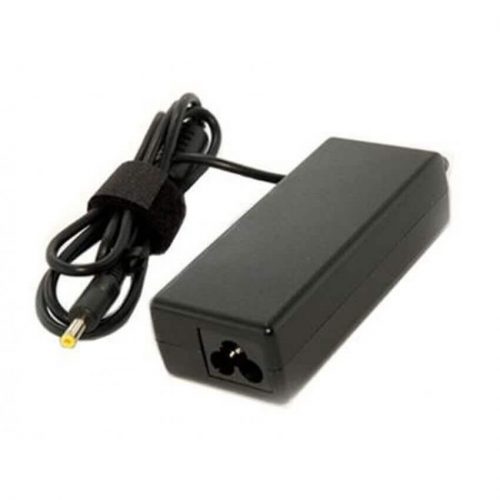
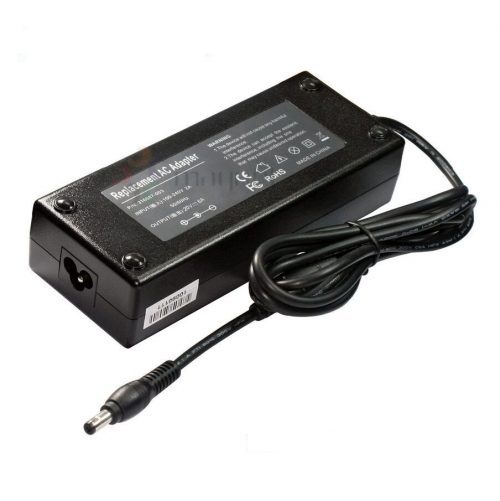
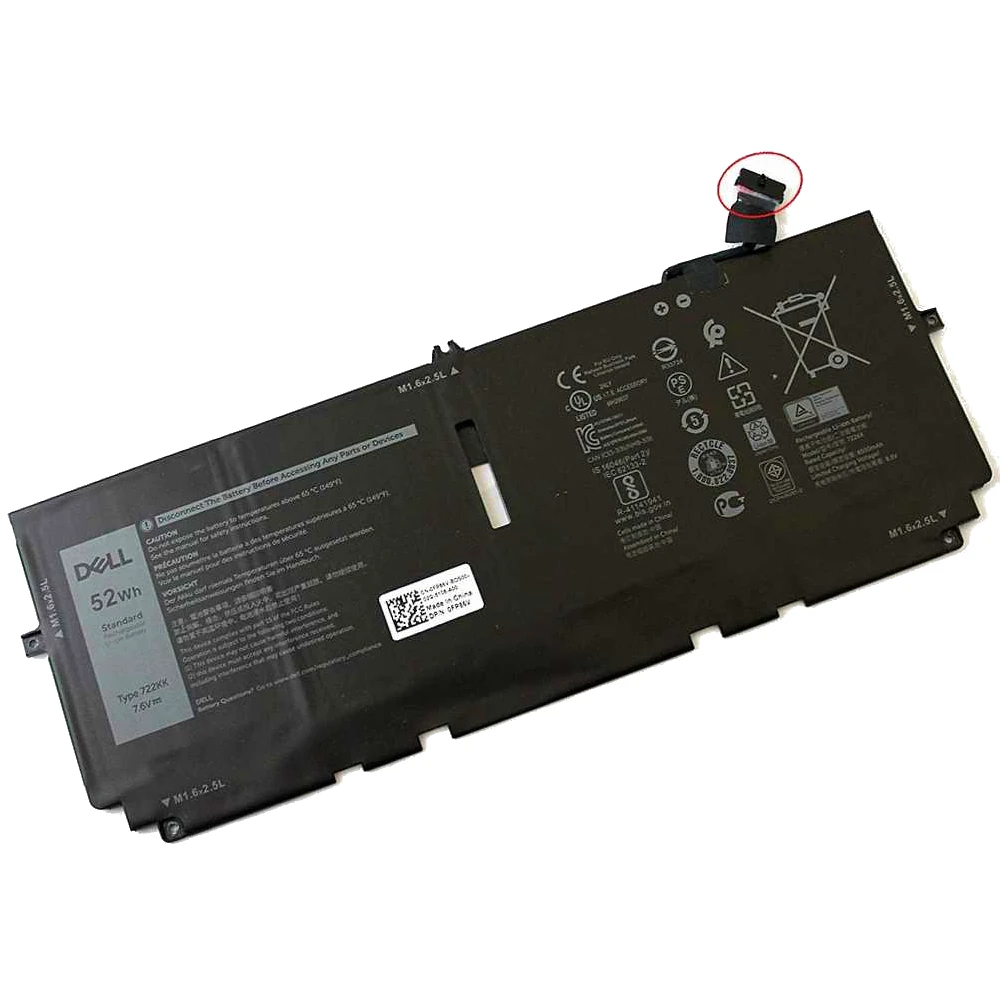


Original Dell XPS 13 9300 Battery-722KK – High Quality & Affordable!
Is your Dell XPS 13 9300 laptop battery no longer holding a charge? It’s time to get your premium ultrabook back to its full potential with this genuine Original Dell XPS 13 9300 Battery-722KK from www.laptopparts.co.ke. Engineered specifically for your Dell device, this battery provides the long-lasting and reliable power you need for a truly mobile computing experience. This Original Dell XPS 13 9300 Battery-722KK is the perfect fit to restore your laptop’s stellar performance.
We believe in providing the best quality parts at an accessible price. That’s why this Original Dell XPS 13 9300 Battery-722KK is offered at an affordable rate, making it easy to replace your old, worn-out battery without a huge investment. Our commitment to quality is backed by a 3-month warranty, giving you peace of mind with your purchase.
As an added benefit, we offer free installation for this Original Dell XPS 13 9300 Battery-722KK. You don’t have to worry about the complexities of replacing an internal battery. Our expert technicians will handle the installation for you, ensuring a seamless and secure fit. The advanced design of the Original Dell XPS 13 9300 Battery-722KK includes built-in safety features to protect your laptop from overcharging and short circuits, guaranteeing safe and dependable operation.

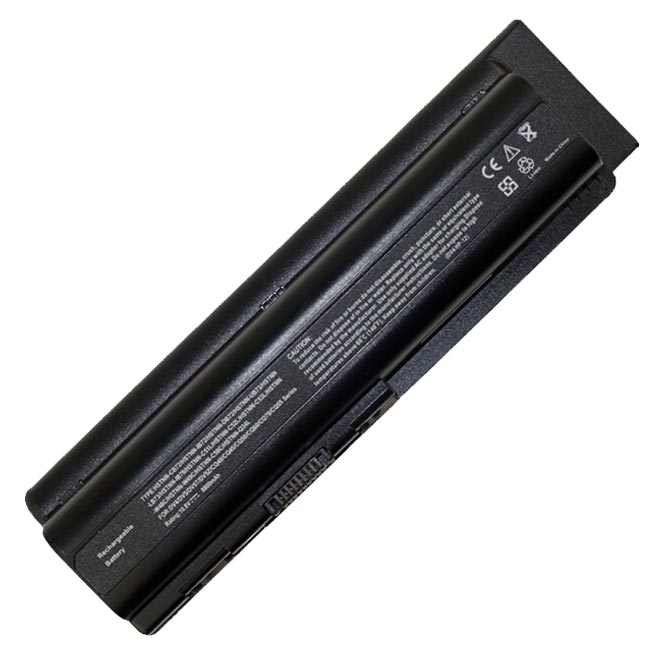
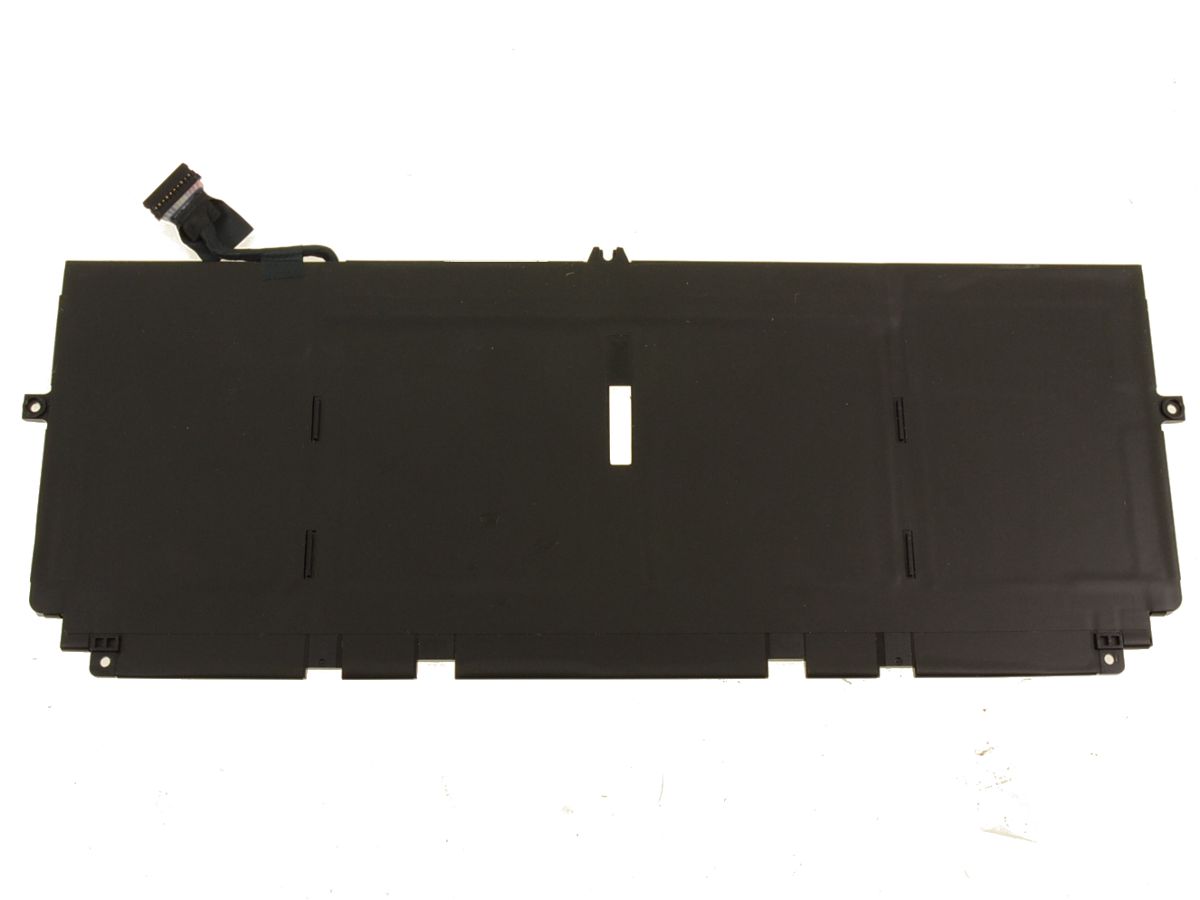
Original Dell XPS 13 9300 Battery-722KK

Original Dell XPS 13 9300 Battery-722KK
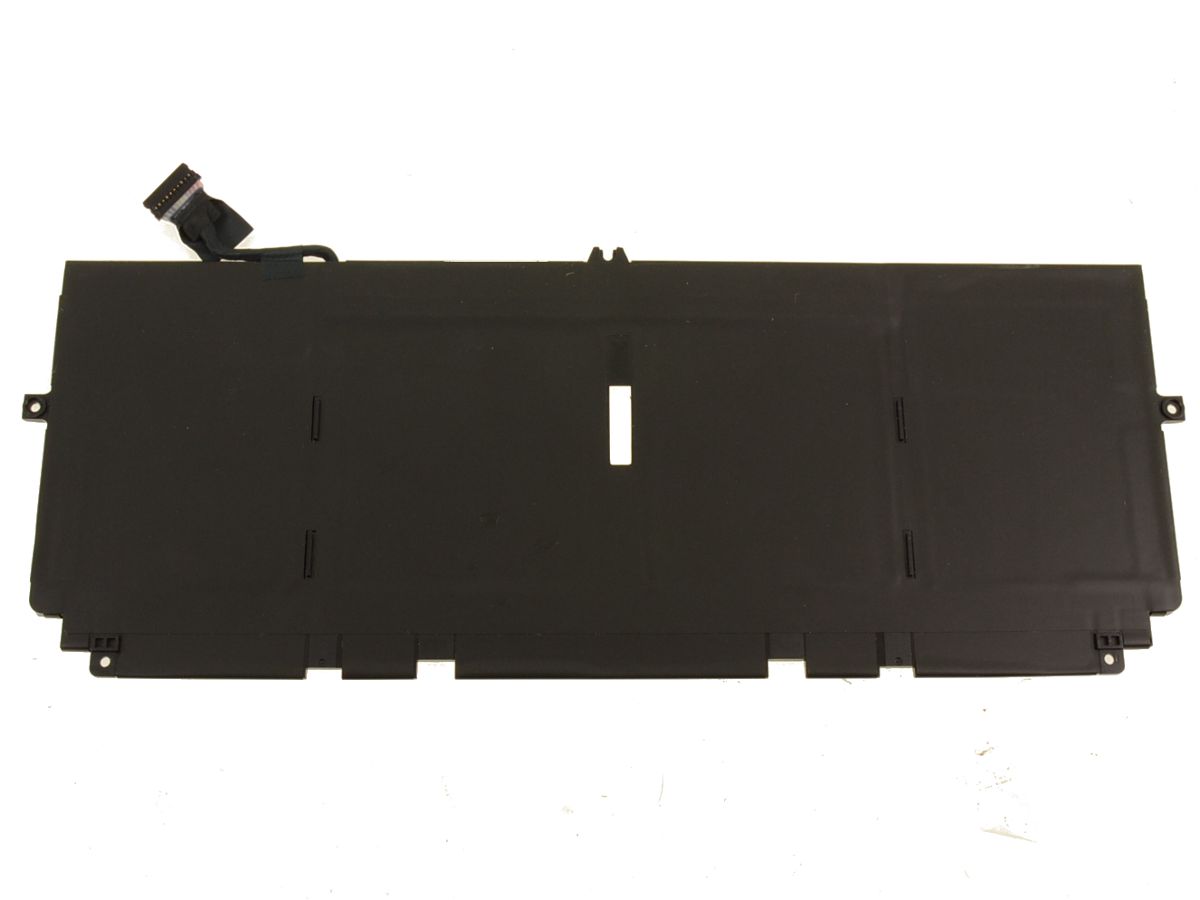
Original Dell XPS 13 9300 Battery-722KK
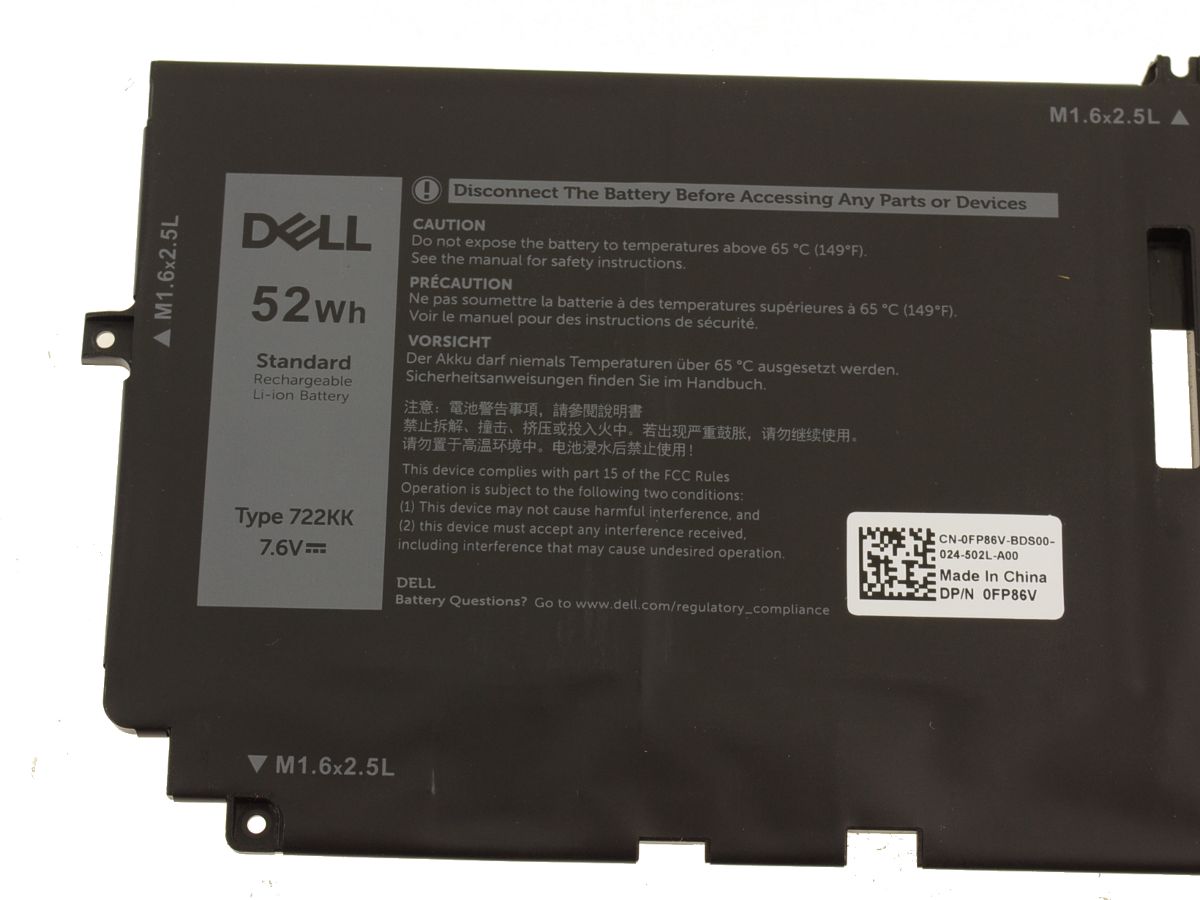
Specifications for Original Dell XPS 13 9300 Battery-722KK
| Feature | Details |
| Battery Type | Li-ion |
| Voltage | 7.6V / 15.2V |
| Capacity | 52Wh / 6800mAh |
| Color | Black |
| Compatible Part Numbers | 722KK, 2XXFW, FP86V, WN0N0, 0WN0N0 |
| Compatible Laptop Models | Dell XPS 13 9300, Dell XPS 13 9310, Dell XPS 13 9380 (2020) |
Suggested Keywords: Dell XPS 13 9300 battery replacement, 722KK battery, XPS 13 9310 battery, XPS 13 9380 battery, genuine Dell battery, Dell laptop battery Kenya, laptop battery replacement .
Bonus Tips for Maintaining Your Battery
To get the most out of your new Original Dell XPS 13 9300 Battery -722KK, consider these tips:
- Avoid Full Charge/Discharge Cycles: Modern batteries like the one in your Dell XPS 13 don’t have a “memory effect.” It’s better to keep the battery charged between 20% and 80% to prolong its overall lifespan.
- Keep It Cool: Heat is a major factor in battery degradation. Avoid using your laptop on soft surfaces like blankets or pillows that can block the cooling vents. A cool environment helps the battery perform optimally.
- Adjust Power Settings: Use your laptop’s built-in power-saving modes. Simple adjustments like dimming the screen brightness and turning off unnecessary background apps can significantly extend your battery life on a single charge.
Factors to Consider When Purchasing a Battery
- Compatibility: Always verify that the battery’s model number and part numbers (e.g., 722KK, 2XXFW) match those of your old battery and are listed as compatible with your specific laptop model.
- Voltage and Capacity: Check that the voltage is correct. While some models can handle a slight variation, it’s best to get a battery with the exact same voltage. A higher capacity (Wh or mAh) is often a good upgrade, as it will provide a longer runtime.
- Quality and Warranty: Be cautious of extremely cheap batteries, which may use low-quality cells and lack safety features. A good warranty, like our 3-month guarantee, is a sign of a quality product and a reliable seller.