


Revitalize Your Asus X556U Series with a New C21N1509 Laptop Battery!
Is your Asus X556U series laptop constantly tethered to a power outlet? Bring back its portable freedom with a brand new C21N1509 Laptop Battery from www.laptopparts.co.ke! We understand how frustrating a depleted battery can be, which is why we offer high-quality, reliable replacement batteries designed to meet your power needs. This C21N1509 Laptop Battery is engineered for a perfect fit and long-lasting performance.
Our C21N1509 Laptop Battery is manufactured with premium-grade cells to ensure consistent power delivery and a long operational lifespan. You’ll appreciate the affordability of this C21N1509 Laptop Battery, offering excellent value without compromising on quality. To further assure your purchase, every C21N1509 Laptop Battery comes with a 3-month warranty.
We make your battery replacement experience seamless and convenient. When you buy your C21N1509 Laptop Battery from us, you also benefit from FREE installation services right here in Nairobi! No need to worry about complex procedures; we’ll get your new C21N1509 Laptop Battery installed quickly and professionally. Upgrade your laptop’s power today with an C21N1509 Laptop Battery!

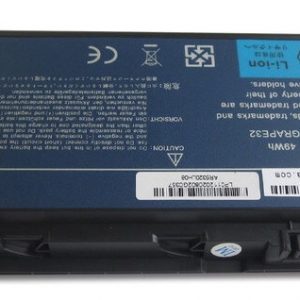
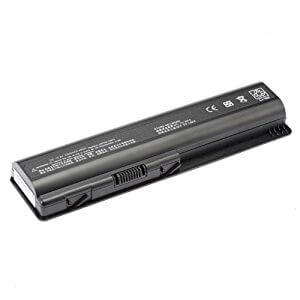
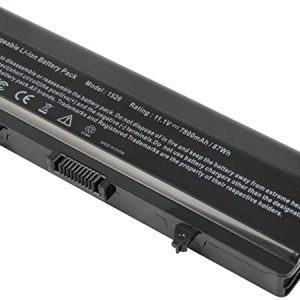
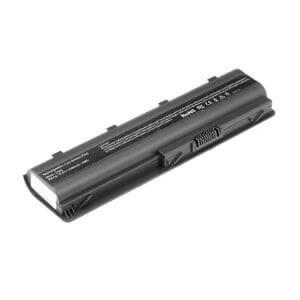
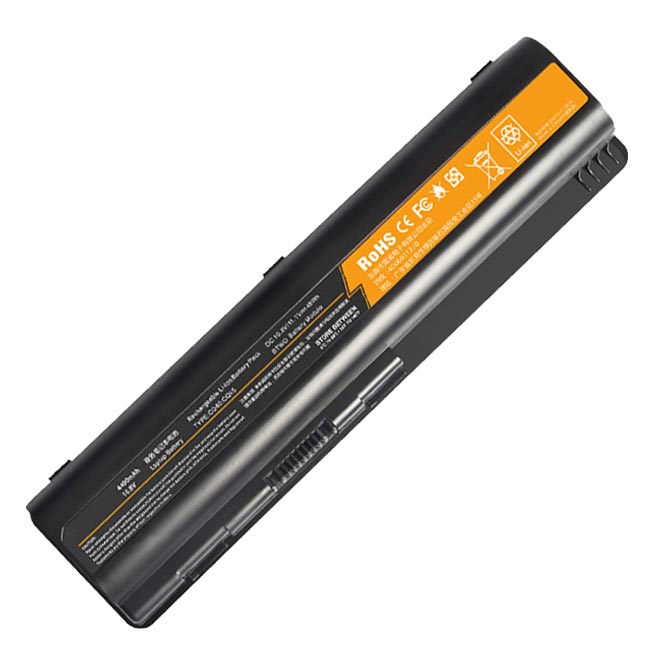
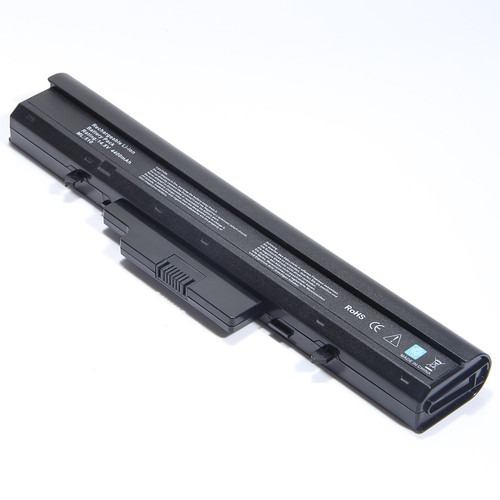
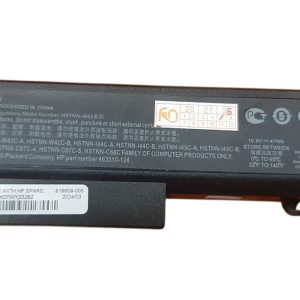
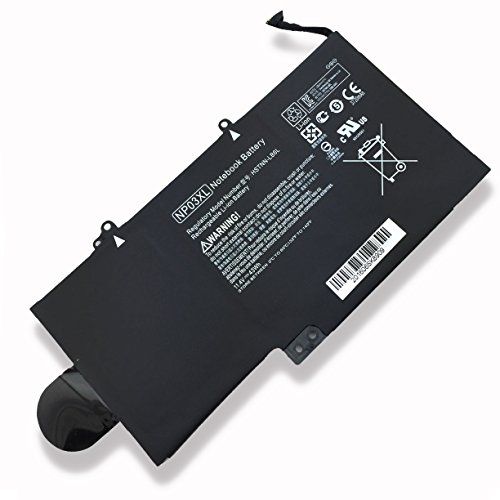
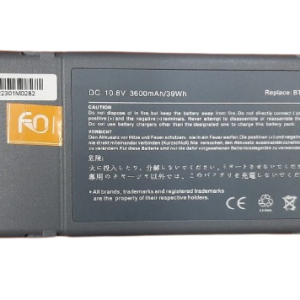
C21N1509 Laptop Battery

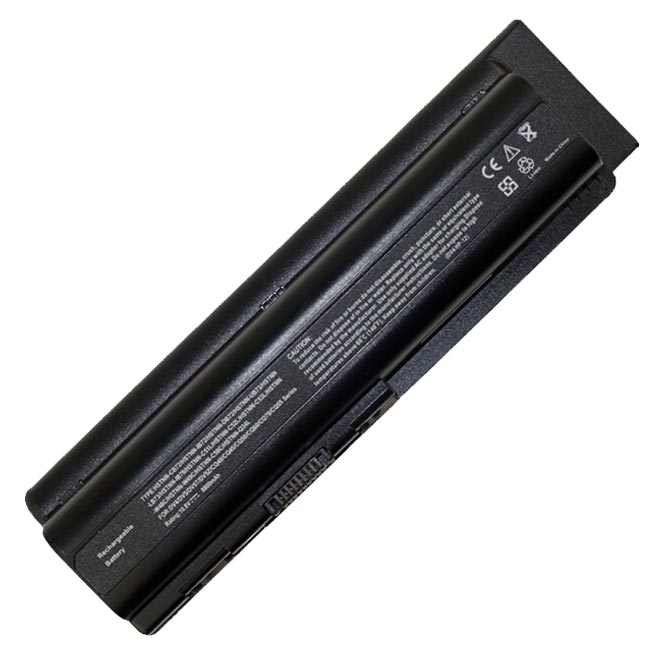
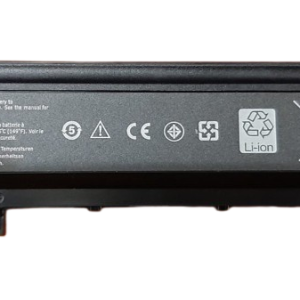
C21N1509 Laptop Battery

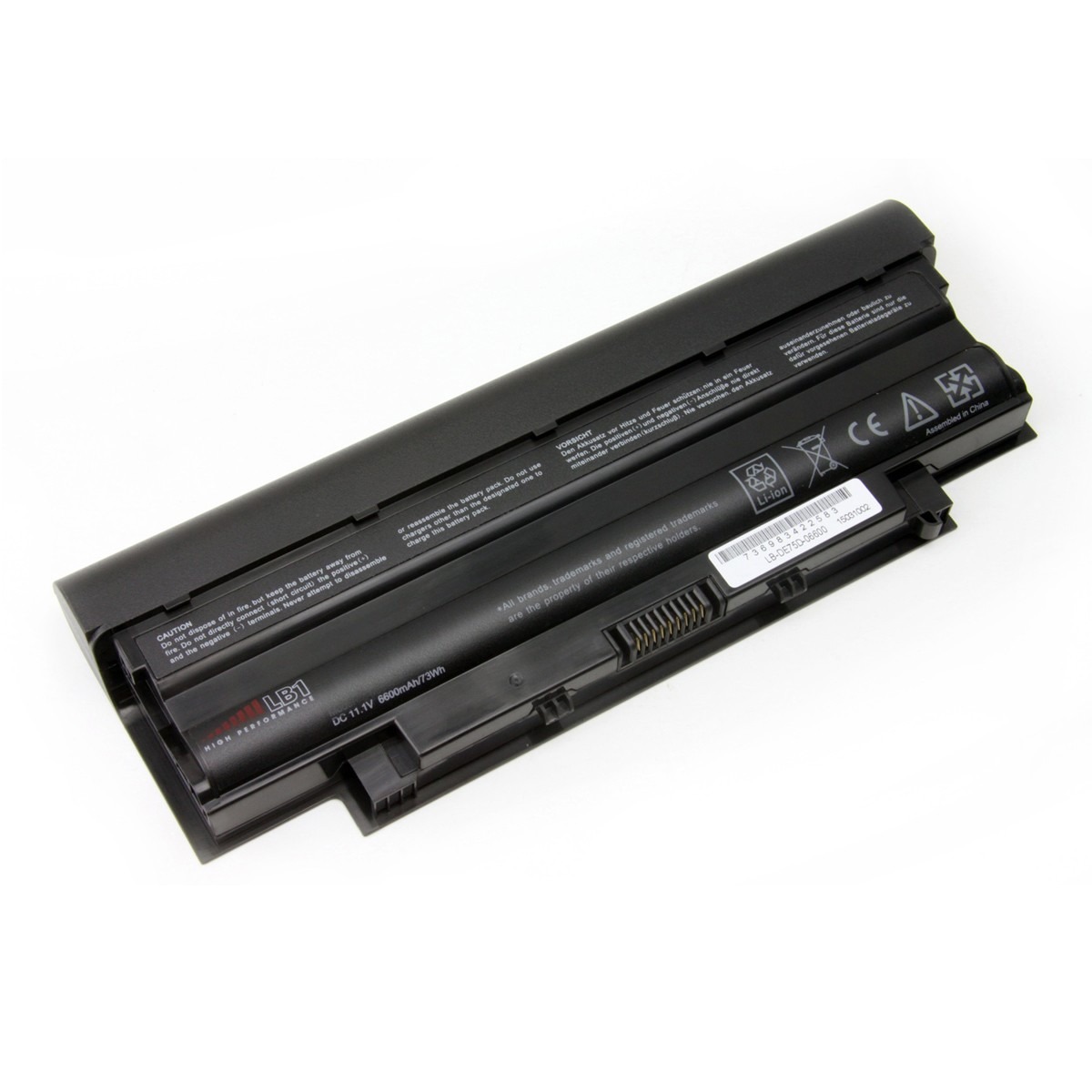
C21N1509 Laptop Battery
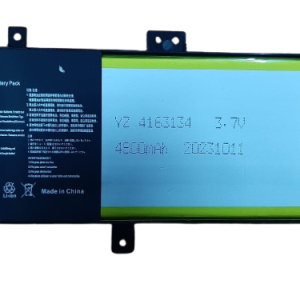
Product Specifications for C21N1509 Laptop Battery:
| Feature | Details |
| Battery Type | Li-ion / Li-Polymer |
| Voltage | 7.6V (compatible with 7.8V systems) |
| Capacity | 38WH / 4800mAh |
| Cell Quantity | 2-Cells / 4-Cells (depending on specific capacity variant) |
| Color | Black |
| Condition | Brand New |
| Warranty | 3 Months |
| Installation | Free installation offered in Nairobi |
| Compatible Laptop Models | Asus X556U Series (X556UA, X556UB, X556UF, X556UJ, X556UQ, X556UR, X556UV), Asus A556U Series, Asus F556U Series (F556UA, F556UB, F556UF, F556UJ, F556UQ, F556UR, F556UV), Asus FL5900U Series, Asus K556U Series (K556UA, K556UQ, K556UR, K556UV), Asus R558U Series (R558UF, R558UJ, R558UQ, R558UV), Asus VM591U Series |
| Compatible Part Numbers | C21N1509, 0B200-01750000, C21PQ9H, C21N15WZ |
Bonus Tips for Maintaining Your Laptop Battery:
- Calibrate New Batteries: After installing a new battery, fully charge it to 100%, then let it discharge completely until the laptop shuts off. Recharge it fully without interruption. This helps the battery meter to read accurately.
- Manage Power Settings: Utilize your laptop’s power management settings (e.g., “Battery Saver” or “Balanced Mode” in Windows, or “Battery Health Charging” in Asus utilities) to optimize battery life. Avoid constantly running in “High Performance” mode when on battery.
- Avoid Extreme Temperatures: High heat can significantly degrade battery health. Keep your laptop in a cool, well-ventilated area. Do not leave it in direct sunlight or in a hot car.
- Optimal Charging Habits: For Li-ion batteries, it’s generally best to keep the charge between 20% and 80%. Avoid letting the battery fully drain to 0% often, and if you keep your laptop plugged in for extended periods, consider using a battery health charging utility to limit the charge to a lower percentage (e.g., 60-80%).
- Reduce Screen Brightness: The display is a major power consumer. Lowering your screen brightness is one of the quickest ways to extend battery life.
- Close Unused Applications: Background applications and processes can silently drain your battery. Close any programs you are not actively using.
- Disconnect Unused Peripherals: External devices like USB drives, external mice, or webcams draw power from your laptop. Unplug them when not in use.
Factors to Consider While Purchasing a Laptop Battery:
- Exact Compatibility: Always verify the battery part number (C21N1509 in this case) and your specific laptop model (e.g., Asus X556U, F556U, etc.). Even a slight difference can mean it won’t fit or function correctly.
- Voltage and Capacity (Wh/mAh): Ensure the voltage matches your original battery (e.g., 7.6V). A higher Watt-hour (Wh) or milliampere-hour (mAh) rating means longer battery life, but make sure it’s compatible with your laptop’s design.
- Quality and Certification: Look for batteries from reputable sellers that adhere to safety standards (CE, RoHS, FCC certified). Cheap, unbranded batteries might pose safety risks and have a shorter lifespan.
- Warranty and Return Policy: A good warranty (like our 3-month warranty) provides crucial protection against defects. Understand the seller’s return policy.
- Price vs. Value: While affordability is important, be wary of extremely low prices, which often indicate poor quality. Invest in a battery that offers a balance of price and performance.
- Seller Reputation: Purchase from a trusted local vendor like www.laptopparts.co.ke with positive customer reviews and a commitment to customer service, especially for products like laptop batteries where expert advice and installation can be beneficial.