


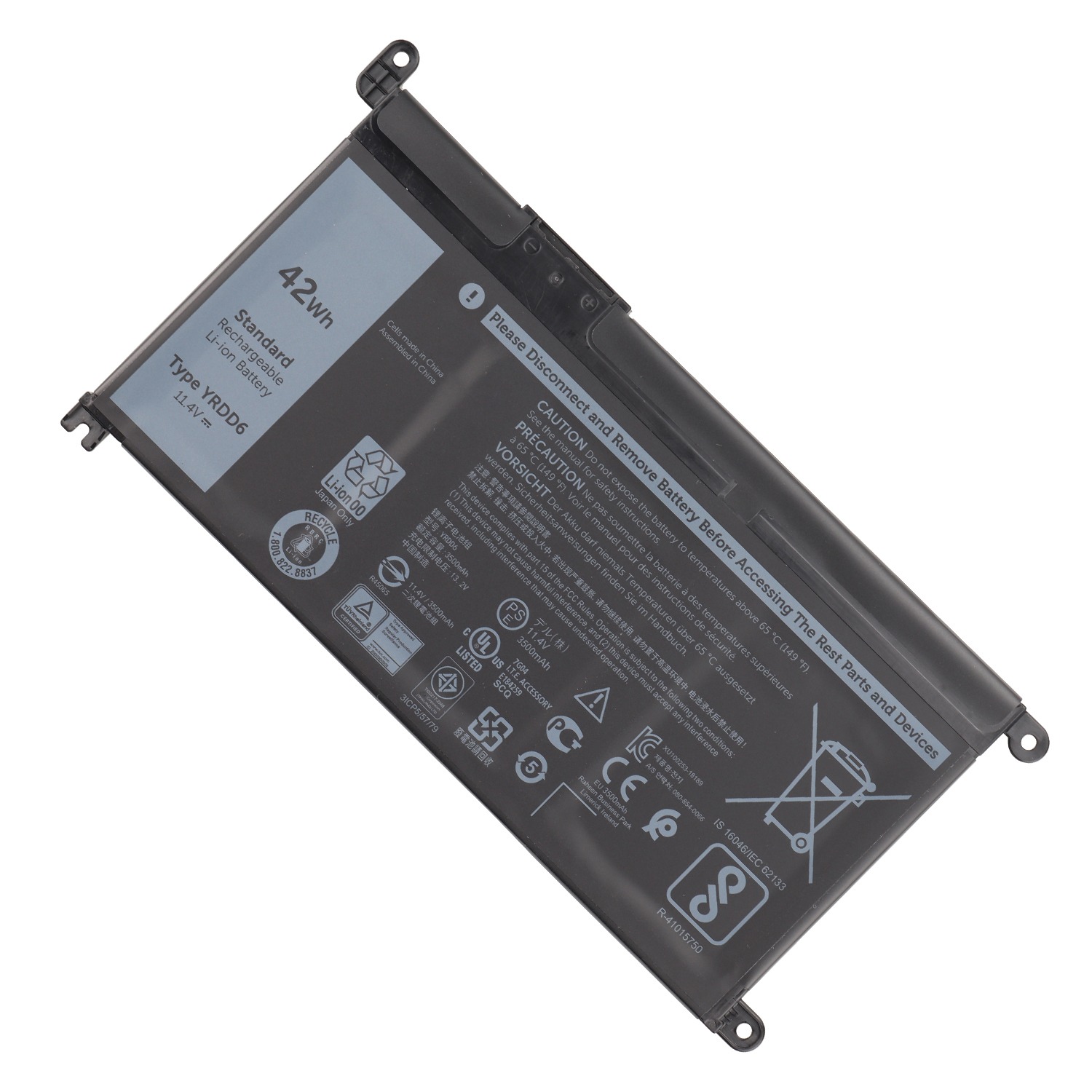

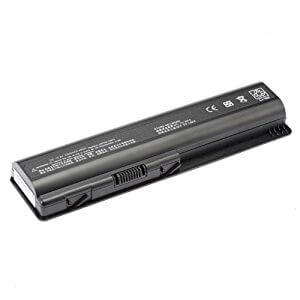
Dell Inspiron 17 7778 Laptop Battery 33YDH – High Quality & Affordable!
Introducing the Dell Inspiron 17 7778 Laptop Battery 33YDH – Your Ticket to Uninterrupted Productivity!
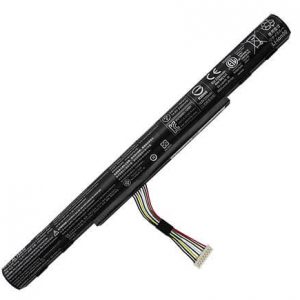
Revitalize your Dell Inspiron 17 7778 with a brand new Dell Inspiron 17 7778 Laptop Battery 33YDH from www.laptopparts.co.ke. If your laptop is no longer holding a charge, this is the perfect solution to restore its full power and mobility. This high-quality Dell Inspiron 17 7778 Laptop Battery 33YDH is engineered to meet or exceed original manufacturer specifications, ensuring reliable and long-lasting performance.
At www.laptopparts.co.ke, we understand the importance of both quality and value. This premium Dell Inspiron 17 7778 Laptop Battery 33YDH is offered at a competitive price, making it a smart and affordable investment to get your laptop running like new. We also stand behind the quality of our products with a 3-month warranty, giving you peace of mind with your purchase.
To make the process even more convenient, we offer free installation with every purchase of a Dell Inspiron 17 7778 Laptop Battery 33YDH. Our skilled technicians will handle the replacement, ensuring a perfect fit and a hassle-free experience. The advanced safety features of this Dell Inspiron 17 7778 Laptop Battery 33YDH protect your laptop from overcharging and short circuits, guaranteeing a safe and reliable power source. Don’t let a failing battery slow you down; upgrade to a new Dell Inspiron 17 7778 Laptop Battery 33YDH today!
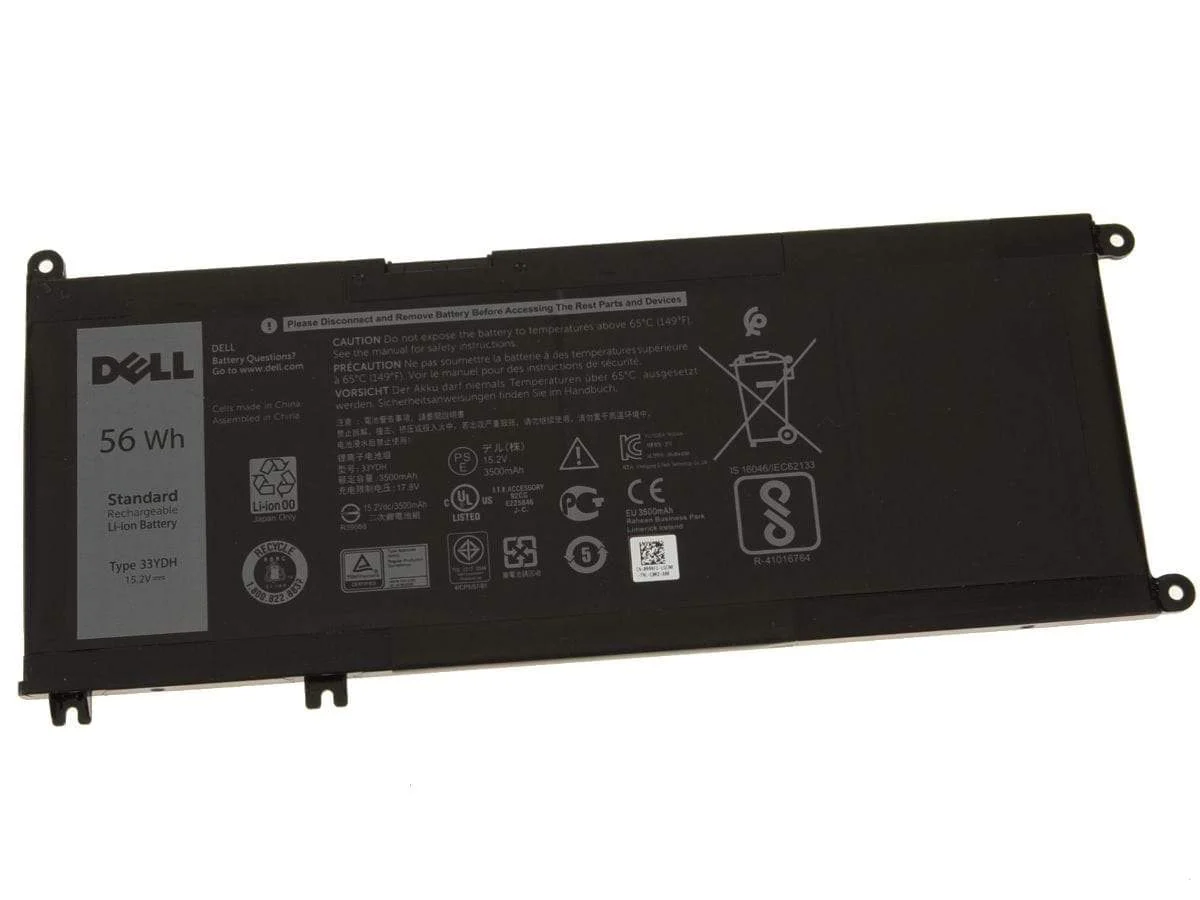
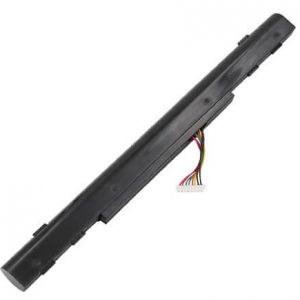
Dell Inspiron 17 7778 Laptop Battery 33YDH
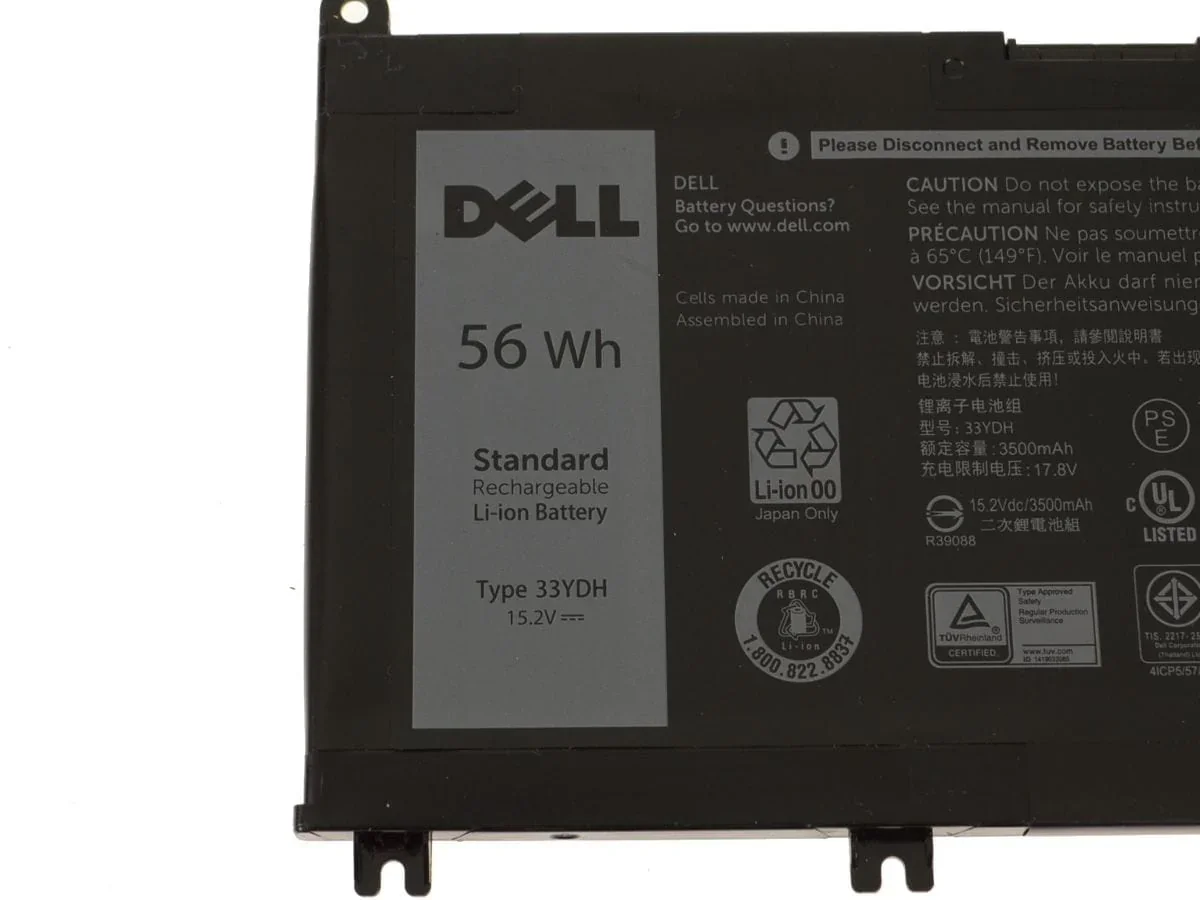
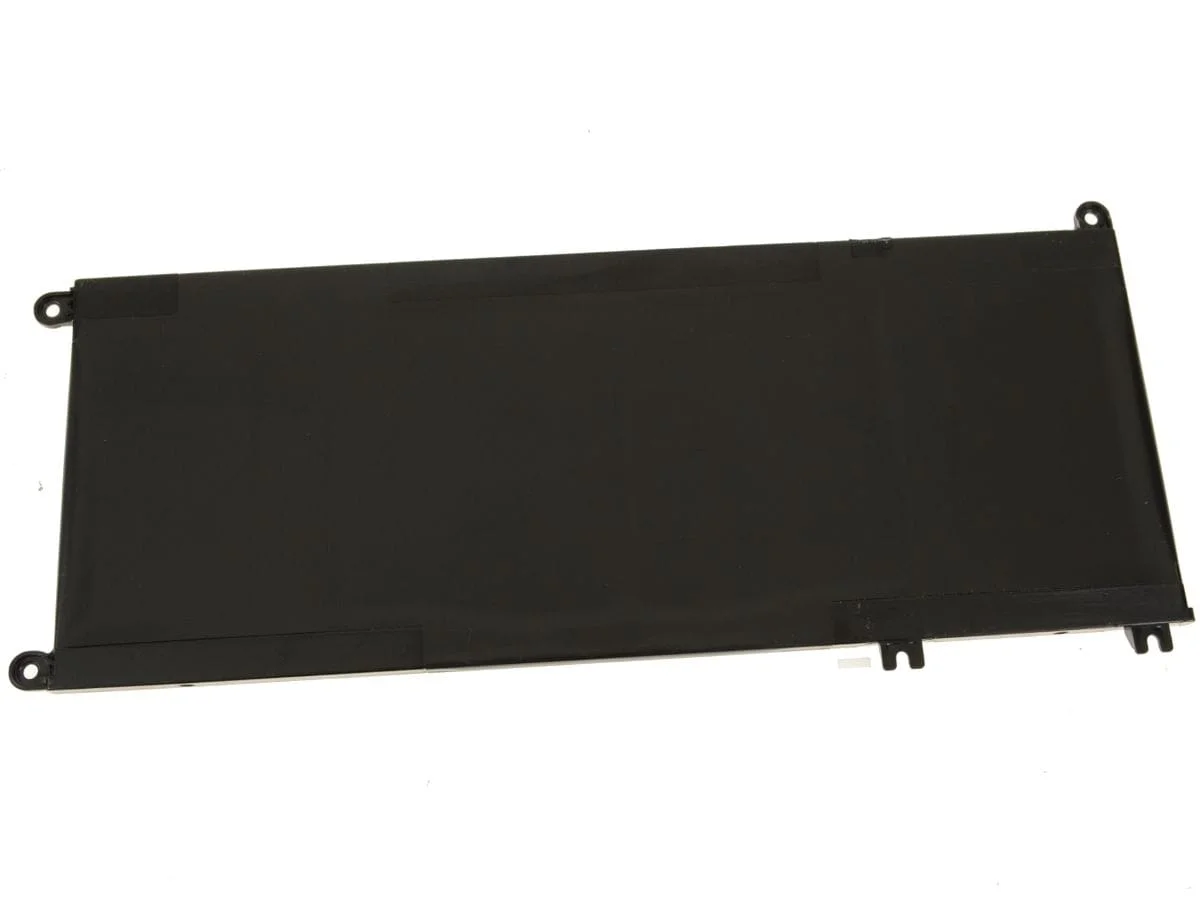
Specifications for Dell Inspiron 17 7778 Laptop Battery 33YDH :
| Feature | Details |
| Battery Type | Li-ion |
| Voltage | 15.2V |
| Capacity | 56Wh |
| Color | Black |
| Compatible Part Numbers | 33YDH, 033YDH, 99NF2, PVHT1, 81PF3 |
| Compatible Laptop Models | Dell Inspiron 17 7778, Dell Inspiron 17 7779, Dell Inspiron 17 7773, Dell Inspiron 15 7577, Dell Inspiron G3 3579, Dell Inspiron G5 5587, Dell Inspiron G7 7588, Dell Latitude 13 3380 |
Suggested Keywords: Dell Inspiron 17 7778 battery replacement, 33YDH battery, Inspiron 7779 battery, Dell laptop battery Kenya, G5 5587 battery, genuine Dell battery, Dell G3 3579 battery.
Bonus Tips for Maintaining Your Laptop Battery
- Avoid Extreme Temperatures: Your battery performs best at room temperature. Extreme heat or cold can significantly shorten its lifespan, so avoid leaving your laptop in a hot car or in direct sunlight.
- Manage Your Charge Cycles: To prolong the overall life of your battery, it’s a good practice to keep the charge level between 20% and 80%. Regularly fully draining or fully charging the battery can put unnecessary stress on the cells.
- Keep Your System Clean: Ensure your laptop’s cooling vents are not blocked by dust or debris. Proper airflow prevents overheating, which is a major cause of battery degradation.
Factors to Consider When Purchasing a Battery
- Compatibility: This is the most critical factor. Always check the battery’s part number (e.g., 33YDH) and confirm that it is listed as compatible with your specific laptop model.
- Voltage and Capacity: The voltage (V) of the new battery should match your old one. The capacity (Wh or mAh) indicates how long the battery will last on a single charge. A higher capacity battery will provide a longer runtime.
- Warranty and Quality: A reputable seller will offer a warranty, which is a strong sign of a quality product. Be cautious of extremely cheap batteries, which may be made with low-quality cells and lack essential safety features.
Compatible with Battery Part Numbers :
|
Compatible with laptop models:
|
|
|
|






Hildah –
Excellent customer service..