
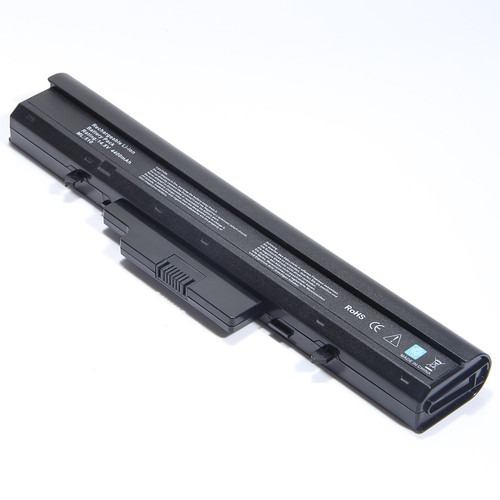

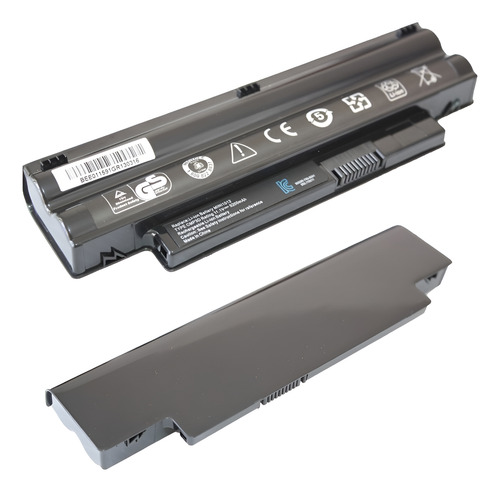
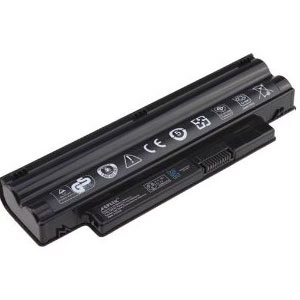
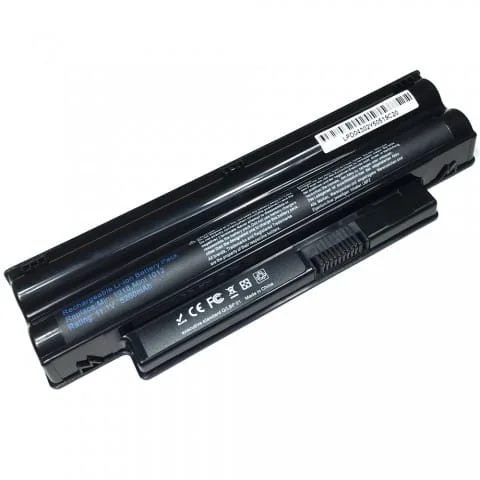

Dell Inspiron Mini 1018 Laptop Battery – High Quality & Affordable!
Introducing the Replacement Dell Inspiron Mini 1018 Laptop Battery – Your Ticket to Uninterrupted Productivity!
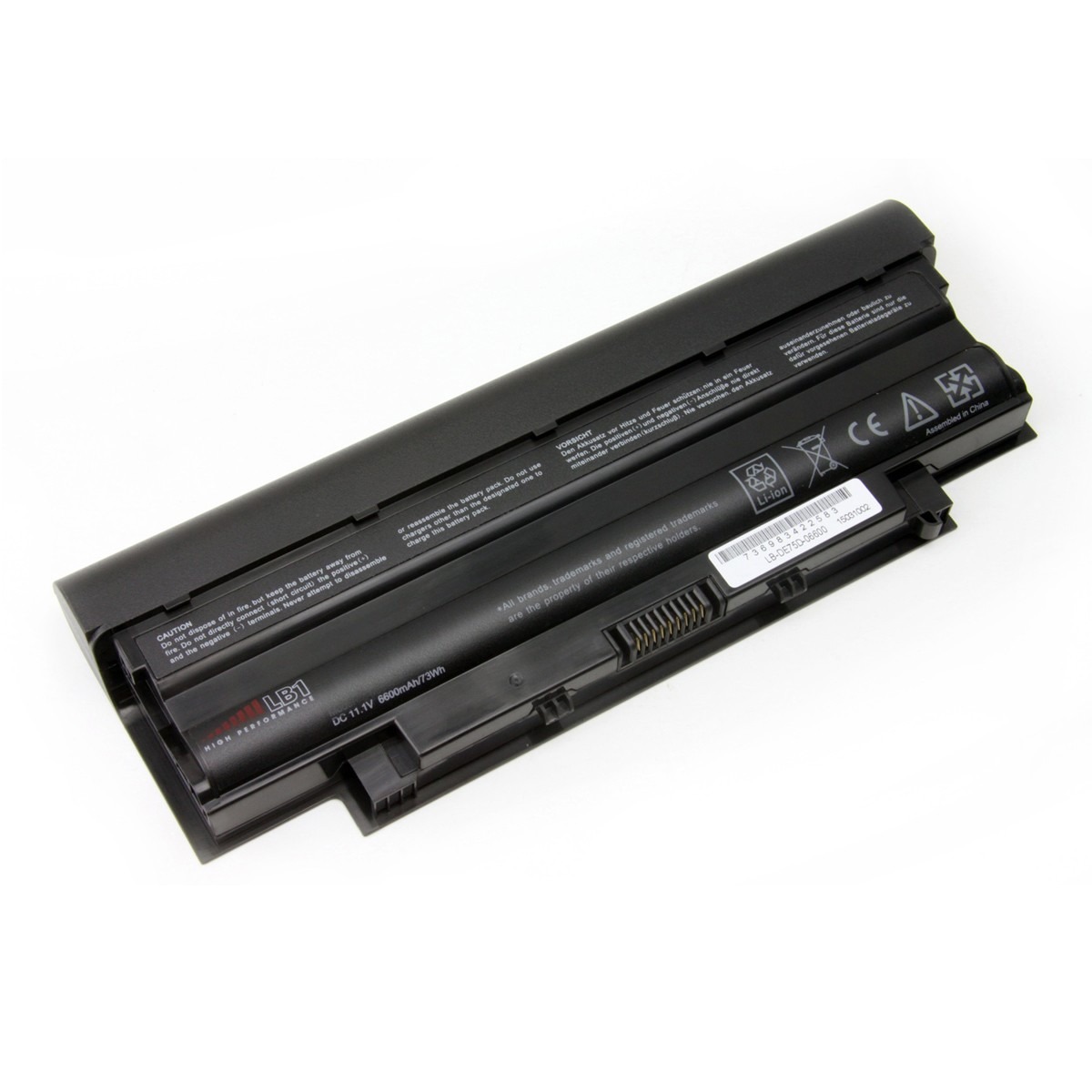
Restore the true portability of your Dell Inspiron Mini 1018 with a high-quality Dell Inspiron Mini 1018 Laptop Battery from www.laptopparts.co.ke. If your netbook is no longer holding a charge, this is the perfect, affordable solution to get you back to work and play on the go. Our Dell Inspiron Mini 1018 Laptop Battery is designed to provide long-lasting and reliable power, so you can enjoy extended hours of productivity without being tied to a power cord.
We are committed to providing you with the best quality parts at an excellent value. This Dell Inspiron Mini 1018 Laptop Battery is built with high-quality cells to ensure a long lifespan and consistent power output. To give you peace of mind with your purchase, we include a 3-month warranty with every Dell Inspiron Mini 1018 Laptop Battery sold.
As an added bonus, when you buy from www.laptopparts.co.ke, you get free installation. Our expert technicians will handle the battery replacement for you, ensuring a perfect fit and a hassle-free experience. You’ll leave our shop with a revitalized netbook and a brand-new Dell Inspiron Mini 1018 Laptop Battery. Don’t let a dead battery hold you back; get your new battery today!
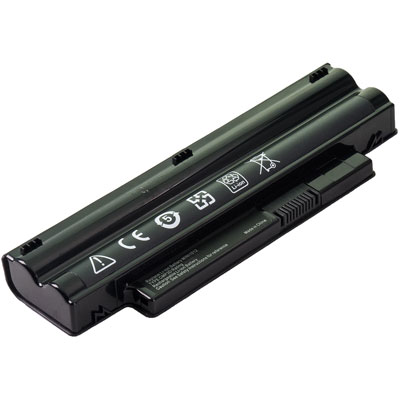
Dell Inspiron Mini 1018 Laptop Battery

Specifications for Dell Inspiron Mini 1018 Laptop Battery :
| Feature | Details |
| Battery Type | Li-ion |
| Voltage | 11.1V |
| Capacity | 4400 mAh |
| Color | Black |
| Compatible Part Numbers | CMP3D, 2T6K2, 3K4T8, 854TJ, 8PY7N, WR5NP, G9PX2, T96F2 |
| Compatible Laptop Models | Dell Inspiron Mini 1018, Dell Inspiron Mini 1012, Dell Inspiron Mini 1012N |
Suggested Keywords: Dell Inspiron Mini 1018 battery replacement, Inspiron Mini 1012 battery, laptop battery Kenya, Dell netbook battery, 4400mAh battery, CMP3D battery, laptop battery price Kenya.
Bonus Tips for Maintaining Your Battery
- Avoid Extreme Temperatures: Heat and cold can significantly degrade your battery’s health. Avoid leaving your laptop in a hot car or in direct sunlight.
- Smart Charging Habits: It’s often recommended to keep modern lithium-ion batteries charged between 20% and 80%. This “sweet spot” can help prolong the overall lifespan of your Dell Inspiron Mini 1018 Laptop Battery. Avoid constantly letting the battery drain to 0% before recharging.
- Keep It Cool: Proper ventilation is key. Ensure your laptop’s vents are not blocked, especially when using it on a bed or a soft surface. Overheating is one of the quickest ways to damage a battery.
Factors to Consider While Purchasing a Battery
- Compatibility: This is the most crucial step. Always double-check that the battery’s part number and compatible laptop models match your device. A mismatch in physical shape or electrical connection can render the battery useless.
- Voltage and Capacity: The voltage (V) of the new battery should be a very close match to your original battery. The capacity (mAh or Wh) determines how long the battery will last on a single charge. A higher capacity battery will give you a longer run time.
- Warranty and Quality: A good warranty, like our 3-month guarantee, provides a sign of a quality product and a reliable seller. Be cautious of very cheap batteries that may not meet safety standards or have a short lifespan.
10 Good Tips For Getting Maximum Shelf Life For Your Dell Inspiron Mini 1018 Laptop Battery Nairobi:
If you want your Dell Inspiron Mini 1018 Laptop Battery to last long and serve you for at least 2 years, the following are some recommendations to follow to get the best out of your Replacement Dell Inspiron Mini Battery. (more information in this guide)
- Once you buy your new Dell Inspiron Mini 1018 Laptop Battery Kenya, ensure that you charge it for at least 24 hours.
- This way, you are sure that your Dell Inspiron Mini Battery gets fully charged. Don’t discharge your new Dell Inspiron Mini 1018 Laptop Battery Kenya for the first 24 hours.
- Avoid overheating. Storing your laptop in high temperatures will degrade your Dell Inspiron Mini 1018 Laptop Battery Nairobi.
- Do not carry your laptop in a backpack without shutting it down, for example. If you do this every day, in 3 months, it will lose 20 to 30% of its overall charge cycles.
- Do not use your laptop in the sun. Excessive heat will cause reactions inside the Dell Inspiron Mini 1018 Laptop Battery Nairobi that will cause it to wear out faster and eventually damage it.
- Close apps that are draining your power. To see these apps, go to the search bar at the bottom (the one with the windows logo) and type ‘apps affecting battery life.
- Close the apps that are draining your Dell Inspiron Mini 1018 Laptop Battery Nairobi power. This way, your Dell XPS Battery does not drain fast, and you have fewer chances of overcharging it.
- Once in a while, allow your Dell Inspiron Mini 1018 Laptop Battery Kenya to discharge to 0%.
- This allows it to recalibrate the ‘battery remaining feature’ that shows you an estimate of how long the power that you have can last you.
- Keep your battery charged between 40 and 80%. If you charge it to 100%, then don’t leave it plugged in, especially overnight.
Note: Please check your laptop model and existing battery specifications before purchasing to ensure compatibility. Installation should be done by a professional technician if you are not familiar with laptop hardware.



Martin –
Thank you for delivering the best