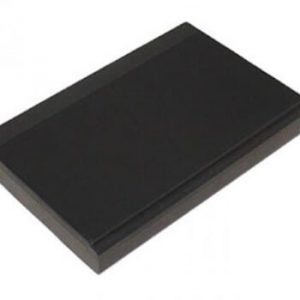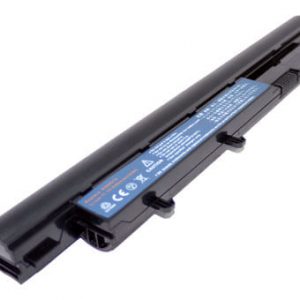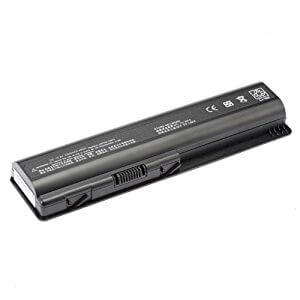
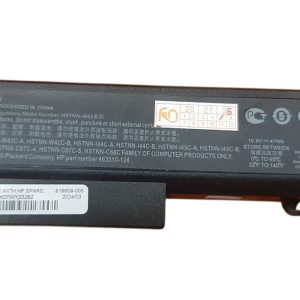

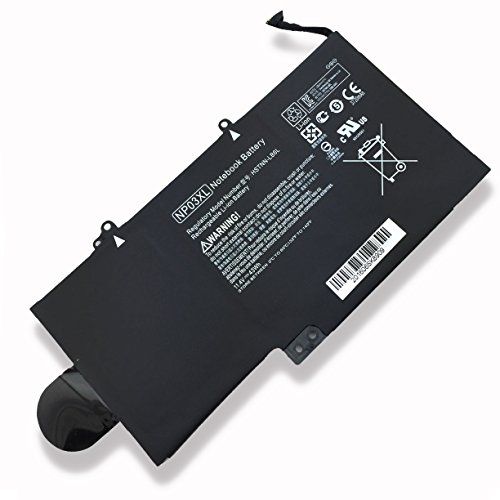



Power Up Your Productivity with the HP 840 G1 CM03XL Battery!
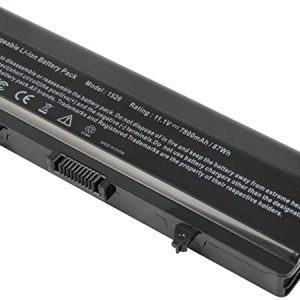
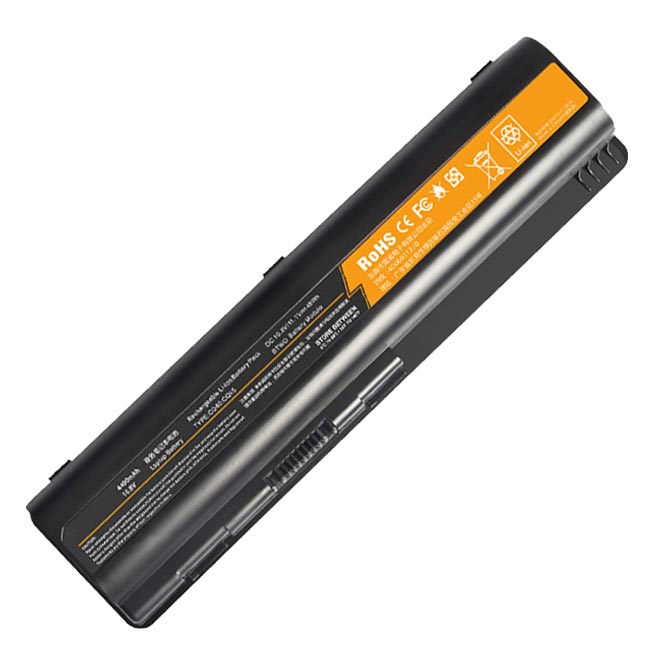
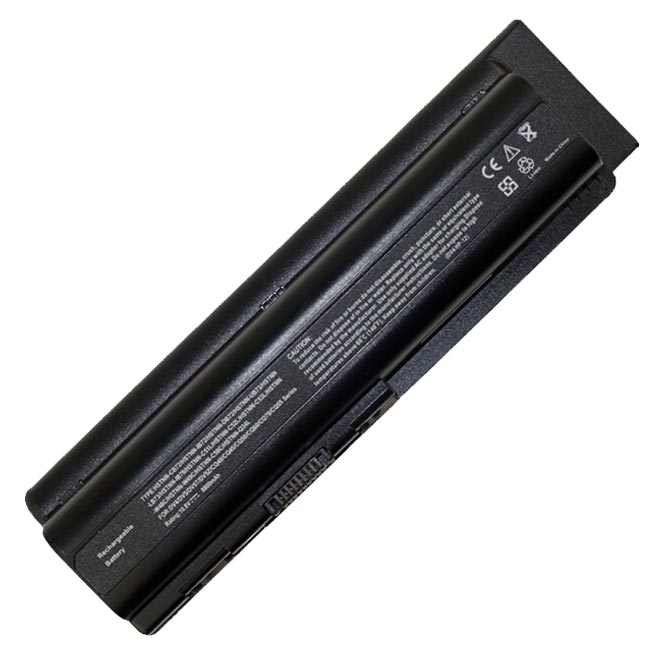
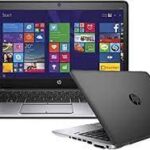
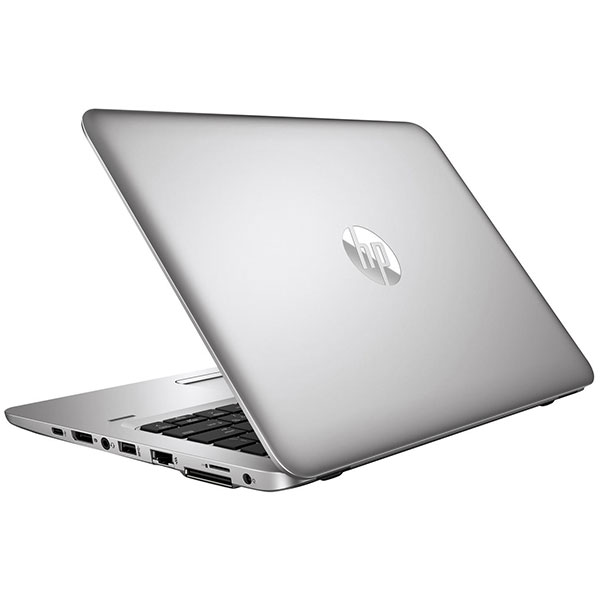
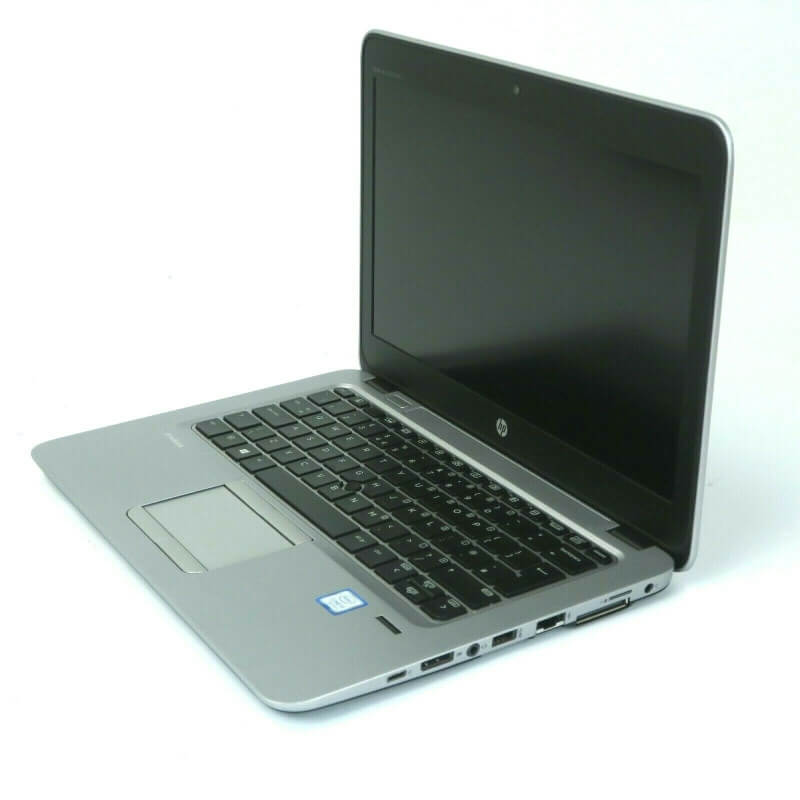
Is your HP EliteBook 840 G1 struggling to hold a charge? Don’t let a drained battery slow you down! At www.laptopparts.co.ke, we offer the high-performance HP 840 G1 CM03XL Battery designed to bring your laptop back to life. This essential HP 840 G1 CM03XL Battery ensures you can work, study, and play without constantly searching for a power outlet.
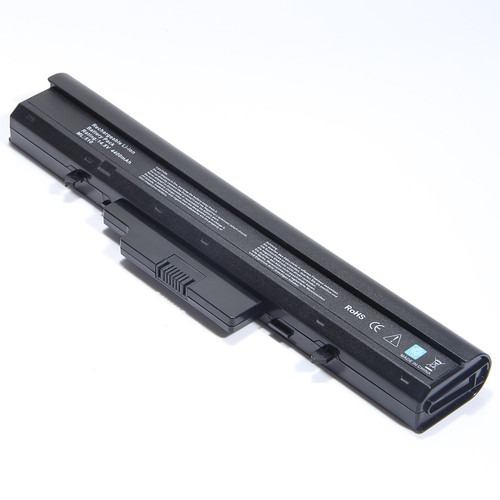
Our HP 840 G1 CM03XL Battery is a perfect fit, providing reliable power and extended runtime. You’ll experience enhanced mobility and freedom, knowing your laptop has the power it needs. This HP 840 G1 CM03XL Battery is built to meet or exceed original specifications, guaranteeing compatibility and optimal performance for your HP EliteBook 840 G1.
We understand the importance of quality and affordability. That’s why we offer this premium HP 840 G1 CM03XL Battery at a competitive price. Plus, for your peace of mind, every HP 840 G1 CM03XL Battery comes with a 3-month warranty and free installation when you purchase from us. Get your HP 840 G1 CM03XL Battery today and experience the difference!
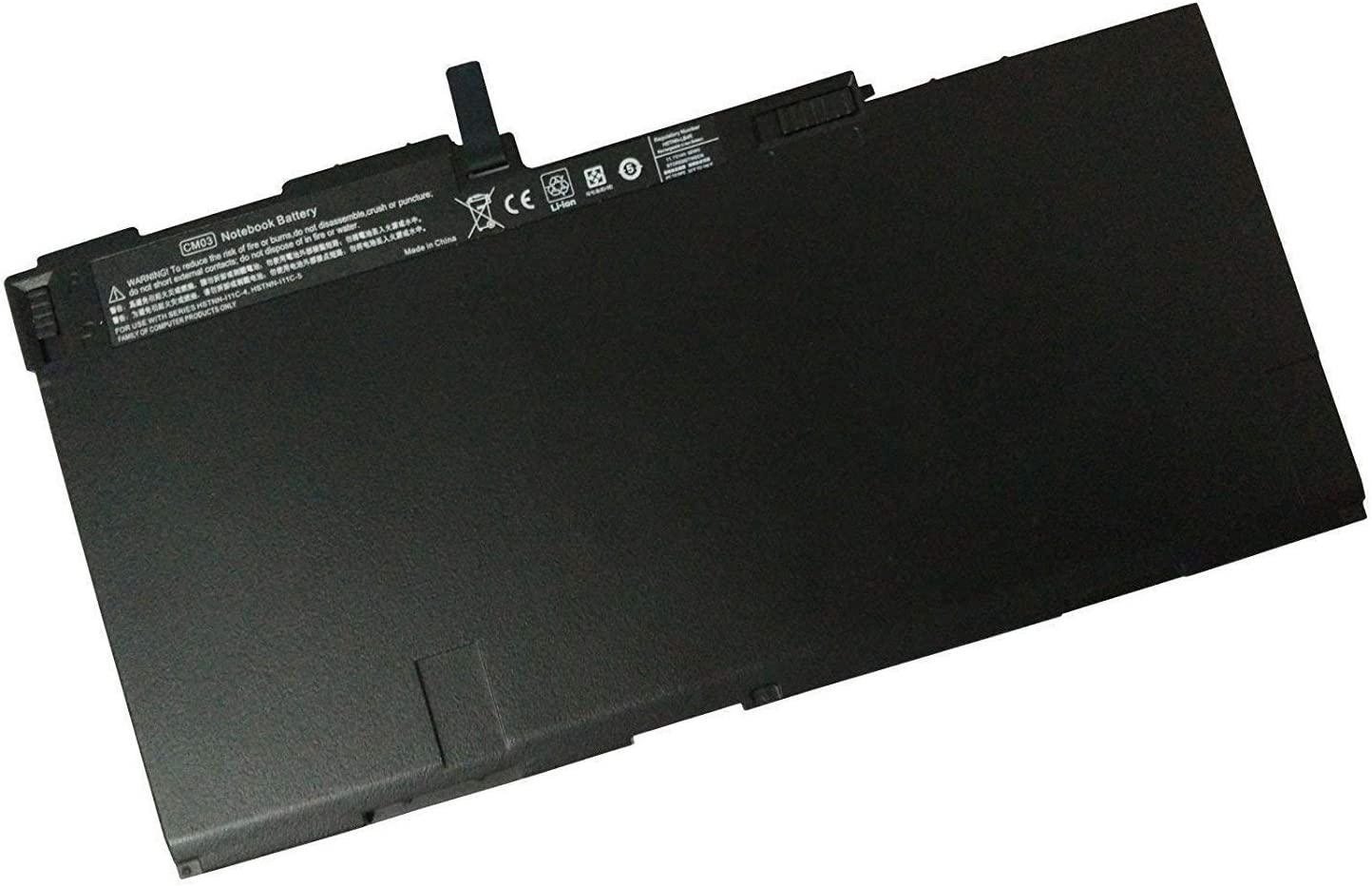
HP 840 G1 CM03XL Battery


HP 840 G1 CM03XL Battery Specifications:
| Feature | Details |
| Battery Type | Lithium-Ion (Li-ion) or Lithium-Polymer (Li-Poly) |
| Voltage | 11.1V |
| Capacity | 50Wh |
| Number of Cells | 3 Cells |
| Condition | Brand New |
| Warranty | 3 Months |
| Compatible Laptop Models | HP EliteBook 840 G1, HP EliteBook 840 G2, HP EliteBook 740 G1, HP EliteBook 740 G2, HP EliteBook 745 G1, HP EliteBook 745 G2, HP EliteBook 750 G1, HP EliteBook 750 G2, HP EliteBook 755 G1, HP EliteBook 755 G2, HP EliteBook 850 G1, HP EliteBook 850 G2, HP ZBook 14, HP ZBook 14 G2, HP ZBook 15u G2 |
| Compatible Part Numbers | CM03XL, CM03, CM03050XL, HSTNN-DB4Q, HSTNN-DB4R, HSTNN-IB4R, HSTNN-L11C-5, HSTNN-LB4R, 716723-271, 716724-1C1, 716724-421, 717375-001, 717376-001, 719941-002 |
Bonus Tips for Maintaining Your Laptop Battery:
- Avoid Extreme Temperatures: Heat and extreme cold can degrade your battery over time. Try to use and store your laptop in a cool, dry place.
- Optimal Charging Habits: Don’t constantly keep your laptop plugged in at 100% if you’re not using it. For optimal battery health, aim to keep your charge between 20% and 80%.
- Calibrate Your Battery: Periodically, let your battery drain completely and then fully charge it. This helps the battery management system accurately report the charge level.
- Update Drivers and Firmware: Manufacturers often release updates that improve battery efficiency. Keep your laptop’s drivers and firmware up to date.
- Reduce Screen Brightness: The screen is a major power consumer. Lowering your screen brightness can significantly extend battery life.
- Manage Background Apps: Close unnecessary applications running in the background to reduce power consumption.
Factors to Consider While Purchasing a Laptop Battery:
- Compatibility: Always double-check that the battery’s model number and part number precisely match your laptop. Refer to your old battery or laptop manual.
- Voltage and Capacity (Wh/mAh): Ensure the new battery’s voltage closely matches your original battery. Higher Wh or mAh generally means longer battery life.
- Brand and Quality: Opt for reputable brands or genuine OEM (Original Equipment Manufacturer) batteries for better performance and safety.
- Warranty: A good warranty indicates the seller’s confidence in their product. A minimum of 3 months is recommended.
- Price: While affordability is important, be wary of unusually low prices, as they might indicate a low-quality or counterfeit product.
- Seller Reputation: Buy from a trusted seller with good customer reviews and a clear return policy.