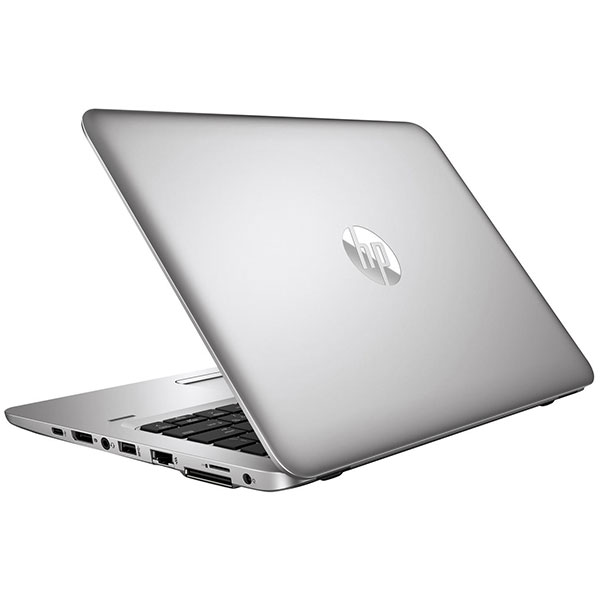
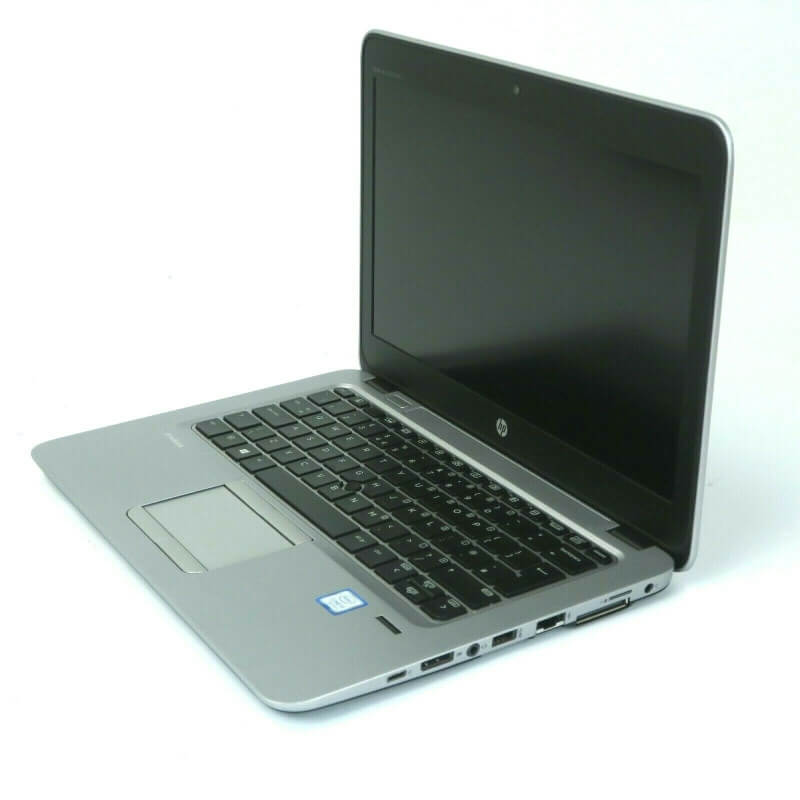
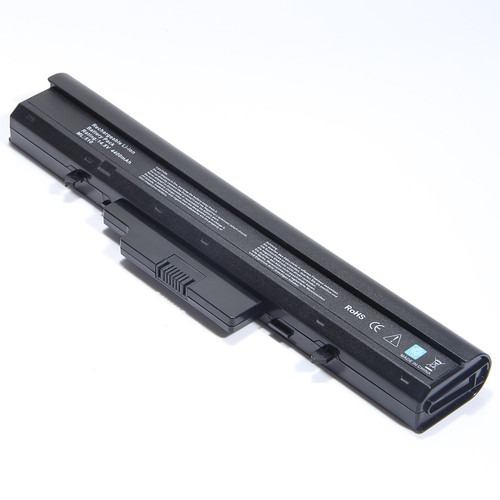

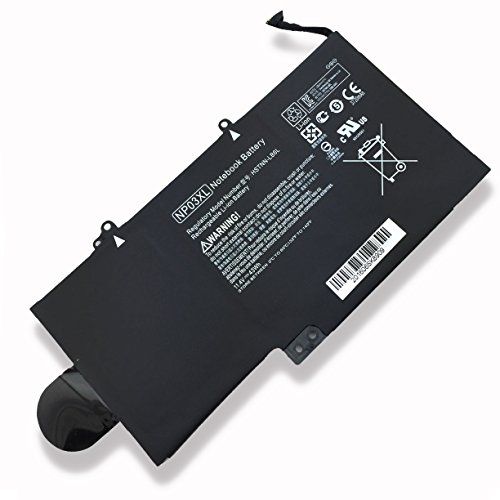
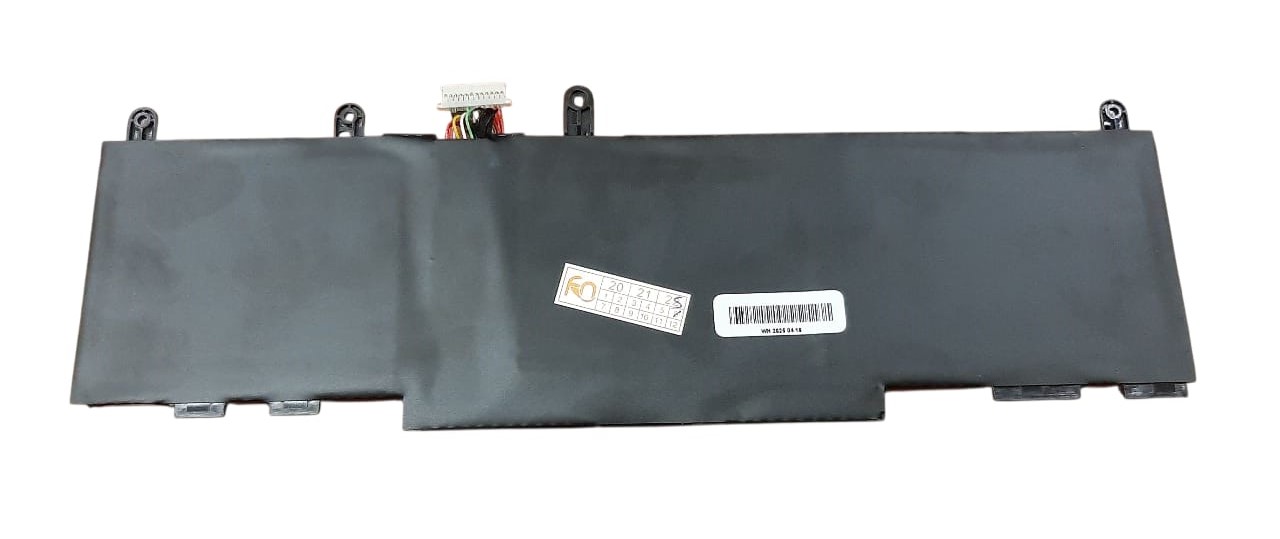
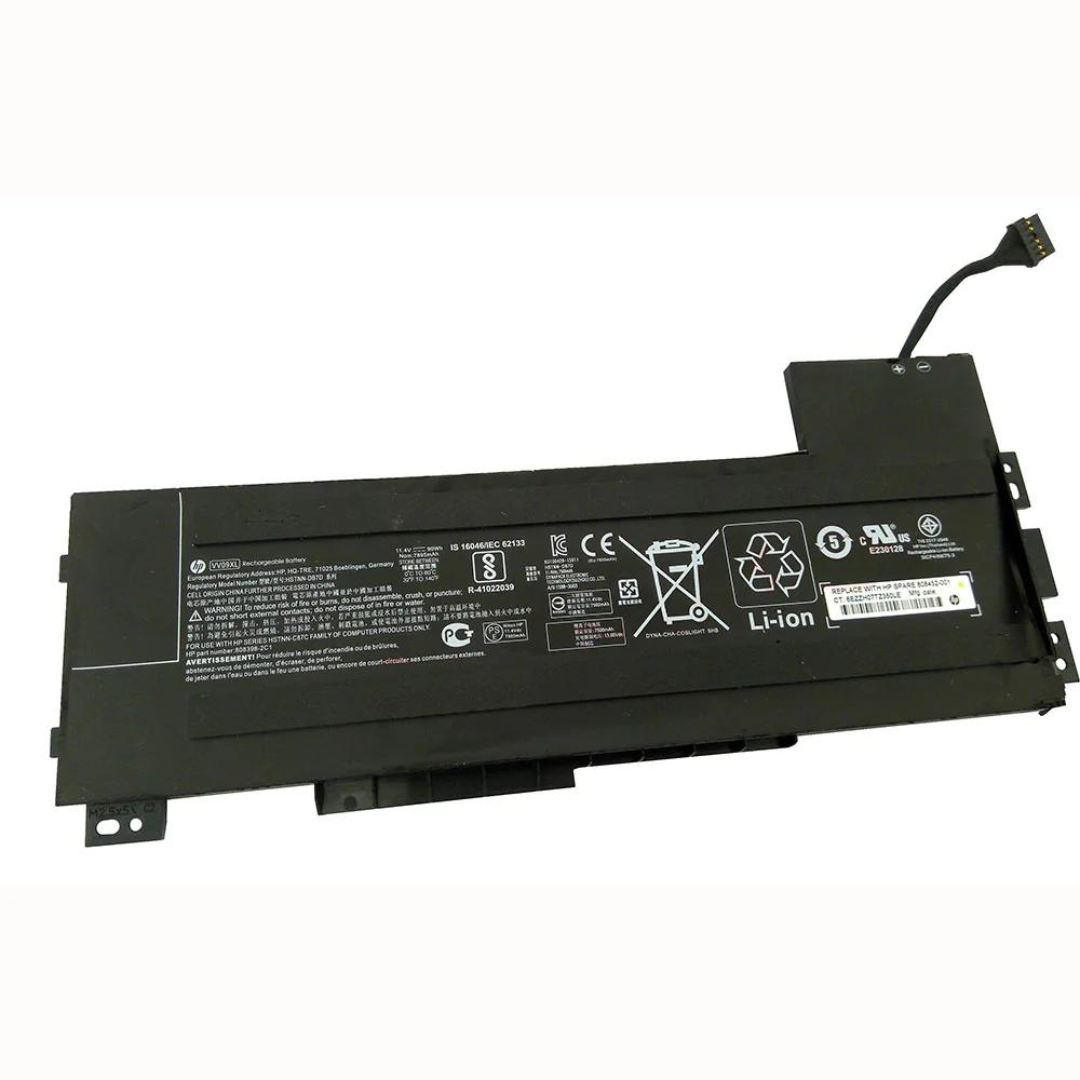
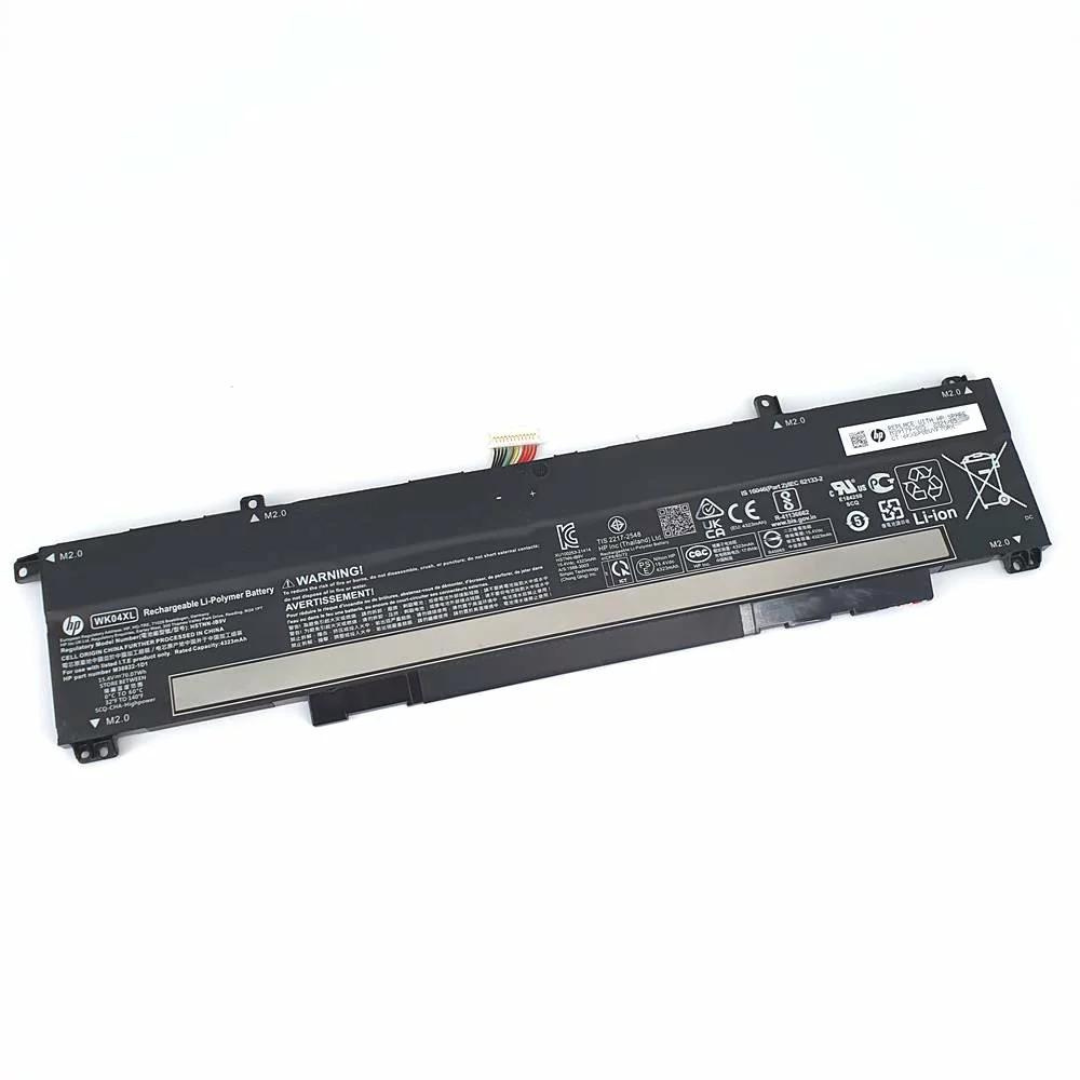

Premium Quality Original HP EliteBook 840 G10 Battery WP03XL– Affordable & Reliable!
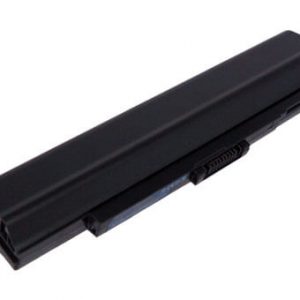
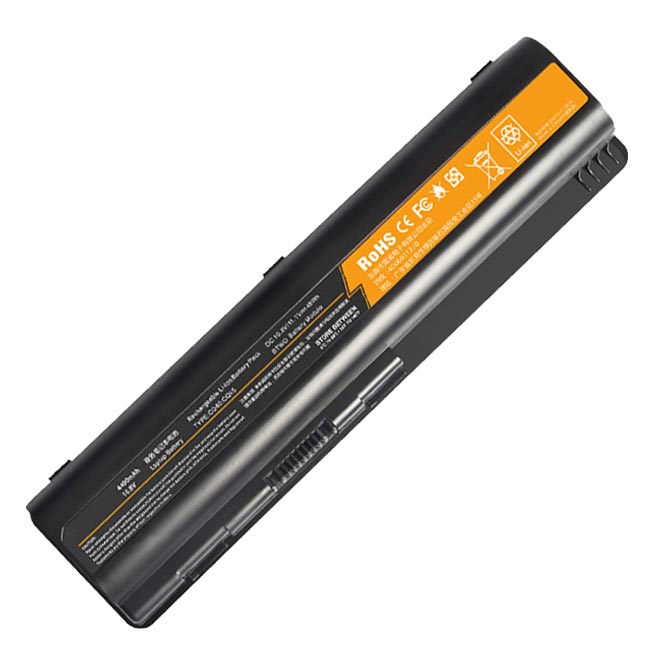
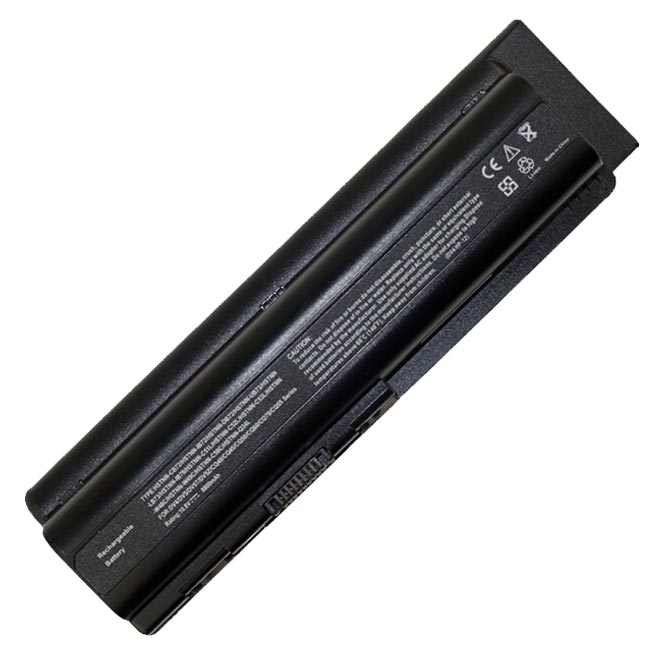
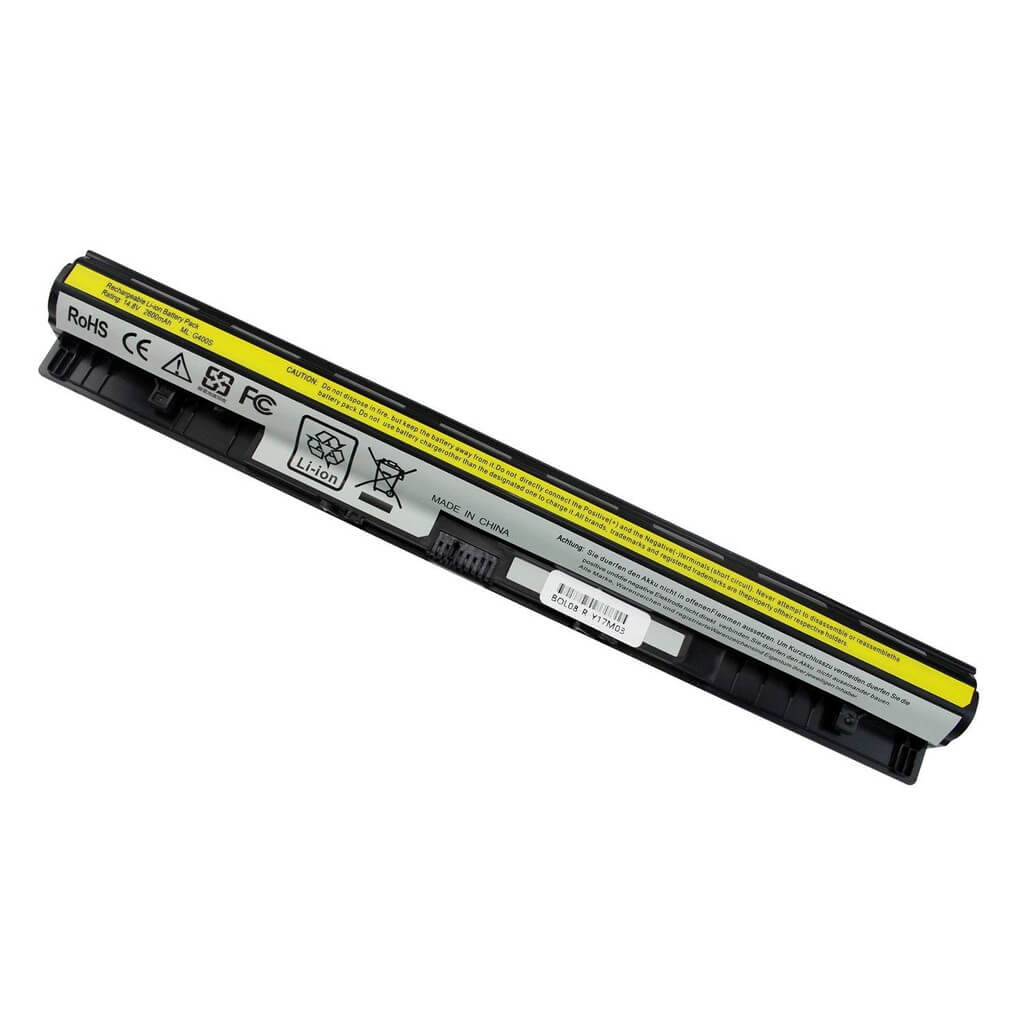
Is your HP EliteBook 840 G10 struggling to hold a charge? It’s time for a replacement! Our Original HP EliteBook 840 G10 Battery WP03XL is the perfect solution. Designed to meet the high standards of HP, this battery ensures your laptop performs at its best. Don’t let a dying battery slow you down. The HP EliteBook 840 G10 Battery WP03XL provides reliable power and a long lifespan.
We understand the need for a quality replacement that is also affordable. Our HP EliteBook 840 G10 Battery WP03XL offers an excellent balance of price and performance, so you don’t have to compromise. Each HP EliteBook 840 G10 Battery WP03XL comes with a 3-month warranty, giving you peace of mind. Plus, we offer free installation to make the process simple and hassle-free.
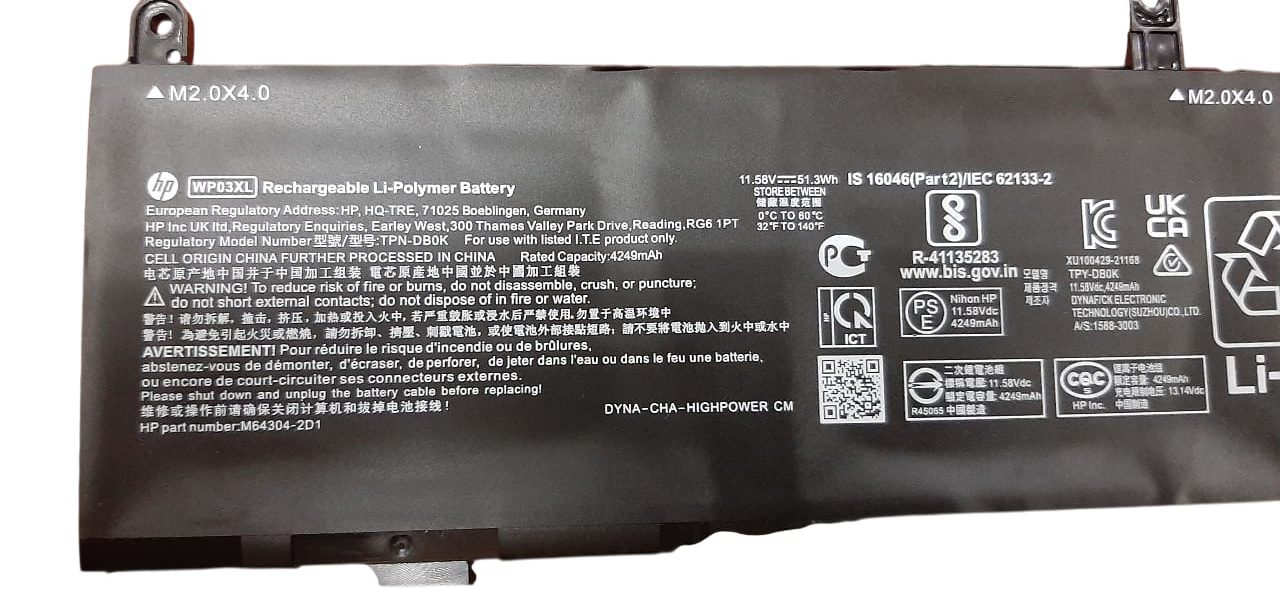
This is not just any battery; it’s a genuine HP EliteBook 840 G10 Battery WP03XL. With a capacity of 51.3Wh and a voltage of 11.58V, this battery is built to power your workday. The lithium-polymer cells are high-grade and tested for safety and efficiency. Trust the HP EliteBook 840 G10 Battery WP03XL to keep you productive.
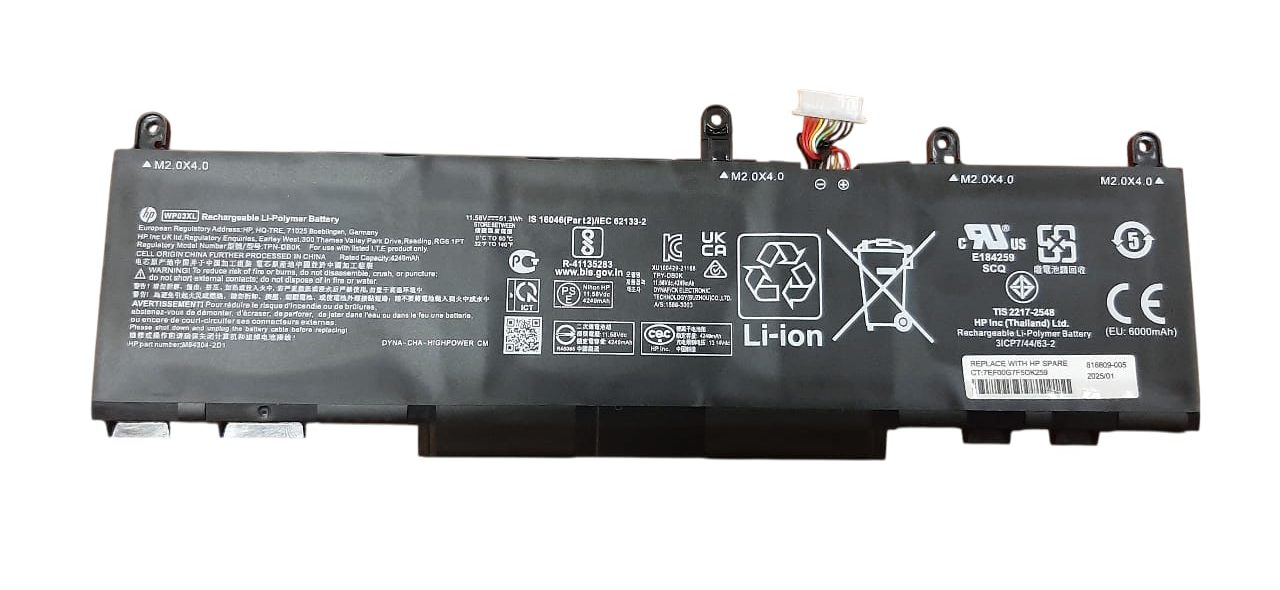
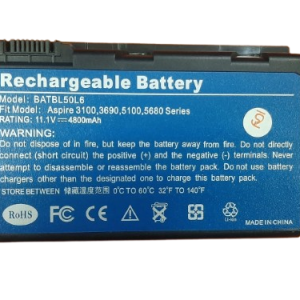
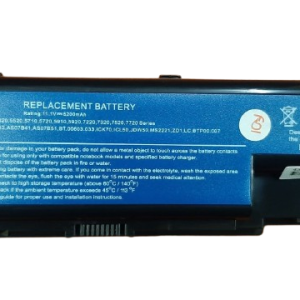
HP EliteBook 840 G10 Battery WP03XL
Specifications for Original HP EliteBook 840 G10 Battery WP03XL:
| Feature | Description |
| Model | WP03XL |
| Voltage | 11.58V |
| Capacity | 51.3Wh |
| Battery Type | Li-Polymer |
| Number of Cells | 3-cell |
| Color | Black |
| Warranty | 3 Months |
| Compatible Part Numbers | HSTNN-OB2J, M73466-005, HSTNN-LB8W |
| Compatible Laptop Models | HP EliteBook 840 G10, HP EliteBook 830 G9, HP EliteBook 845 G9, HP EliteBook 860 G9, HP EliteBook 865 G9, HP EliteBook x360 1040 G9, HP Elite x360 1040 G10, HP ZBook Firefly 14 G9, HP ZBook Firefly 14 G10, HP ZBook Firefly 16 G9, HP ZBook Firefly 16 G10, HP Split X2 13 Series |
Bonus Tips for Battery Maintenance
- Avoid Extreme Temperatures: Your battery performs best in a cool, dry environment. Avoid leaving your laptop in direct sunlight or in a very hot car, as this can degrade the battery’s lifespan.
- Don’t Always Leave It Plugged In: While modern batteries have smart charging features, it’s a good practice to let your battery discharge to around 20-30% before charging it back up. Constantly keeping it at 100% can put a strain on the cells over time.
- Use the Right Charger: Always use the original or a certified compatible charger for your laptop. Using a charger with the wrong voltage can damage your battery and your laptop.
Factors to Consider When Purchasing a Battery
- Compatibility: Ensure the battery model number (like the WP03XL) and part numbers match your laptop. This is the most crucial step to ensure a perfect fit and function.
- Voltage: The voltage of the new battery should be very close to your original. A small difference (e.g., 11.58V and 11.55V) is usually fine, but a large difference can be dangerous.
- Capacity: Capacity, measured in Wh or mAh, determines how long the battery will last on a single charge. A higher capacity means a longer runtime.
- Warranty: Always purchase from a seller who offers a warranty. This protects you in case of a defect and ensures you get a quality product.
Why Upgrade Your Laptop Battery?
If your laptop battery drains too fast or no longer holds a charge, it’s time for an upgrade. A new battery restores your laptop’s mobility, ensuring you stay productive wherever you go. Our Hp EliteBook 830 G9 G10 Battery WP03XL are designed to deliver top performance, just like the original.
| HP EliteBook 830/ 845/ 860/ 865 G9 Battery, HP Elitebook X360 1040 G9 /X360 1040 G10 Battery, HP ZBook Firefly 14 G9/ 14 G10/ 16 G9/ 16 G10 Battery, HP Split X2 13 Series Battery |