

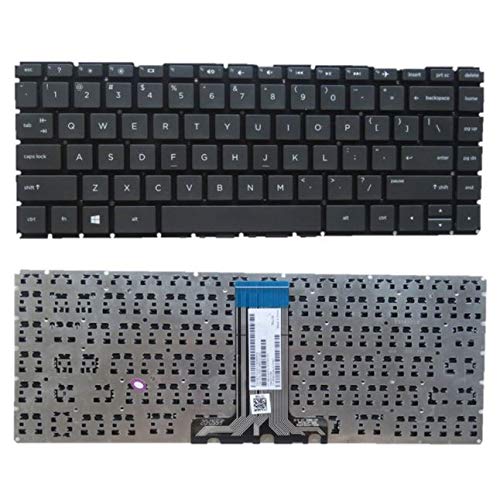
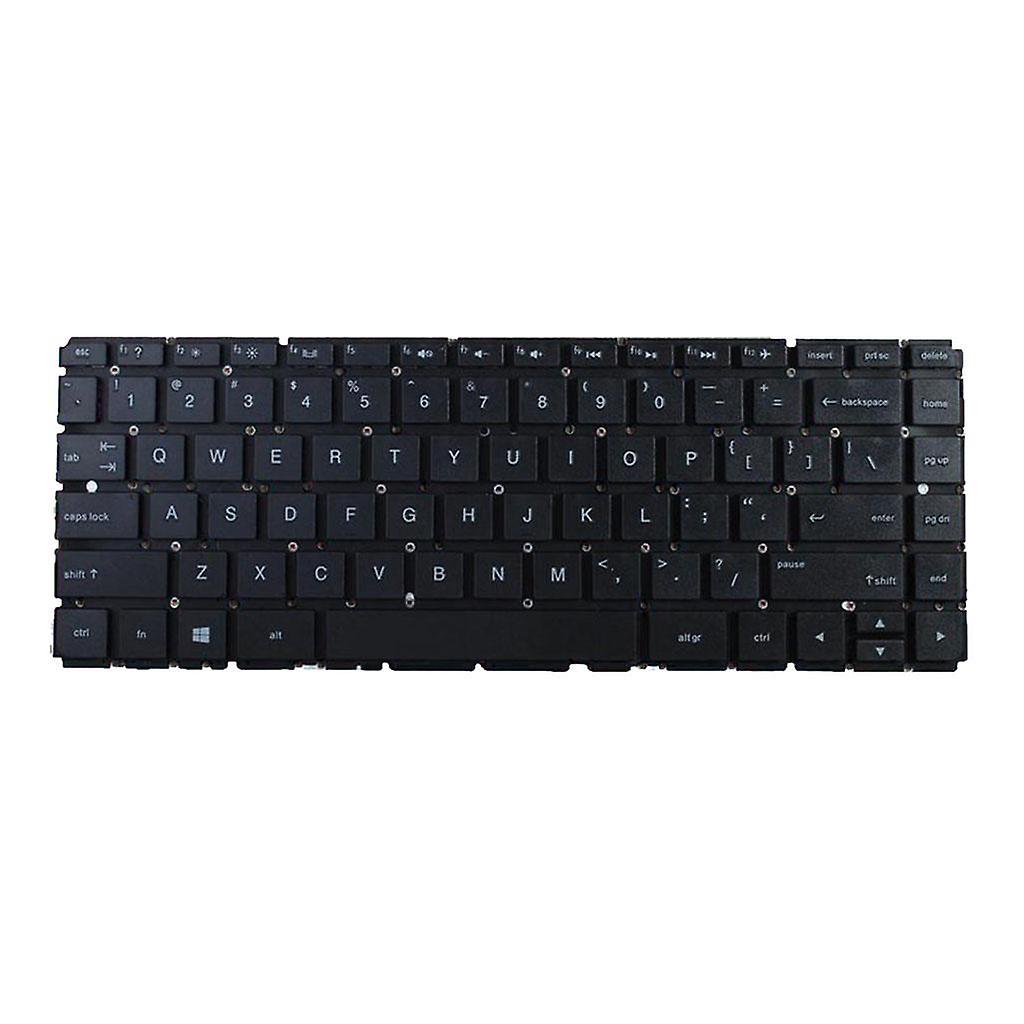
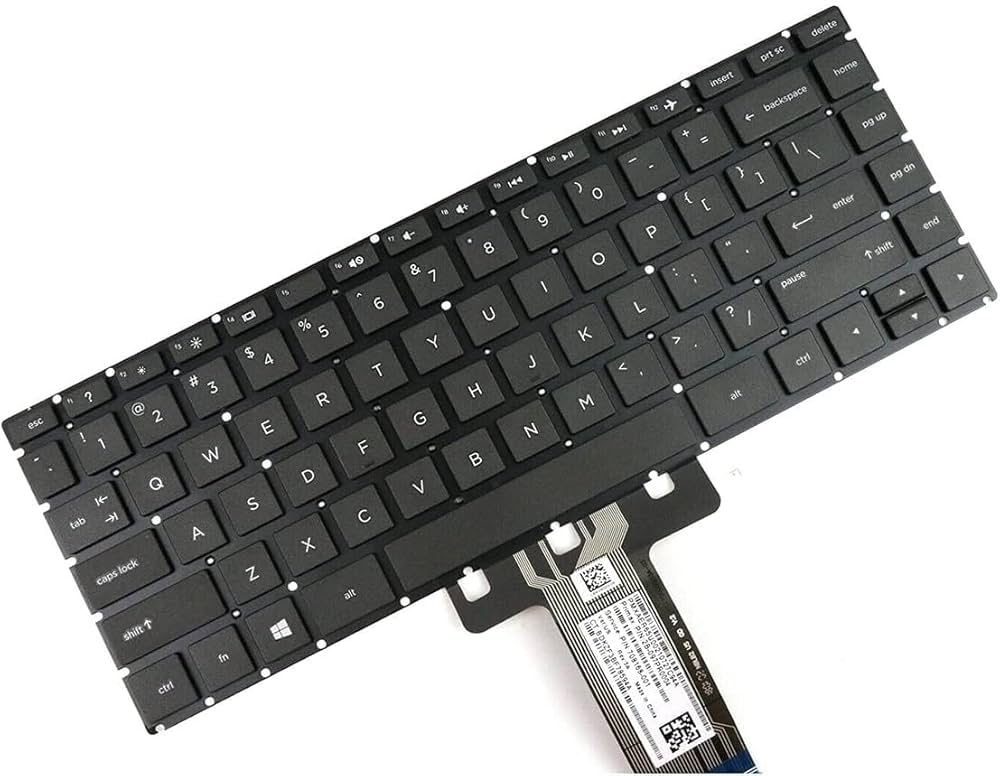


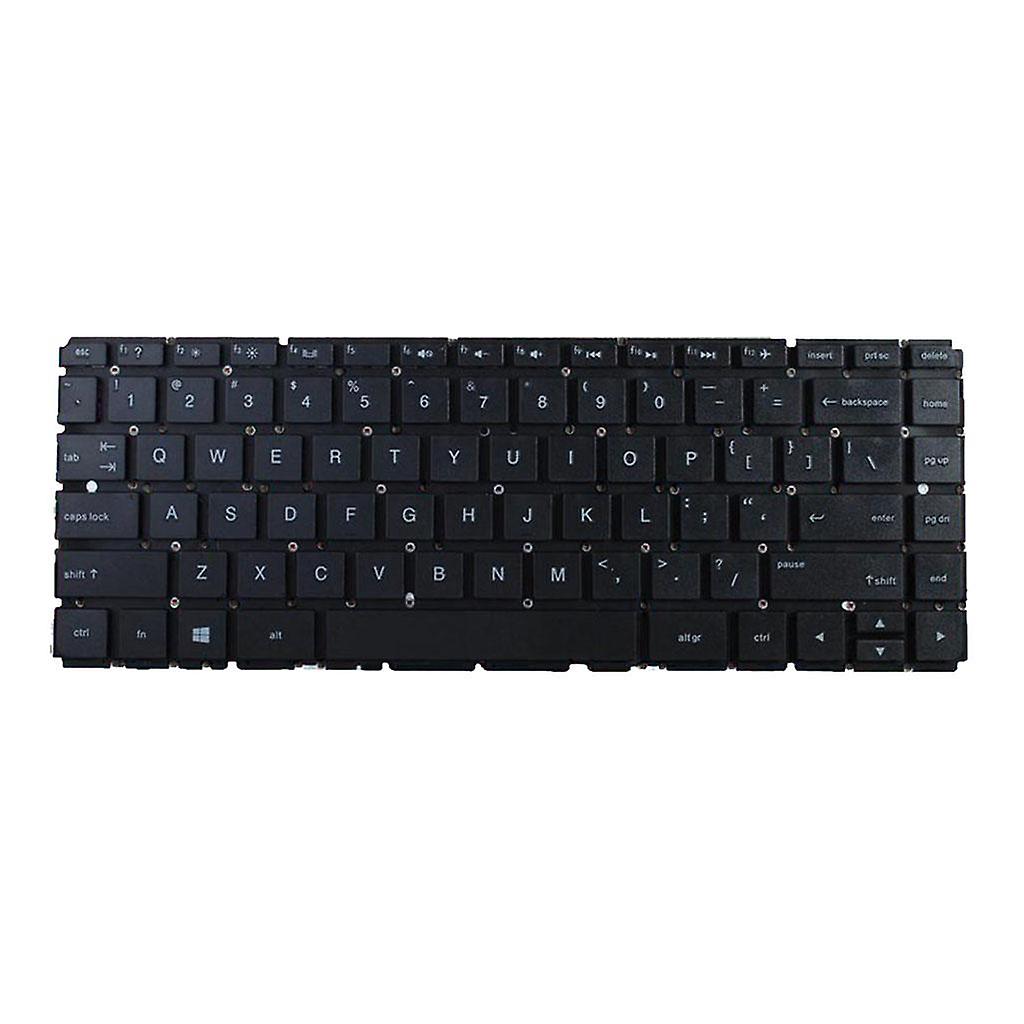
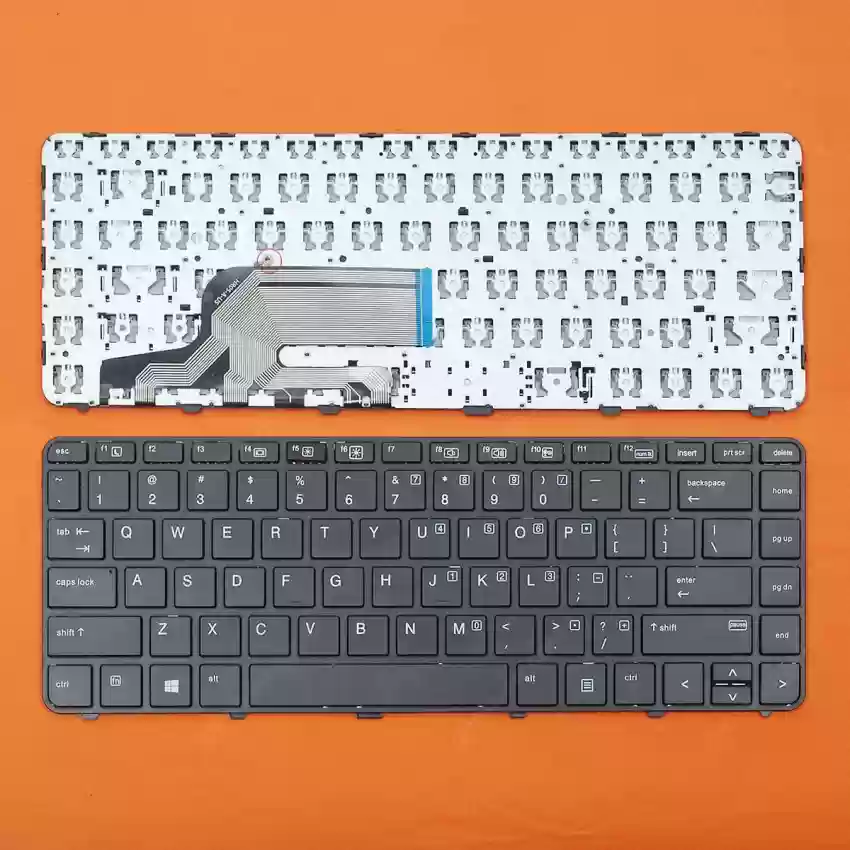
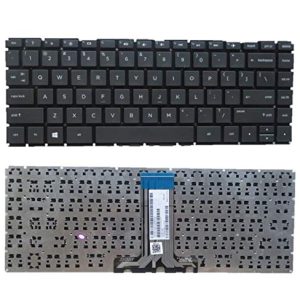
HP Pavilion 14-AB 14-BS Laptop Keyboard
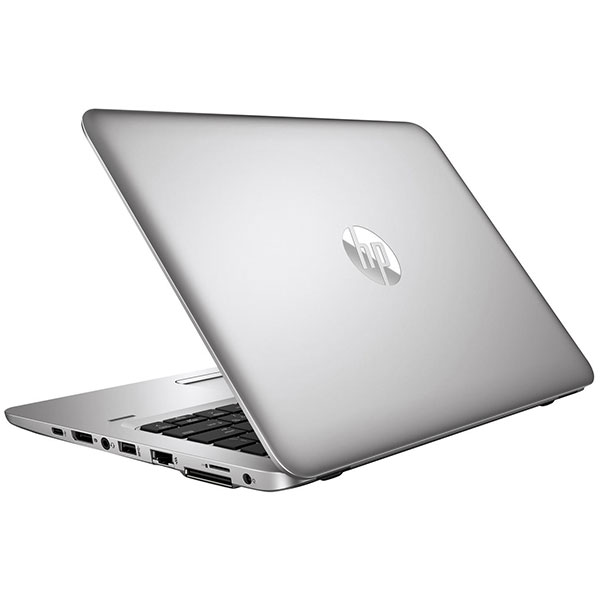
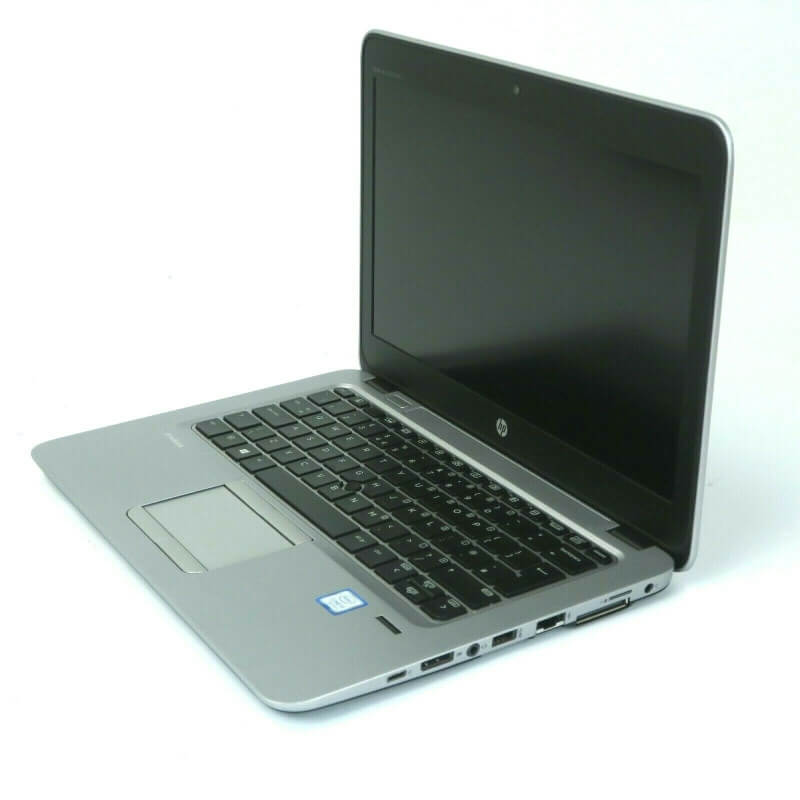
Is your HP Pavilion 14-AB or 14-BS series laptop keyboard no longer working as it should? Don’t let a faulty keyboard slow you down. At laptopparts.co.ke, we provide a high-quality, reliable, and affordable HP Pavilion 14-AB 14-BS Laptop Keyboard to get your device back in perfect condition. This keyboard is the ideal replacement, ensuring a smooth and responsive typing experience every time.
A damaged or unresponsive keyboard can make your laptop almost unusable. Whether you’re dealing with sticky keys, missing buttons, or a completely non-functional keyboard, our HP Pavilion 14-AB 14-BS Laptop Keyboard offers a straightforward and cost-effective fix. It is built with durable materials, designed to meet or exceed the original manufacturer’s standards, guaranteeing a long-lasting and dependable performance.
We believe in offering our customers the best value. That’s why our HP Pavilion 14-AB 14-BS Laptop Keyboard is competitively priced. To provide you with complete confidence, every purchase is backed by a 3-month warranty, protecting you against any potential defects. As a special service for our customers in Nairobi, we also offer free installation when you buy the HP Pavilion 14-AB 14-BS Laptop Keyboard. Our professional technicians will ensure the installation is done quickly and correctly.
This HP Pavilion 14-AB 14-BS Laptop Keyboard is the perfect solution for anyone in need of a replacement. The comprehensive specification table below details all the compatible models, helping you confirm that this is the right part for your laptop. Restore your laptop’s functionality and enjoy a like-new typing experience with our high-quality HP Pavilion 14-AB 14-BS Laptop Keyboard.
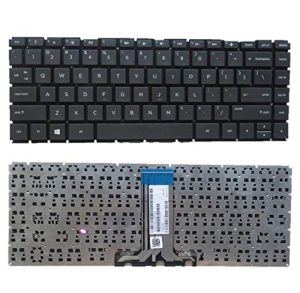

Specifications for HP Pavilion 14-AB 14-BS Laptop Keyboard :
Bonus Tips for Maintaining Your Laptop Battery
A healthy battery is essential for a laptop’s performance and longevity. Here are a few tips to help you maintain your battery in top condition:
- Avoid Fully Charging and Discharging: Keeping your battery’s charge level between 20% and 80% is ideal for its long-term health. Avoid consistently charging it to 100% or letting it completely drain to 0%.
- Keep It Cool: High temperatures are a battery’s worst enemy. Avoid using your laptop on soft surfaces like beds or carpets that can block air vents. Using a cooling pad or a well-ventilated space can significantly extend battery life.
- Unplug When Not in Use: If you’re going to be using your laptop while it’s plugged in for an extended period, it’s a good practice to unplug it once the battery is fully charged. This prevents constant micro-charging cycles which can stress the battery.
Factors to Consider When Purchasing a New Battery
When the time comes to replace your laptop battery, these factors are crucial for making the right choice:
- Compatibility is Key: Always double-check the battery’s model number and your laptop’s model number. An incompatible battery may not fit correctly or could cause damage to your laptop.
- Check the Voltage and Capacity: Ensure the voltage (V) of the new battery matches your old one. You can opt for a higher capacity (mAh or Wh) for a longer runtime, but never a different voltage.
- Choose a Reputable Seller: Buying from a trusted supplier like laptopparts.co.ke ensures you get a quality, reliable product with a valid warranty. This protects you from counterfeit batteries that can be a safety risk.
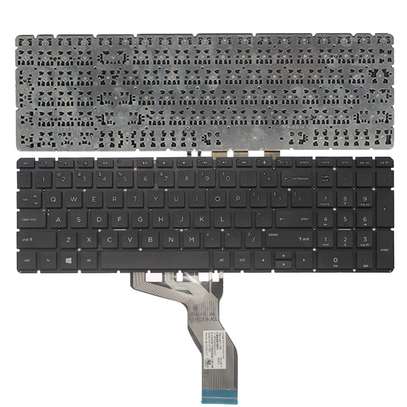
HP Pavilion 14-BW series Keyboard, HP Pavilion 14-BA series Keyboard, HP 240 G6 Keyboard, HP 245 G6 Keyboard



Reviews
There are no reviews yet.