

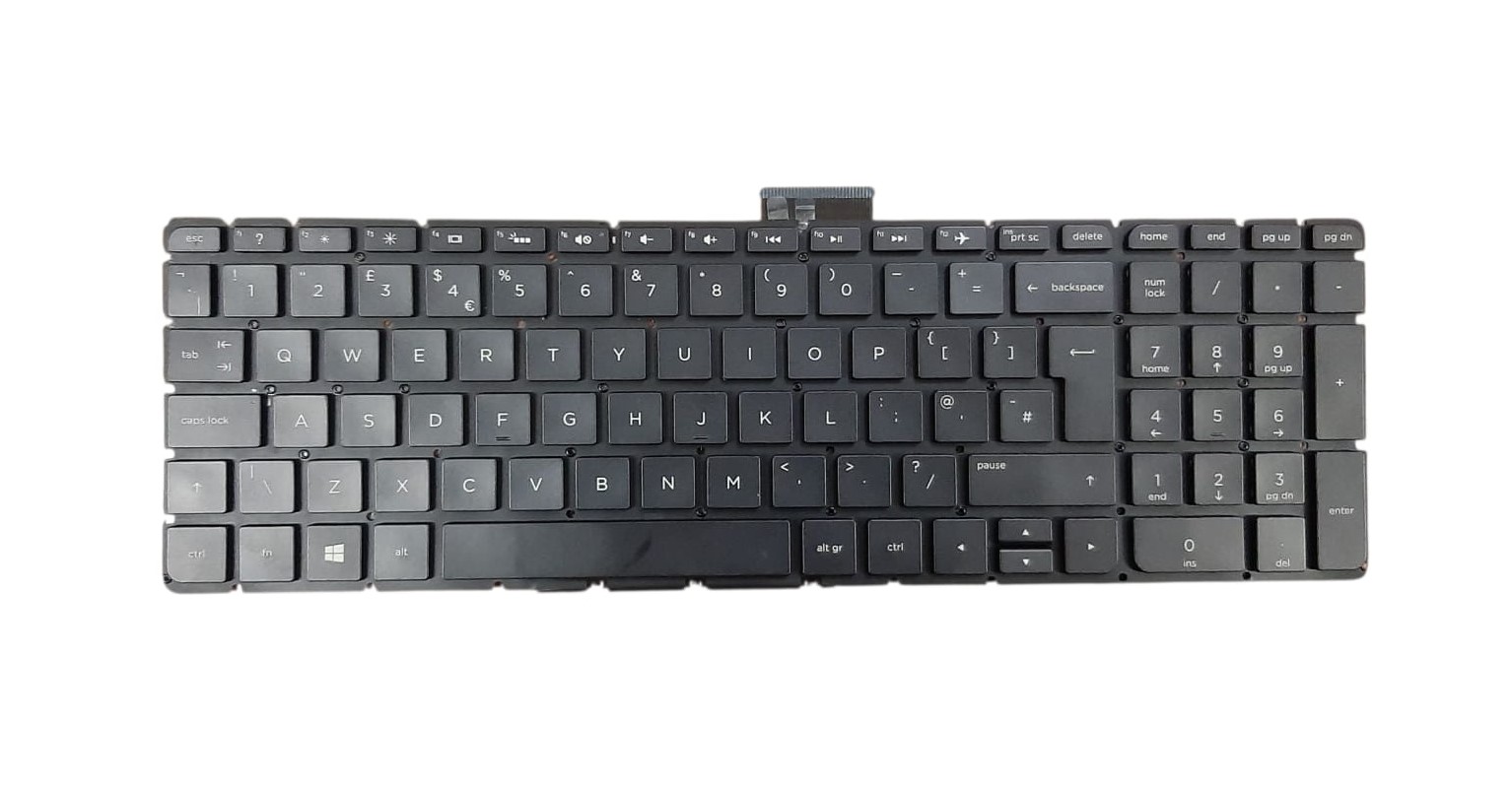
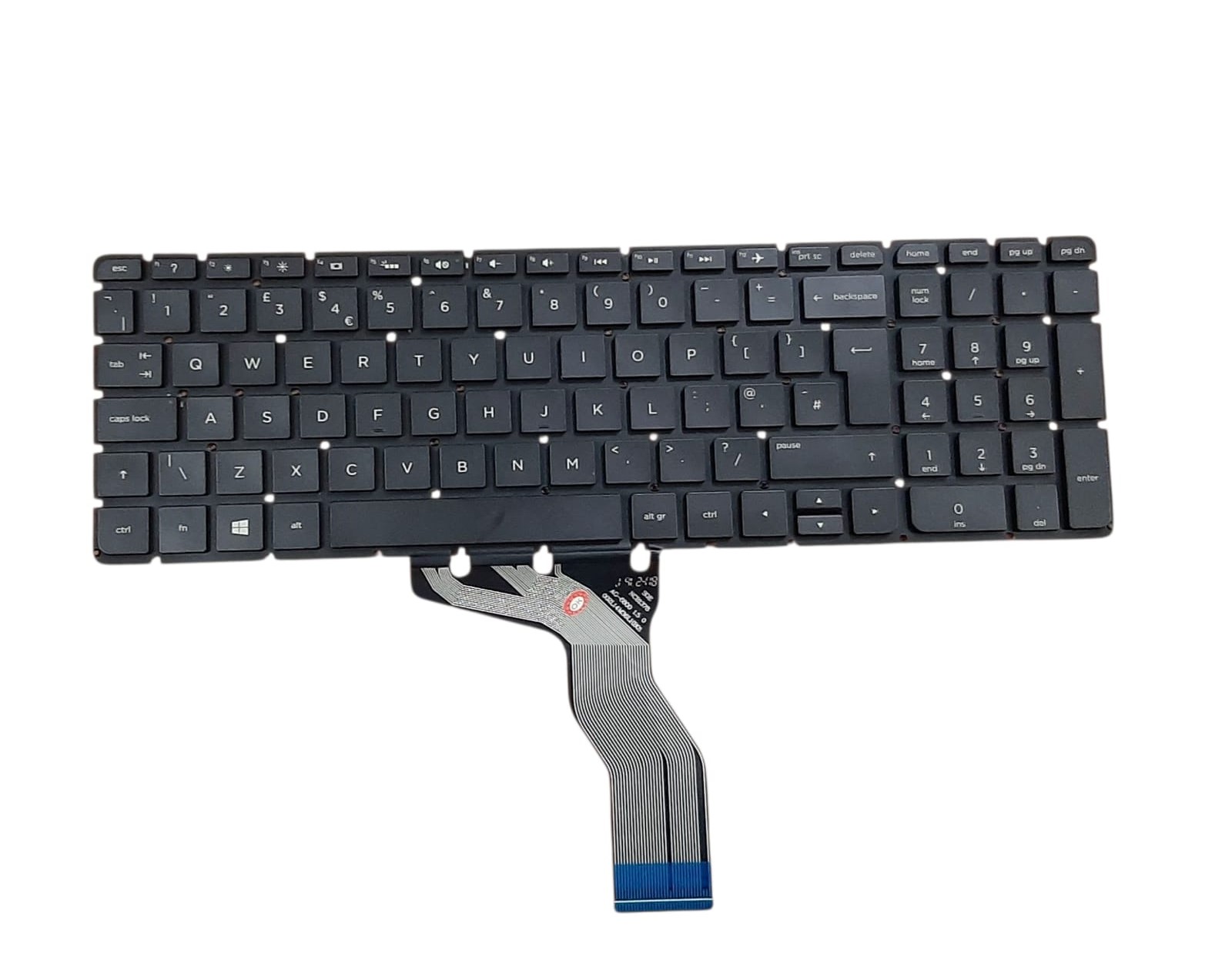


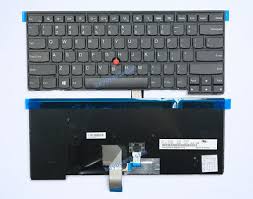
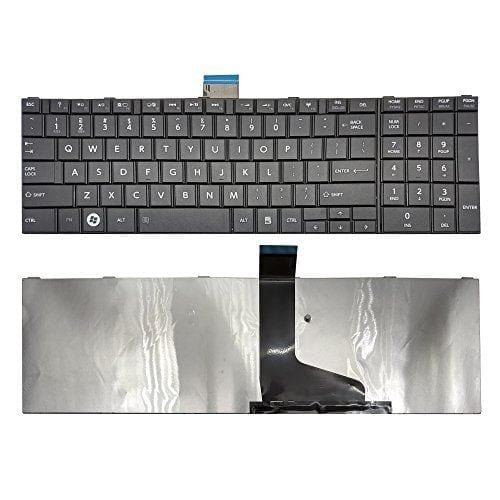
HP Pavilion 15-AB Non Backlight Keyboard (15-AB000 15-AB224ne 852-43532-00A Series)!
Is your HP Pavilion 15-AB laptop keyboard broken or non-responsive? Do you need a reliable and affordable replacement? Look no further than laptopparts.co.ke. We offer a brand new, high-quality HP Pavilion 15-AB Non Backlight Keyboard that is perfect for restoring your laptop to its original condition. This keyboard is designed to fit your HP laptop seamlessly, providing a comfortable and accurate typing experience.
A broken keyboard can be a major inconvenience, making it difficult to complete work, browse the web, or chat with friends. Our HP Pavilion 15-AB Non Backlight Keyboard provides a simple and effective solution. It is built with durability in mind, ensuring a long-lasting replacement that can handle all your daily tasks. This is the ideal HP Pavilion 15-AB Non Backlight Keyboard for those who prefer a standard, non-illuminated keyboard.
At laptopparts.co.ke, we are committed to providing value to our customers. This HP Pavilion 15-AB Non Backlight Keyboard is not only affordably priced, but it also comes with a 3-month warranty, giving you peace of mind and protecting your purchase. Furthermore, for our valued customers in Nairobi, we offer free installation with every purchase of the HP Pavilion 15-AB Non Backlight Keyboard. Our skilled technicians will handle the replacement process with care, ensuring your laptop is in good hands.
Finding the right part is crucial, and our detailed specification table makes it easy to confirm compatibility. This HP Pavilion 15-AB Non Backlight Keyboard is compatible with a wide range of HP Pavilion models, as well as several other series. Don’t let a faulty keyboard hold you back. Order your HP Pavilion 15-AB Non Backlight Keyboard from us today and get your laptop working perfectly again.
HP Pavilion 15-AB Non Backlight Keyboard
Specifications for HP Pavilion 15-AB Non Backlight Keyboard:
Bonus Tips for Maintaining Your Laptop Battery
Taking care of your laptop’s battery can extend its lifespan and improve performance. Here are some simple tips to follow:
- Keep it Cool: Avoid exposing your laptop to high temperatures, as excessive heat can degrade the battery. Use it on a hard, flat surface and ensure the vents are not blocked.
- Partial Discharge Cycles: Instead of letting your battery drain completely or charging it to 100% every time, try to keep it between 20% and 80% charged. This “sweet spot” reduces stress on the battery and helps it last longer.
- Store Properly: If you’re not going to use your laptop for an extended period, it’s best to store the battery with a charge of about 50% in a cool, dry place.
Factors to Consider When Purchasing a New Battery
When you need a new laptop battery, keep these important points in mind to ensure you get the right one:
- Compatibility: The most critical factor is ensuring the new battery is compatible with your specific laptop model. Always match the model number and part number, as well as the voltage (V).
- Capacity: Batteries are rated in milliampere-hours (mAh) or watt-hours (Wh). A higher number means a longer runtime. Choose a capacity that suits your usage habits.
- Warranty and Seller: A good warranty protects you from defects. Purchase from a reputable seller like laptopparts.co.ke to ensure you get a quality product and professional support if needed.
Compatible with:
|
|
|
HP Pavilion 15-AB000 Keyboard, HP Pavilion 15-AB100 Keyboard, HP Pavilion 15-AB200 Keyboard
HP Pavilion 15-AU 15-AK 15-AW 15-BC Keyboard




Reviews
There are no reviews yet.