

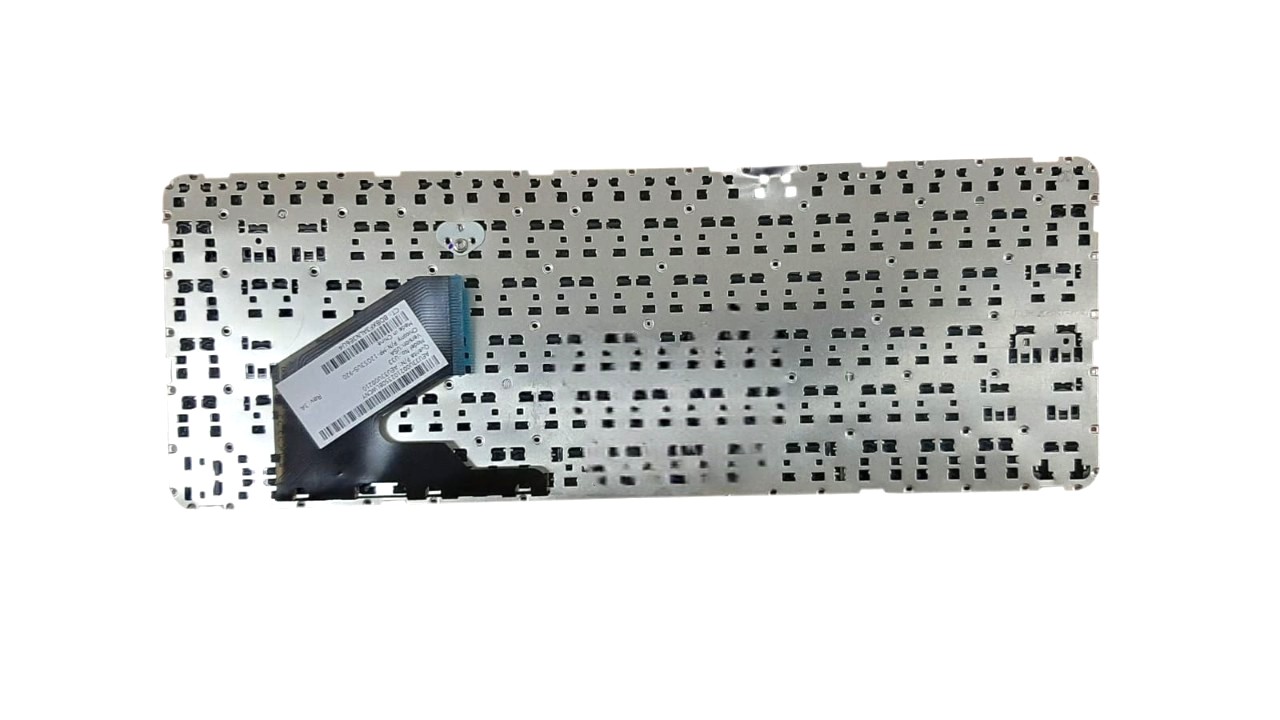



HP Pavilion Sleekbook 14-B Series Keyboard – High Quality & Affordable!
Having trouble with your HP Pavilion Sleekbook 14-B series laptop keyboard? Whether you have sticky keys, missing buttons, or a completely non-responsive keyboard, we have the perfect solution for you. At laptopparts.co.ke, we offer a high-quality, reliable, and affordable HP Pavilion Sleekbook 14-B Series Keyboard to get your laptop back in perfect working condition. This keyboard is an exact match for your device, ensuring a seamless replacement process.
A malfunctioning keyboard can be incredibly frustrating, hindering your productivity and making even simple tasks difficult. Don’t let a faulty keyboard slow you down. Our HP Pavilion Sleekbook 14-B Series Keyboard is designed to provide the same comfortable and responsive typing experience as the original, making it the ideal choice for a replacement. This HP Pavilion Sleekbook 14-B Series Keyboard is durable and built to withstand daily use, providing a long-lasting fix for your laptop.
We are committed to providing our customers with the best value. That’s why our HP Pavilion Sleekbook 14-B Series Keyboard is priced affordably, so you don’t have to break the bank to fix your laptop. Every purchase includes a 3-month warranty, giving you peace of mind and protection against any potential defects. For customers in Nairobi, we go a step further by offering free installation with every purchase of the HP Pavilion Sleekbook 14-B Series Keyboard. Our expert technicians will ensure your new keyboard is installed correctly and efficiently.
This HP Pavilion Sleekbook 14-B Series Keyboard is the perfect choice for anyone looking for a reliable and cost-effective replacement. With our detailed specification table, you can easily check for compatibility with your specific laptop model. We have all the information you need to make an informed decision and get the right part the first time. Choose this HP Pavilion Sleekbook 14-B Series Keyboard and bring your laptop back to life.
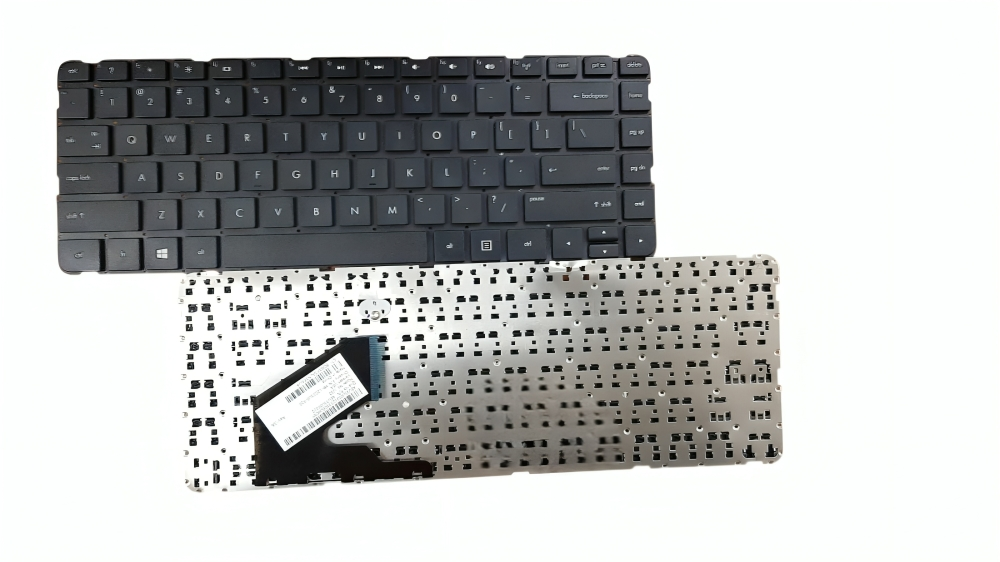
HP Pavilion Sleekbook 14-B Series Keyboard
Specifications for HP Pavilion Sleekbook 14-B Series Keyboard:
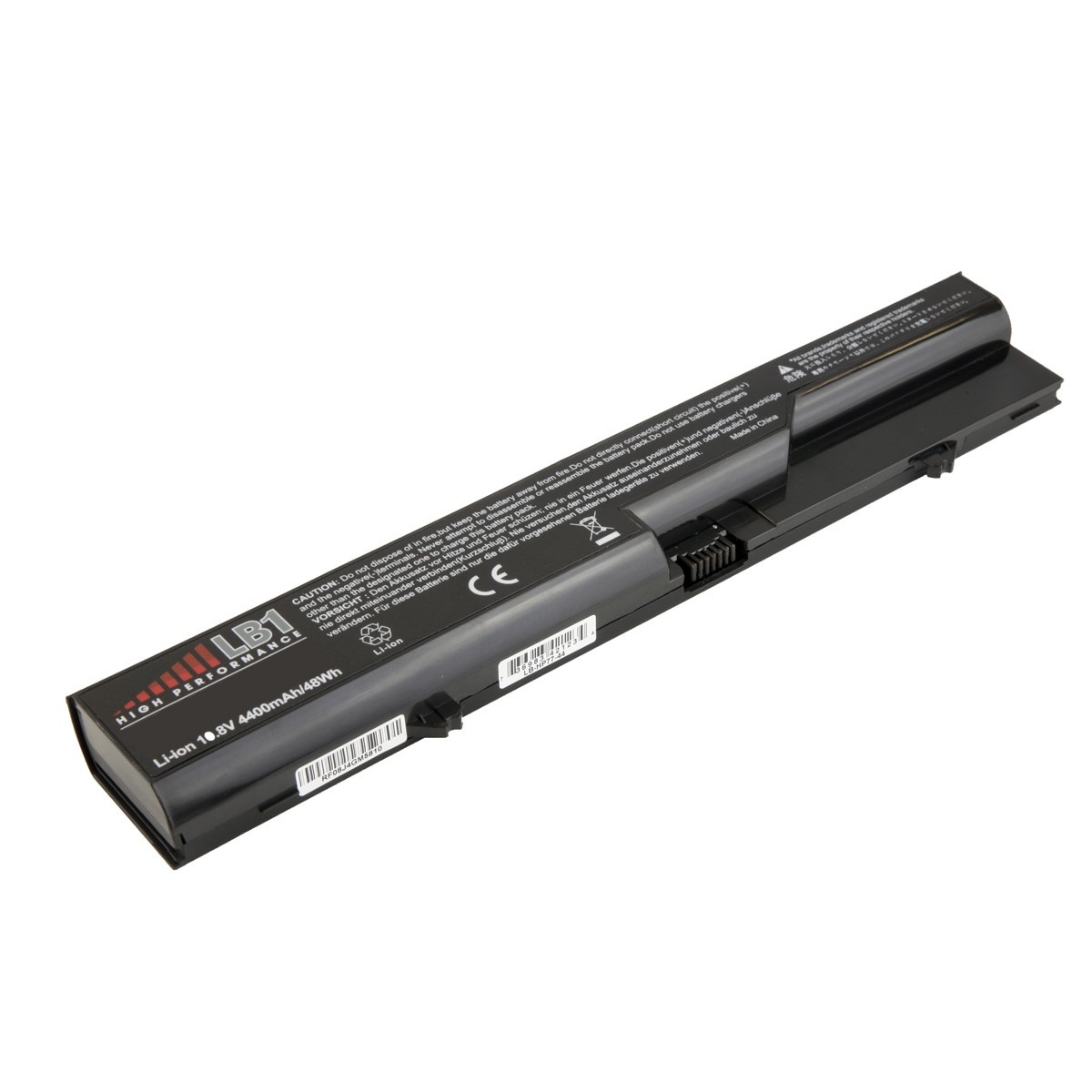
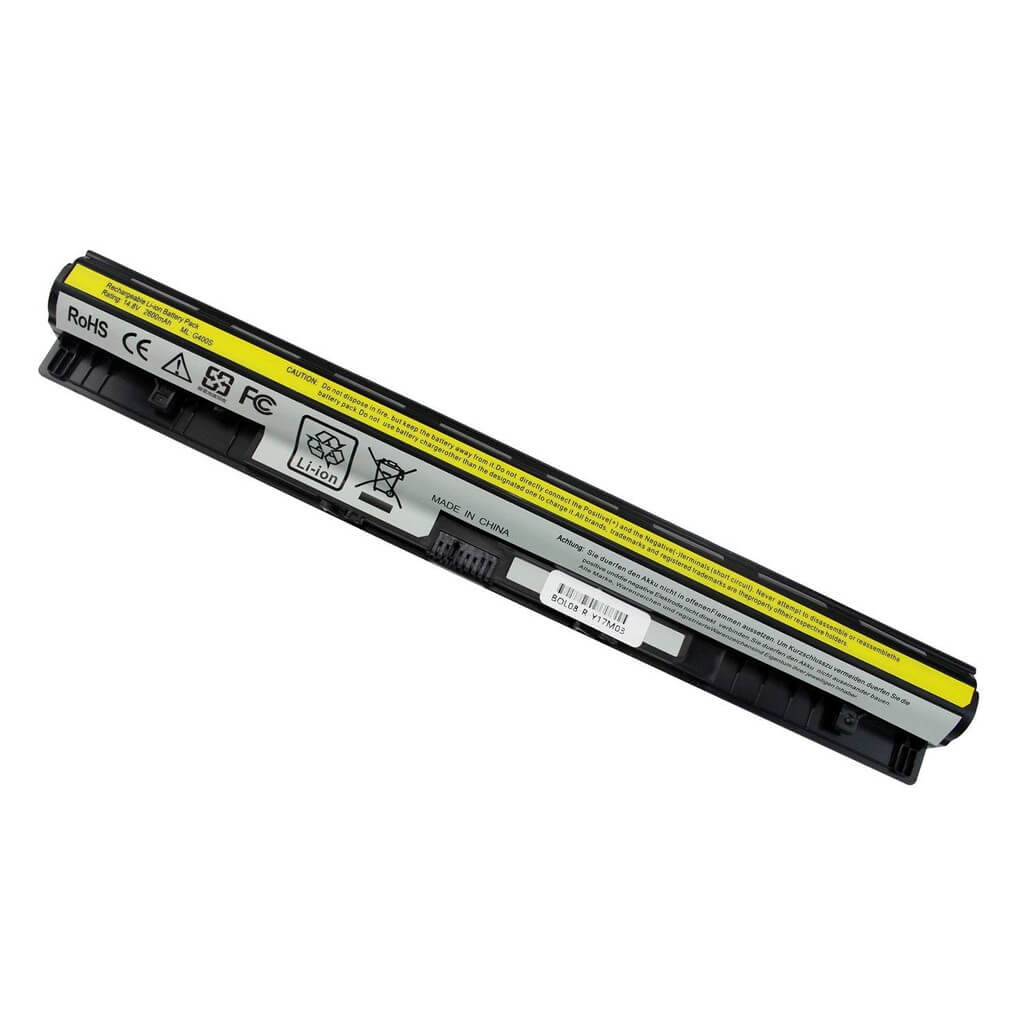
Bonus Tips for Maintaining Your Laptop Battery
A healthy battery is key to a long-lasting laptop. Here are a few things to keep in mind:
- Avoid Extreme Temperatures: Your battery performs best in a moderate temperature range. Avoid leaving your laptop in a hot car or using it in very cold environments. Extreme heat is particularly harmful and can permanently damage the battery’s capacity.
- Don’t Always Charge to 100%: If you primarily use your laptop plugged in, consider setting a charging limit. Many modern laptops and operating systems have a feature that prevents the battery from charging to 100%, which can extend its overall lifespan.
- Store It with a Partial Charge: If you plan to store your laptop for a long time without use, charge the battery to about 50%. Storing a battery at 100% or 0% can lead to a loss of capacity.
- Adjust Power Settings: Use your laptop’s power-saver mode when you’re on the go. Dim the screen brightness, close unused applications, and disable features like Bluetooth or Wi-Fi when you don’t need them.
Factors to Consider When Purchasing a New Battery
When the time comes to replace your battery, keep these factors in mind:
- Compatibility: Ensure the new battery is a perfect match for your laptop model. Check the model number and voltage (V) on your old battery and compare it with the new one.
- Capacity: Battery capacity is measured in milliampere-hours (mAh) or watt-hours (Wh). A higher capacity battery will give you a longer runtime, but may be slightly more expensive. Choose one that fits your needs.
- Warranty: Always purchase a battery that comes with a warranty. This protects you against any manufacturing defects and ensures you’re getting a quality product.
- Seller Reputation: Buy from a trusted and reputable supplier like laptopparts.co.ke. A good seller will offer quality products and excellent customer service.