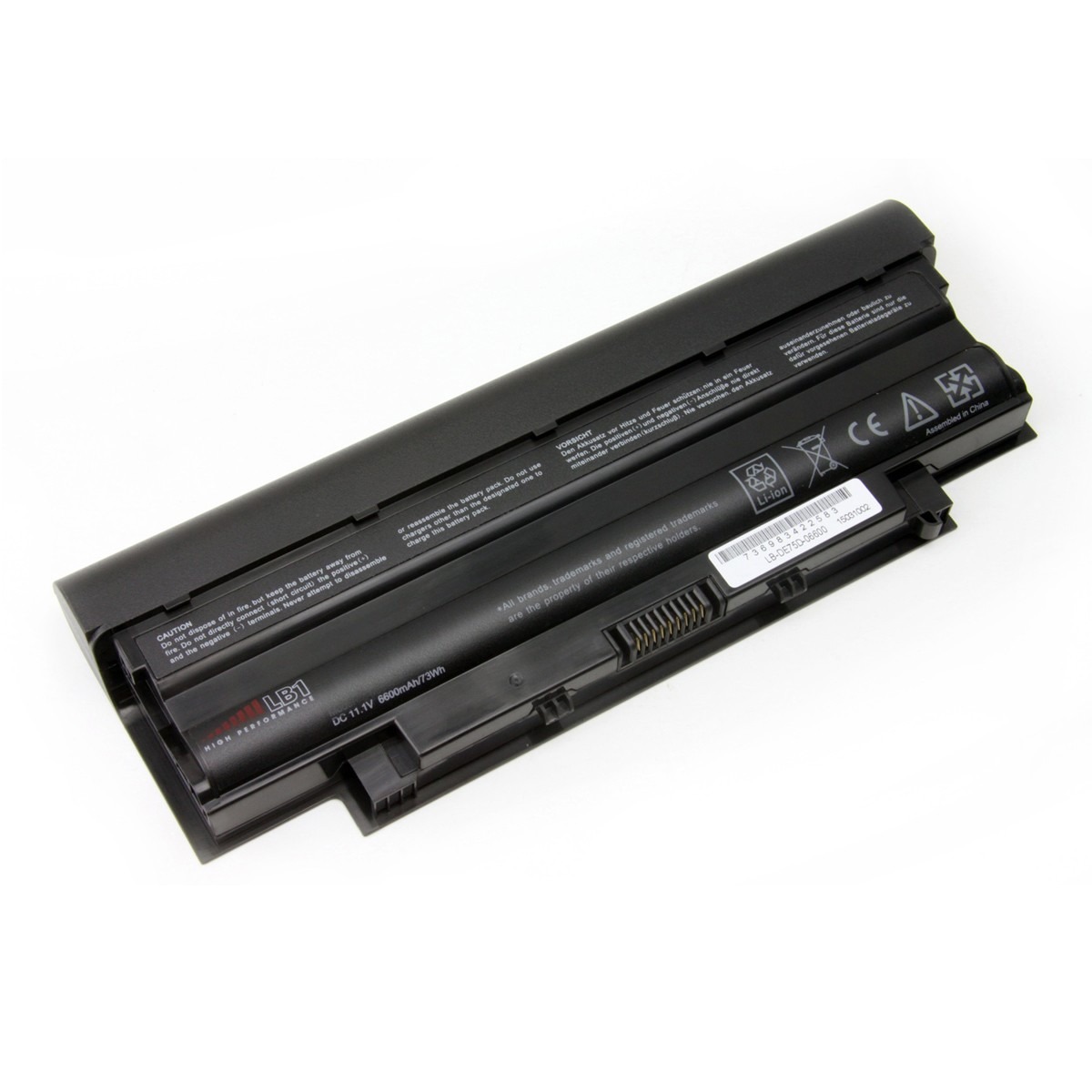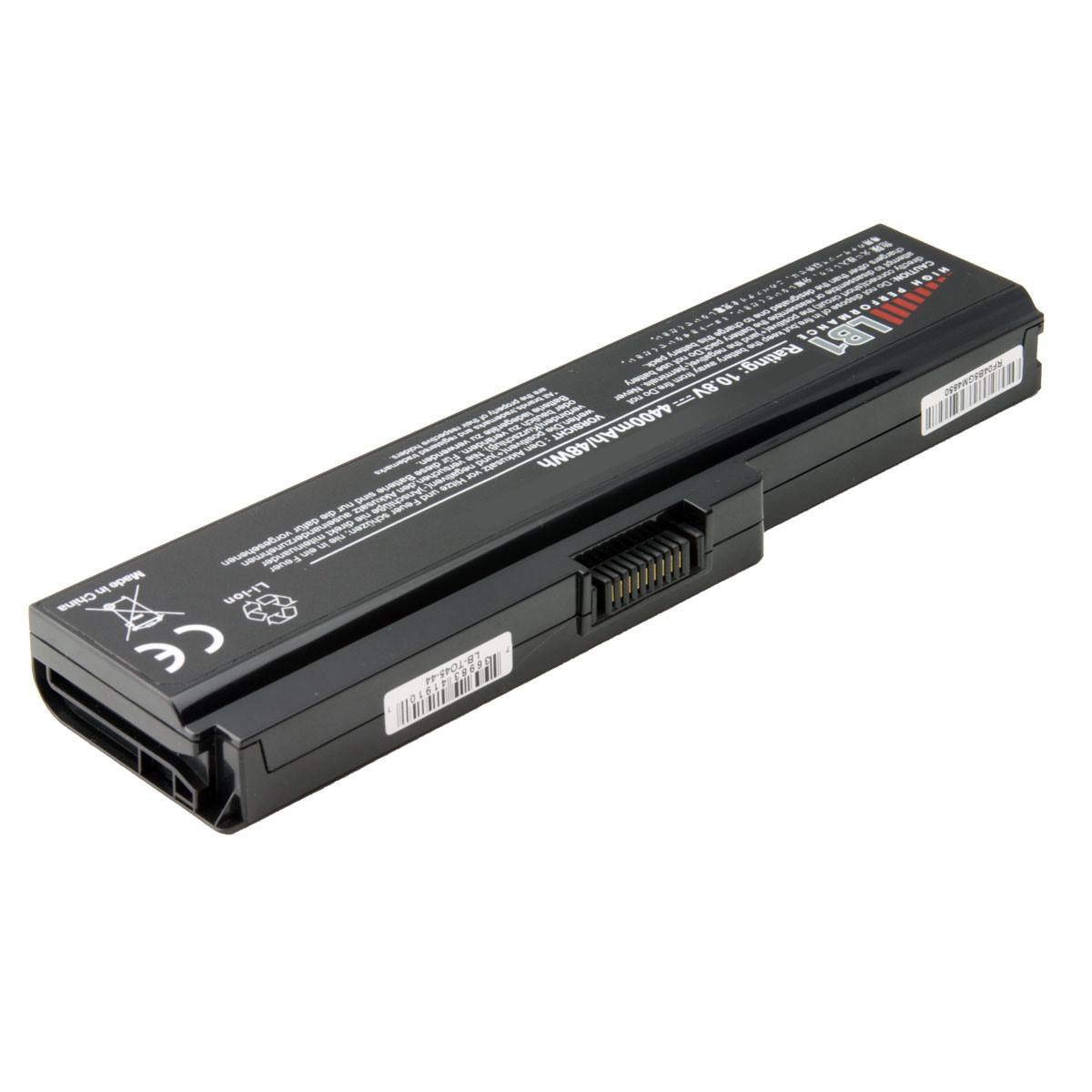
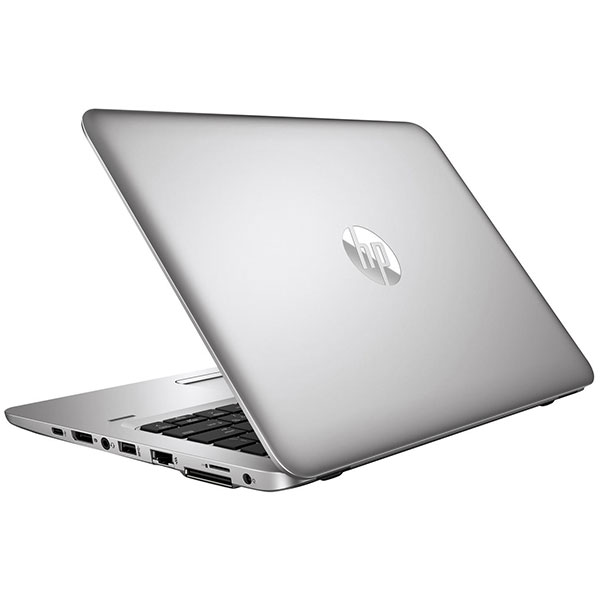
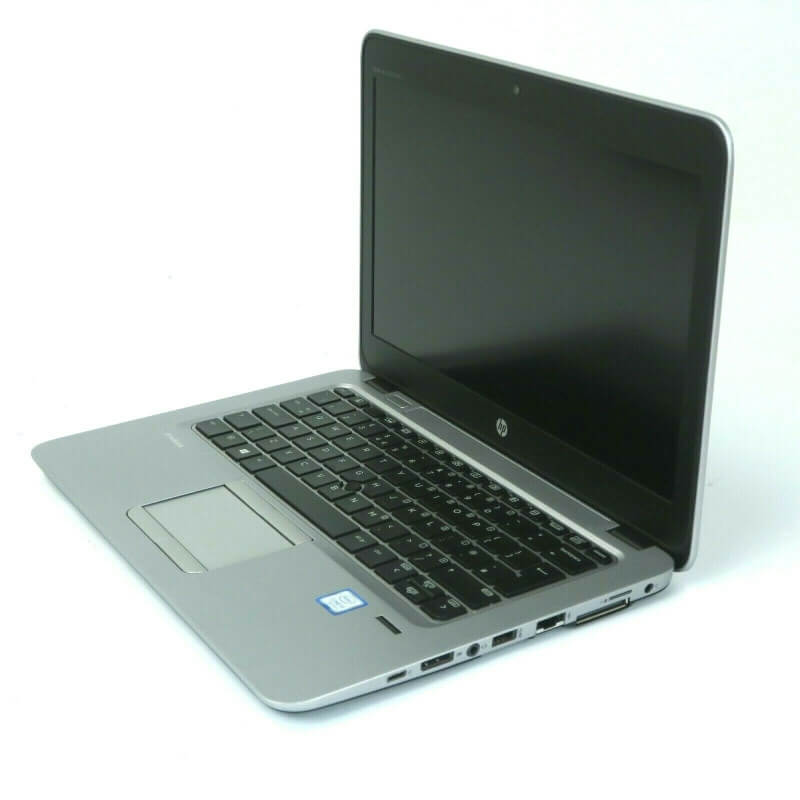
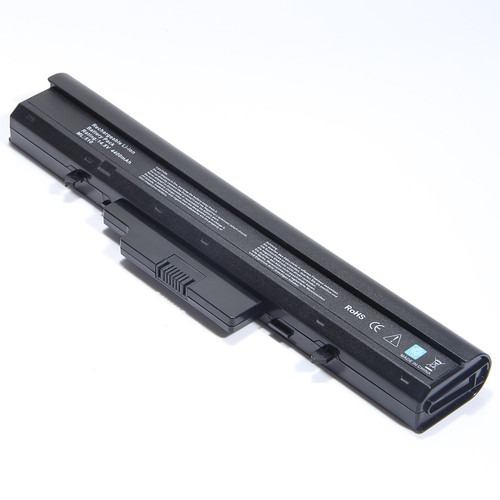
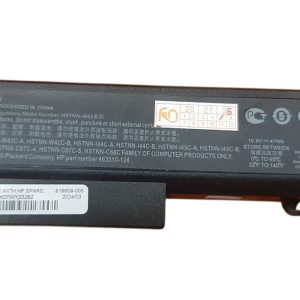

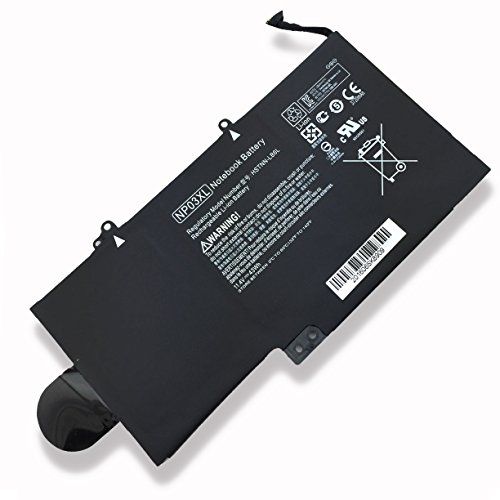



GET HIGH QUALITY NEW Lenovo E430 E530 Series Laptop Battery!
Is your Lenovo E430 or E530 series laptop constantly tethered to a power outlet? Bring back its mobility and productivity with a brand new Lenovo E430 E530 Series Laptop Battery from www.laptopparts.co.ke! We understand the frustration of a dying battery, which is why we offer high-quality, reliable replacements. Get your laptop running for longer with a fresh Lenovo E430 E530 Series Laptop Battery.
Our Lenovo E430 E530 Series Laptop Battery is designed to meet or exceed original specifications, ensuring a perfect fit and dependable performance. This Lenovo E430 E530 Series Laptop Battery will give your laptop the power it needs for extended work sessions, entertainment, and on-the-go computing. When you choose a Lenovo E430 E530 Series Laptop Battery from us, you’re choosing quality and peace of mind.
We pride ourselves on offering an affordable Lenovo E430 E530 Series Laptop Battery. You don’t have to spend a fortune to get your laptop working efficiently again. Every Lenovo E430 E530 Series Laptop Battery also comes with a solid 3-month warranty, giving you confidence in your purchase.
And the best part? We offer free installation with every Lenovo E430 E530 Series Laptop Battery purchase. Our skilled technicians will carefully install your new battery, so you can start enjoying extended battery life immediately. Don’t let a faulty battery hold you back; invest in a new Lenovo E430 E530 Series Laptop Battery today and experience the difference! Your Lenovo E430 E530 Series Laptop Battery upgrade is just a click away.

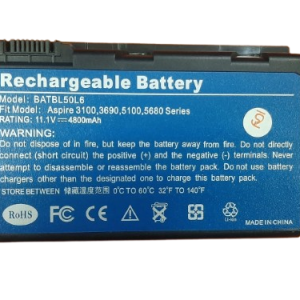
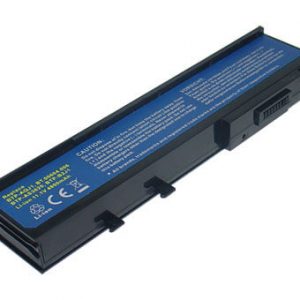
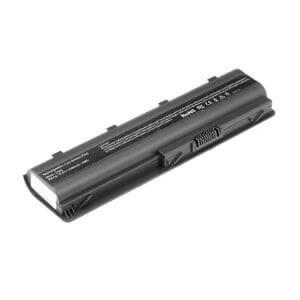
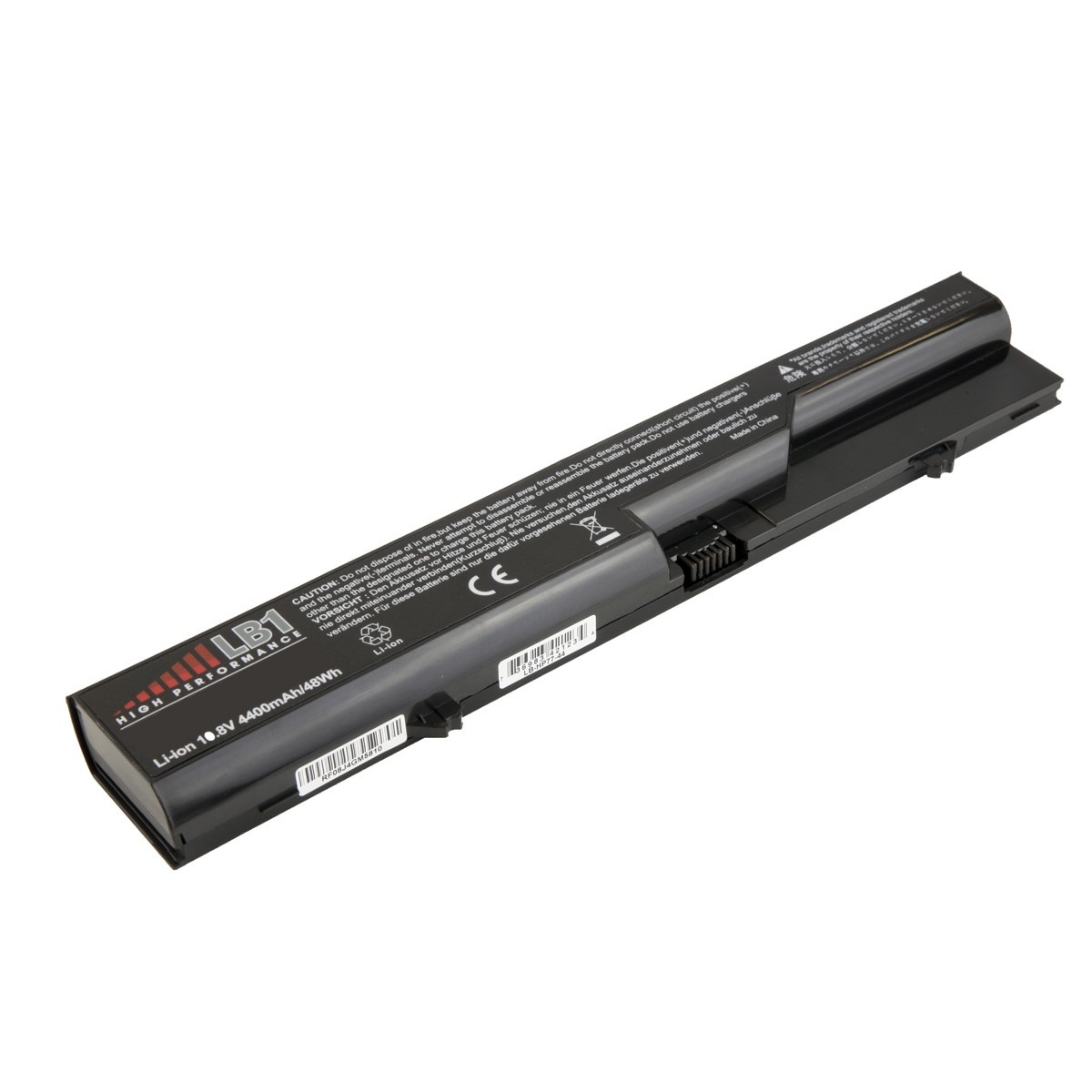
Lenovo E430 E530 Series Laptop Battery.

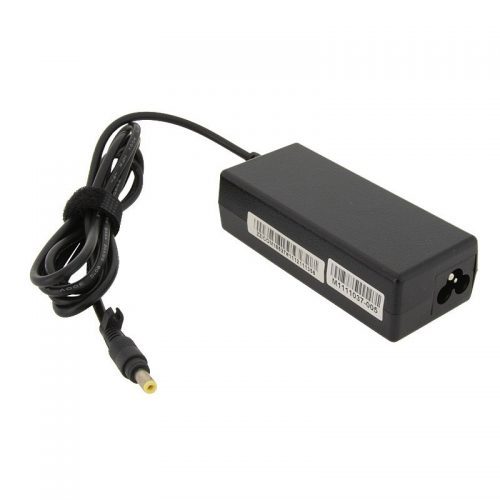
Lenovo E430 E530 Series Laptop Battery.

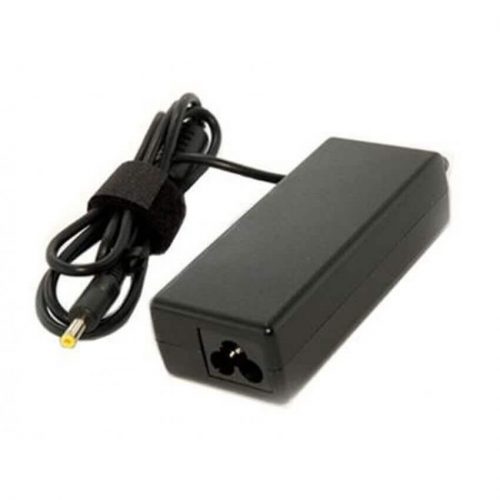
Lenovo E430 E530 Series Laptop Battery.
Specifications for Lenovo E430 E530 Series Laptop Battery :
| Feature | Specification |
| Battery Type | Li-ion |
| Voltage | 10.8V (Compatible with 11.1V) |
| Capacity | 4400mAh – 5200mAh (Standard) |
| Number of Cells | 6-Cell |
| Color | Black |
| Condition | Brand New, Replacement |
| Warranty | 3 Months |
| Installation | Free Installation |
| Compatible Laptop Models | Lenovo ThinkPad Edge E430 Series (E430, E430c, E430s), Lenovo ThinkPad Edge E435 Series, Lenovo ThinkPad Edge E440 Series, Lenovo ThinkPad Edge E445 Series, Lenovo ThinkPad Edge E530 Series (E530, E530c), Lenovo ThinkPad Edge E531 Series, Lenovo ThinkPad Edge E535 Series, Lenovo ThinkPad Edge E540 Series, Lenovo ThinkPad Edge E545 Series, Lenovo IdeaPad B480 Series, Lenovo IdeaPad B580 Series, Lenovo IdeaPad B490 Series, Lenovo IdeaPad B590 Series, Lenovo IdeaPad G480 Series, Lenovo IdeaPad G485 Series, Lenovo IdeaPad G580 Series, Lenovo IdeaPad G585 Series, Lenovo IdeaPad G780 Series, Lenovo IdeaPad V480 Series, Lenovo IdeaPad V580 Series, Lenovo IdeaPad Y480 Series, Lenovo IdeaPad Y580 Series, Lenovo IdeaPad Z380 Series, Lenovo IdeaPad Z480 Series, Lenovo IdeaPad Z580 Series |
| Compatible Part Numbers | 0A36311, 45N1042, 45N1043, 45N1044, 45N1045, 45N1047, 45N1048, 45N1049, 45N1051, 45N1053, L11L6F01, L11L6R01, L11L6Y01, L11M6Y01, L11N6R01, L11N6Y01, L11P6R01, L11S6F01, L11S6Y01 |
- Optimize Power Settings: Utilize your laptop’s “Power Saver” or “Balanced” mode. These modes intelligently manage power consumption to extend battery life.
- Manage Screen Brightness: The display is a significant power drain. Lower your screen brightness to the lowest comfortable level, especially when on battery power.
- Close Unnecessary Programs: Applications running in the background consume power. Close any programs you’re not actively using to conserve battery.
- Disconnect Unused Peripherals: USB devices, external hard drives, and even unnecessary Wi-Fi or Bluetooth connections can drain your battery. Disconnect or turn them off when not in use.
- Avoid Extreme Temperatures: Your laptop battery performs best at moderate temperatures. Avoid leaving your laptop in direct sunlight or in very cold environments, as extreme heat or cold can degrade the battery over time.
- Regular Calibration: It’s a good practice to occasionally perform a full discharge and recharge cycle (calibration) of your battery. This helps your laptop’s battery management system accurately estimate the remaining charge.
- Store Properly (if removable): If you won’t be using your laptop for an extended period, and if the battery is easily removable, it’s best to store it with about a 50% charge in a cool, dry place.
Factors to Consider While Purchasing a Battery:
- Exact Compatibility: Always verify the battery’s part number and ensure it’s listed as compatible with your specific Lenovo E430 or E530 model. Check your old battery for its part number.
- Voltage Match: The voltage of the new battery should closely match your original battery’s voltage (e.g., 10.8V and 11.1V are usually interchangeable for these models).
- Capacity (mAh or Wh): A higher milliamp-hour (mAh) or watt-hour (Wh) rating generally indicates a longer battery life. Consider your usage habits when choosing capacity.
- Battery Chemistry: Most modern laptop batteries are Lithium-ion (Li-ion). Ensure the replacement battery uses the same chemistry.
-
Warranty and Return Policy: A good warranty, like our 3-month offering, provides protection against manufacturing defects. Also, check the seller’s return policy.
- Reputable Seller: Purchase from a trusted source like www.laptopparts.co.ke to ensure you receive a quality, safe, and genuine product. Beware of unusually cheap batteries, as they may be low quality or counterfeit.