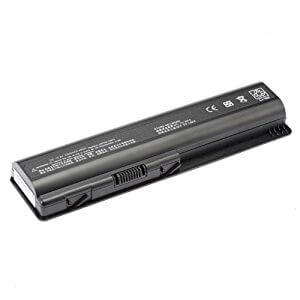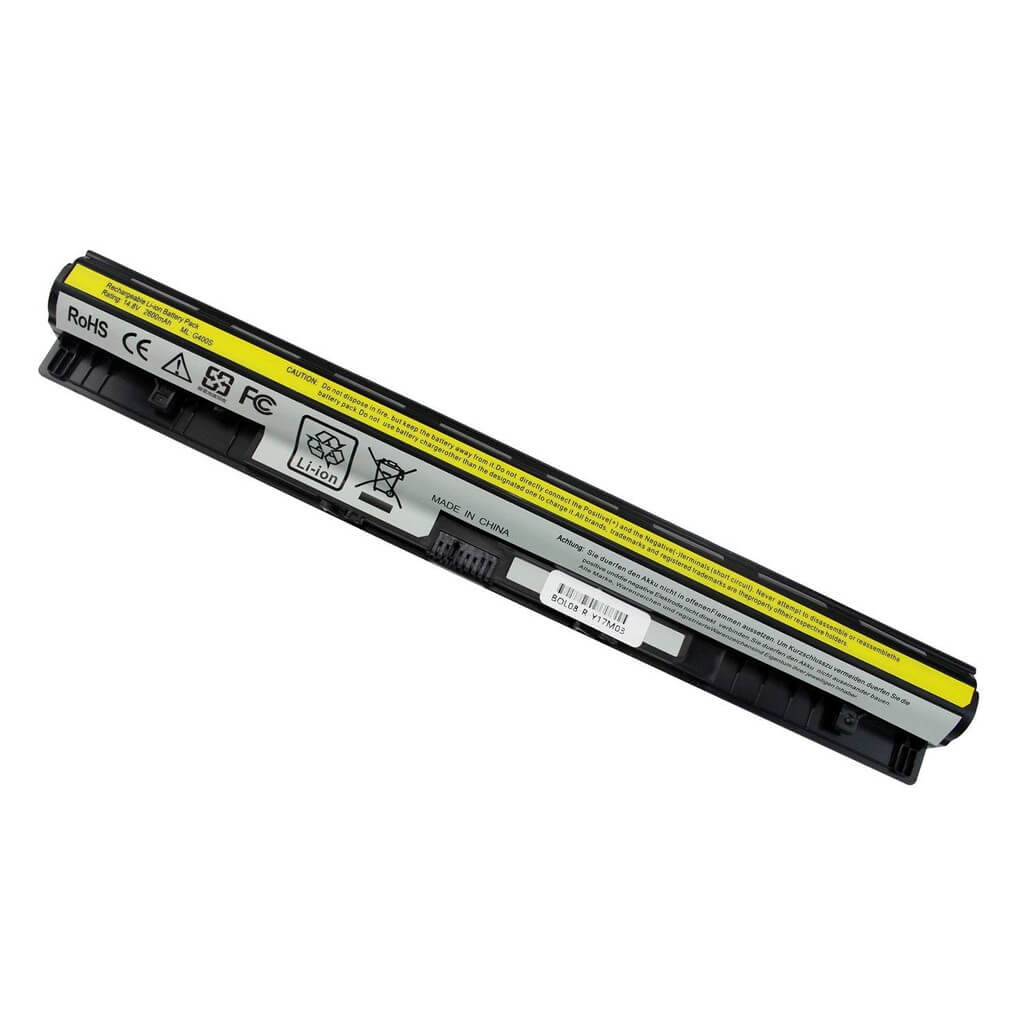







Boost Your Acer Travel-Mate 330 with a New 25D1 Laptop Battery!
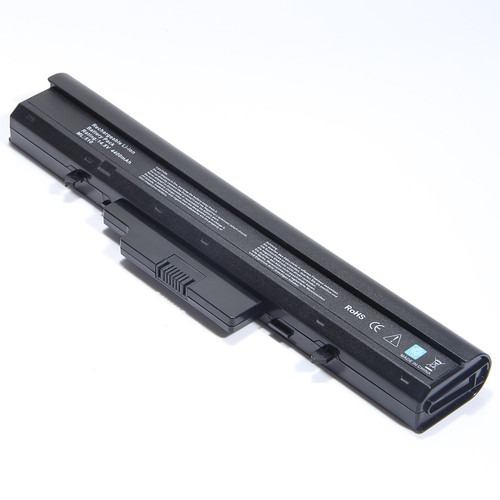
Is your Acer Travel-Mate 330 struggling to hold a charge? Don’t let a dying battery limit your productivity! At www.laptopparts.co.ke, we offer high-quality replacement batteries, including the essential Acer Travel-Mate 330 Laptop Battery 25D1, designed to give your laptop a new lease on life. Say goodbye to constant charging and hello to extended power on the go. This Acer Travel-Mate 330 Laptop Battery 25D1 is exactly what you need for reliable performance.
Our Acer Travel-Mate 330 Laptop Battery 25D1 is built with premium cells, ensuring a long lifespan and stable power output. We understand the importance of affordability, and this Acer Travel-Mate 330 Laptop Battery 25D1 offers excellent value for your money. Plus, for your peace of mind, every Acer Travel-Mate 330 Laptop Battery 25D1 comes with a generous 3-month warranty.
Not only do we provide top-notch products, but we also make it easy for you. When you purchase your Acer Travel-Mate 330 Laptop Battery 25D1 from us, you get FREE installation right here in Nairobi! This means less hassle for you and a perfectly fitted Acer Travel-Mate 330 Laptop Battery 25D1 in no time. Get your genuine Acer Travel-Mate 330 Laptop Battery 25D1 today!

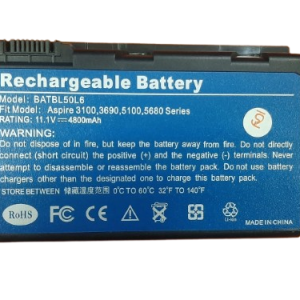
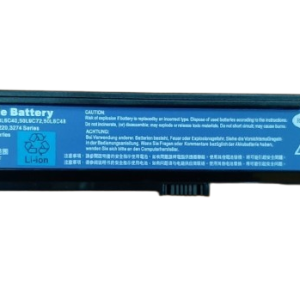
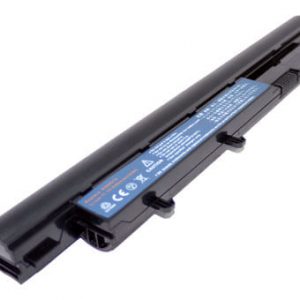
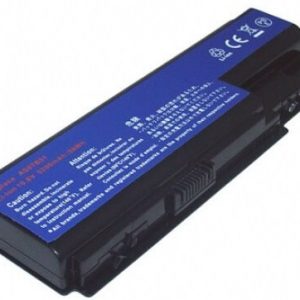
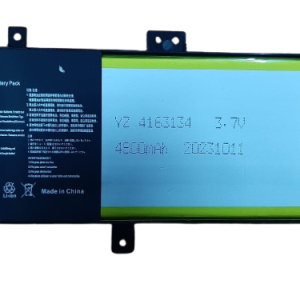
Acer Travel-Mate 330 Laptop Battery 25D1

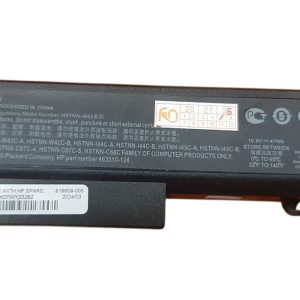
Acer Travel-Mate 330 Laptop Battery 25D1

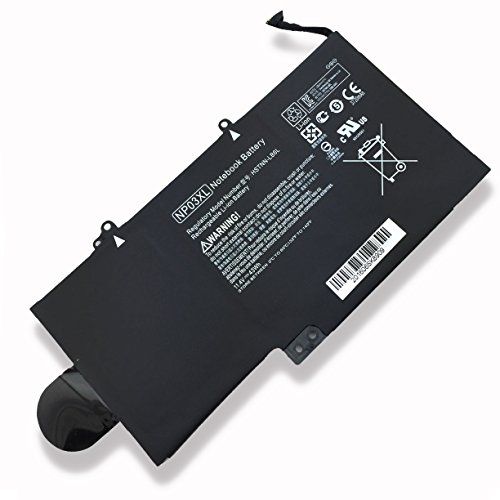
Acer Travel-Mate 330 Laptop Battery 25D1
Product Specifications for Acer Travel-Mate 330 Laptop Battery 25D1:
| Feature | Details |
| Battery Type | Li-ion |
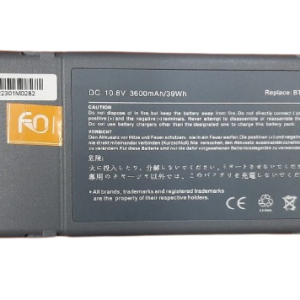
| Voltage | 10.8V |
| Capacity | 3600mAh (typical) |
| Cell Quantity | 6-Cells |
| Color | Black |
| Warranty | 3 Months |
| Installation | Free installation offered in Nairobi |
| Compatible Laptop Models | Acer TravelMate 330 Series (330, 330T, 331, 332, 332T, 333, 333T), Acer TravelMate 340 Series (340, 340T, 341, 341TV, 342, 342T, 343, 343TV, 345, 345T, 347, 347T), Acer TravelMate P2300-12 Series |
| Compatible Part Numbers | BTP-25D1, 91.40C28.001, 91.48428.6A1, ACP25D1, AR-330, CGP-E/618AE |
- Avoid Extreme Temperatures: Heat is a battery’s worst enemy. Keep your laptop away from direct sunlight and hot environments. Also, avoid extremely cold temperatures.
- Optimal Charge Levels: For lithium-ion batteries, it’s generally best to keep the charge between 20% and 80%. Avoid fully discharging your battery to 0% or consistently charging it to 100%.
- Unplug When Fully Charged (if possible): While modern laptops have charge management, prolonged periods at 100% plugged in can still contribute to battery degradation over time. If your laptop has a “battery health” setting, use it to limit charging to 80%.
- Reduce Screen Brightness: The display is a major power consumer. Lowering your screen brightness can significantly extend battery life.
- Close Unused Applications: Background applications drain power. Close any programs you’re not actively using.
- Disable Unnecessary Peripherals: Disconnect external mice, USB drives, or other peripherals when not in use, as they draw power.
- Regular Calibration (Occasionally): Every few months, consider performing a full discharge and recharge cycle to calibrate the battery’s meter, ensuring accurate readings.
Factors to Consider While Purchasing a Laptop Battery:
- Compatibility: This is crucial. Always double-check the battery part number (e.g., 25D1) and your laptop model (e.g., Acer TravelMate 330) to ensure a perfect match.
- Voltage and Capacity (mAh/Wh): Match the voltage of your old battery. Higher mAh (milliampere-hour) or Wh (watt-hour) indicates a longer battery life.
- Brand and Quality: Opt for reputable brands or trusted suppliers who offer quality batteries. Cheap, unbranded batteries can be risky and may not last long.
- Warranty: A good warranty (like our 3-month warranty) provides peace of mind in case of any issues.
- Price: While affordability is key, be wary of prices that seem too good to be true, as they might indicate a low-quality product.
- Seller Reputation: Purchase from a reliable seller with positive customer reviews and good after-sales service.