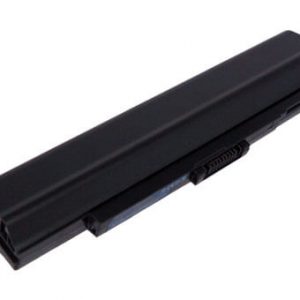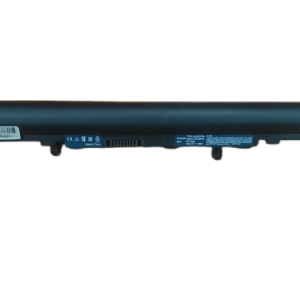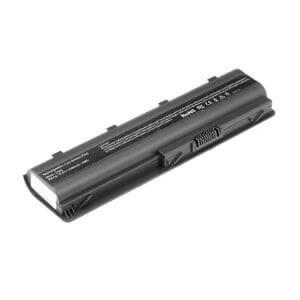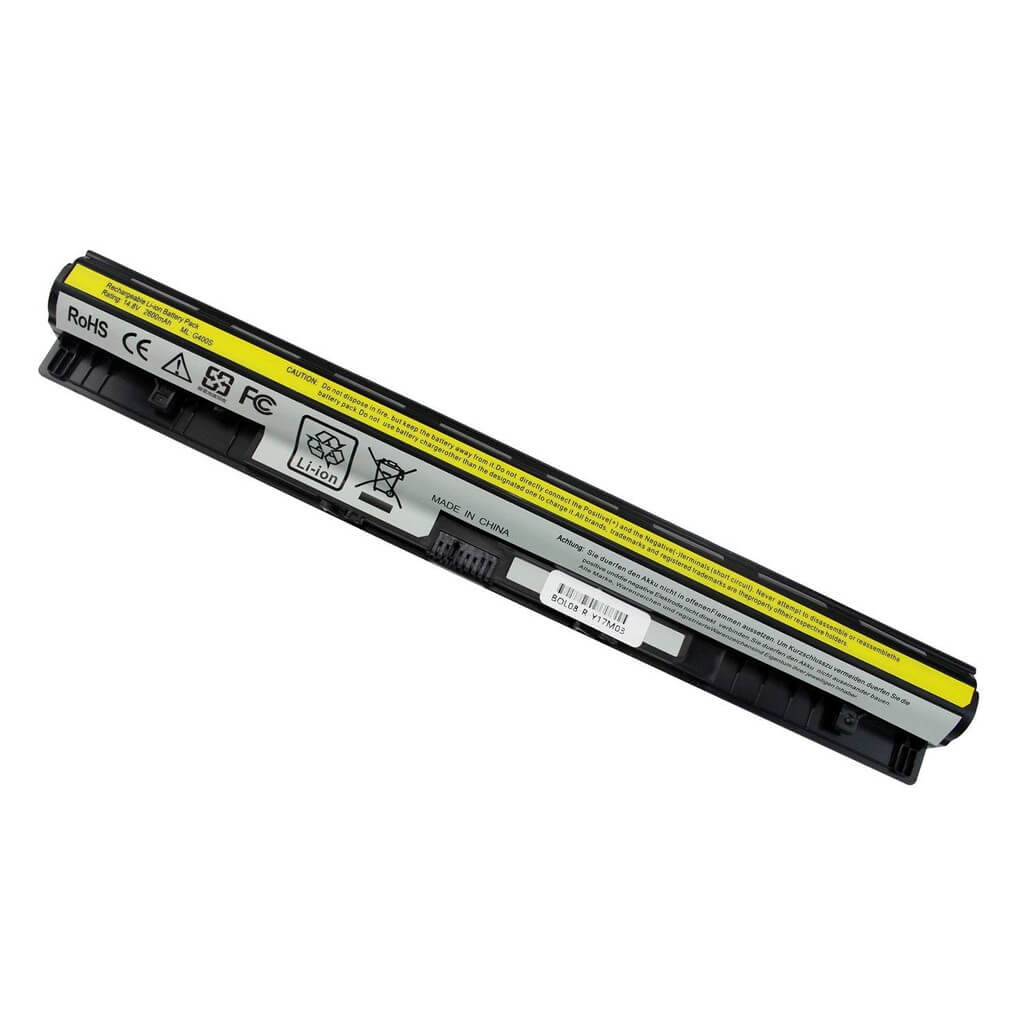
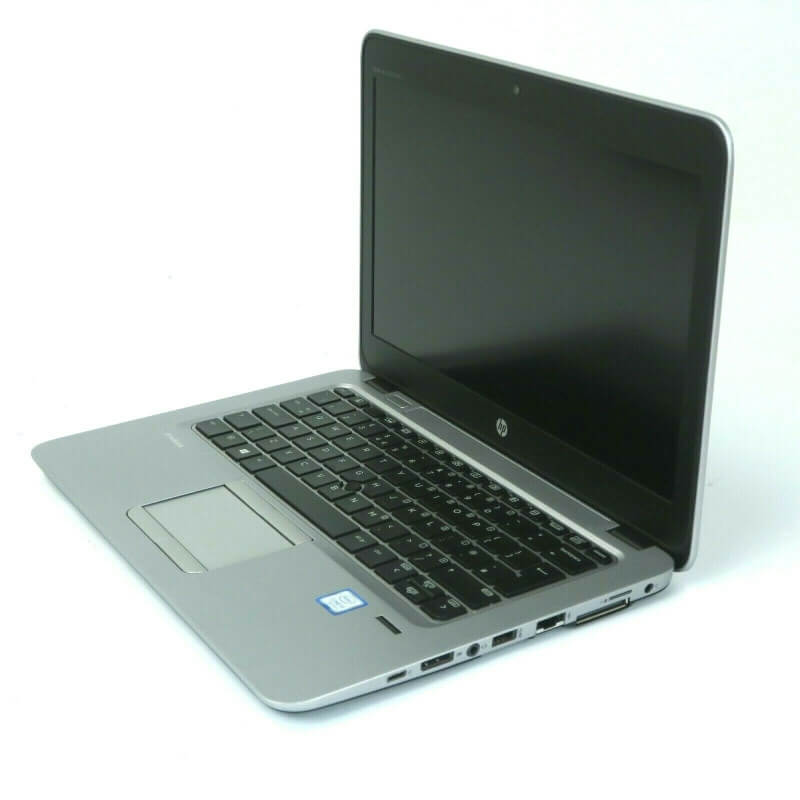
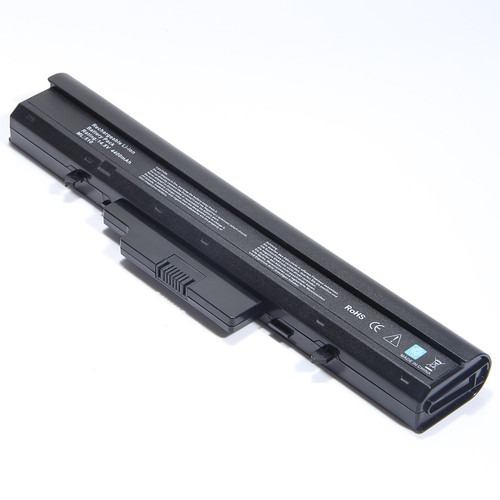
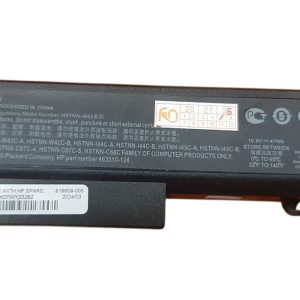

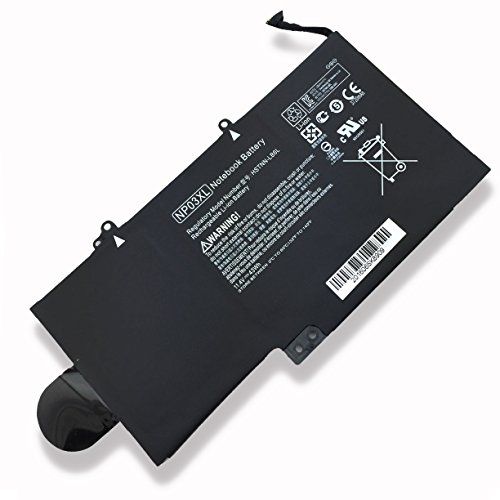

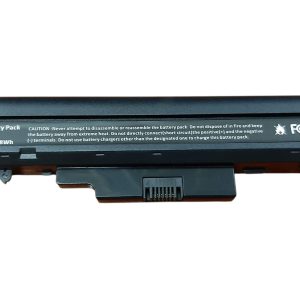

GET YOUR ORIGINAL HP PROBOOK 450 G2 BATTERY VI04 TODAY – BEST PRICE AND HIGH QUALITY!
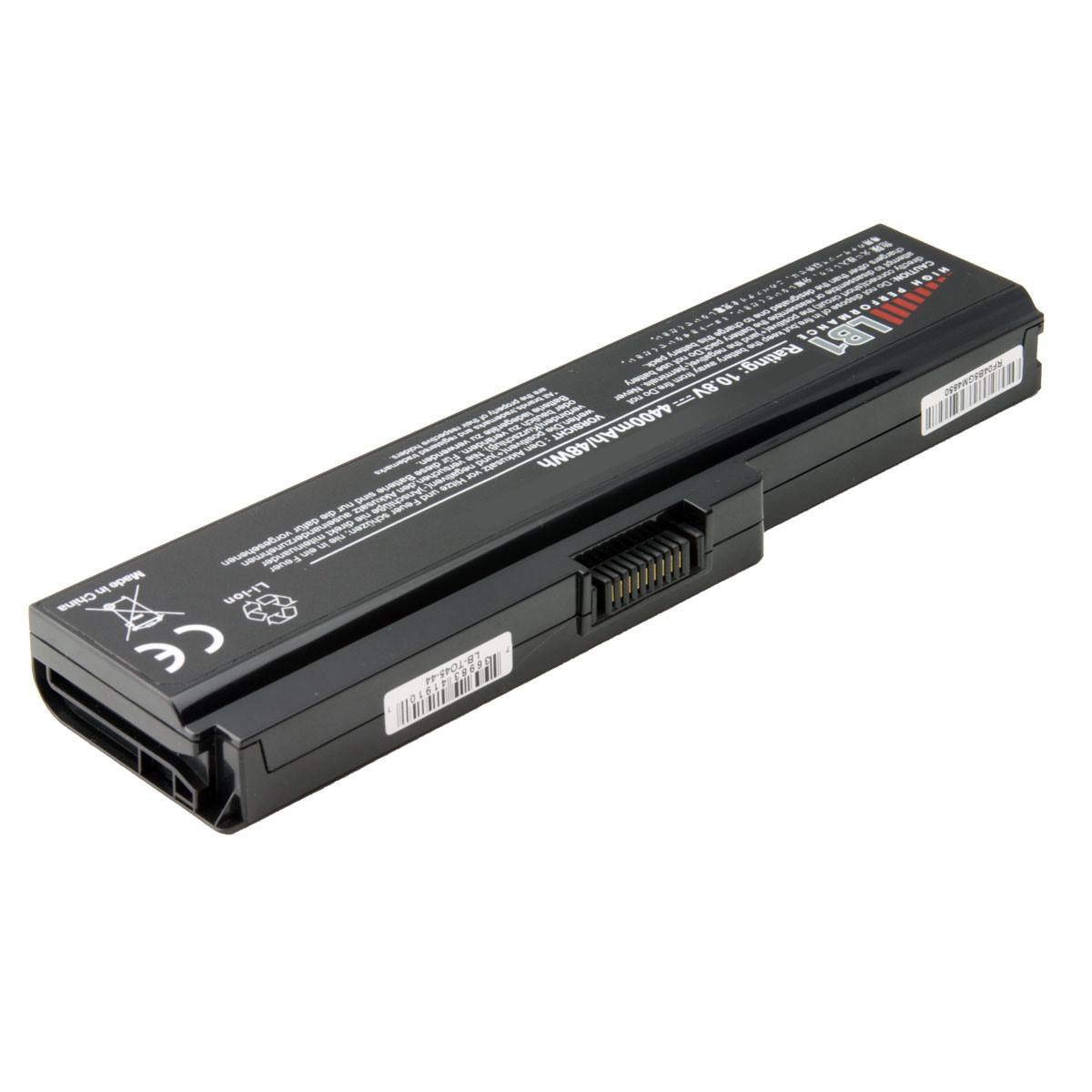
Has your HP ProBook 450 G2 been losing its charge faster than you’d like? It’s time to restore your laptop’s performance with a new Original HP ProBook 450 G2 Battery VI04. This battery is specifically engineered to fit and function perfectly with your HP ProBook, giving you back the freedom to work or play without being tethered to a power outlet. The Original HP ProBook 450 G2 Battery VI04 is a high-quality, reliable power source that you can count on.
We know that a replacement battery should be both effective and affordable. Our Original HP ProBook 450 G2 Battery VI04 provides excellent value without compromising on quality. To give you peace of mind, every purchase of an Original HP ProBook 450 G2 Battery VI04 includes a 3-month warranty. As an added benefit, we offer free installation with every battery, ensuring a seamless and effortless upgrade for your laptop.
This is a genuine Original HP ProBook 450 G2 Battery VI04 with the correct specifications to maintain your laptop’s health. The high-grade lithium-ion cells are designed for durability and a long cycle life, making this a smart investment for your device. Don’t settle for less; choose the Original HP ProBook 450 G2 Battery VI04 for guaranteed compatibility and performance.
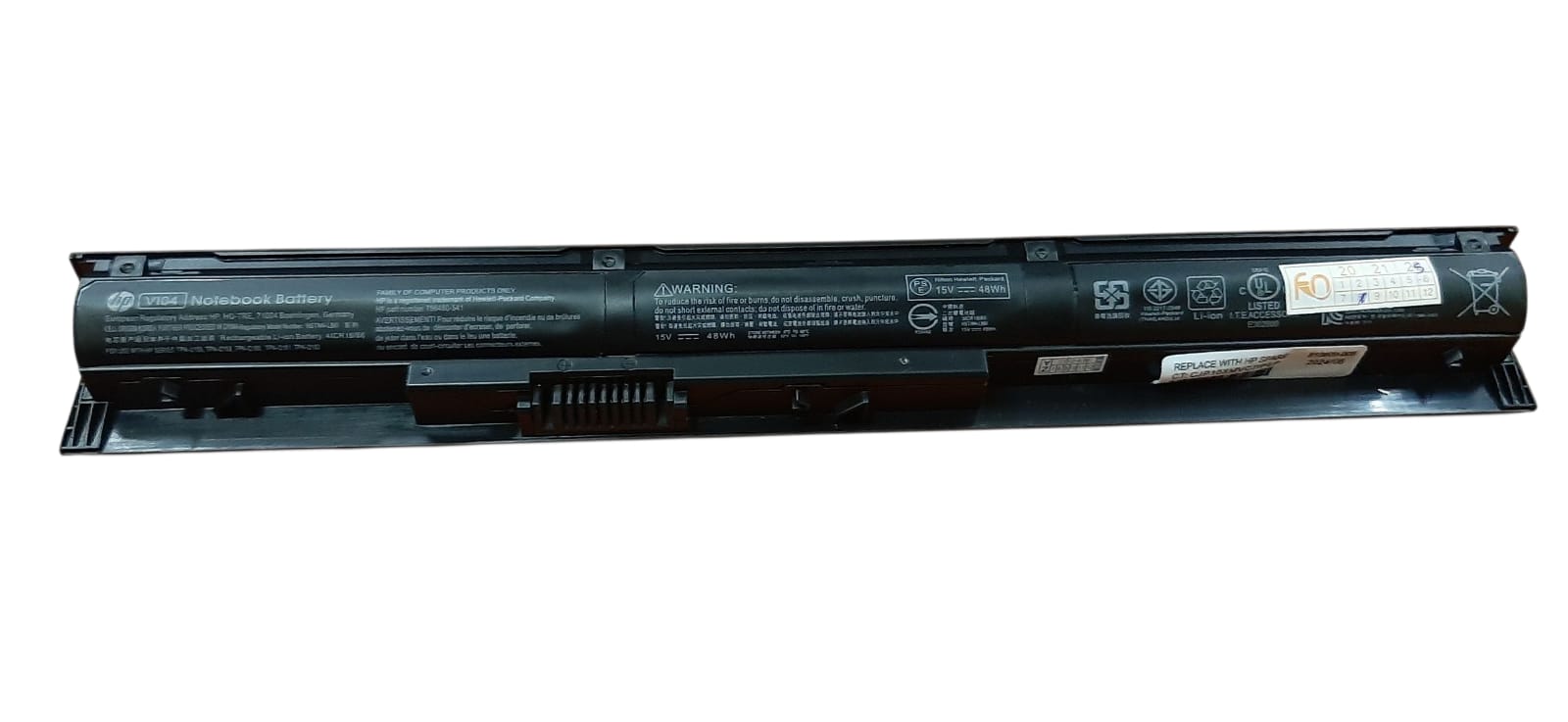
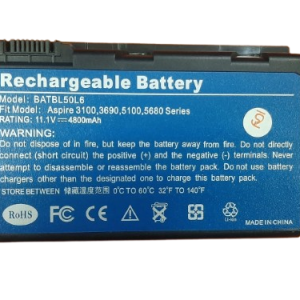
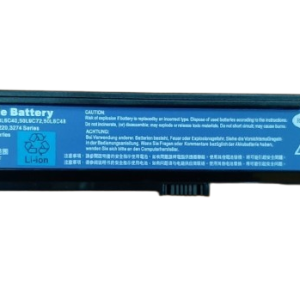
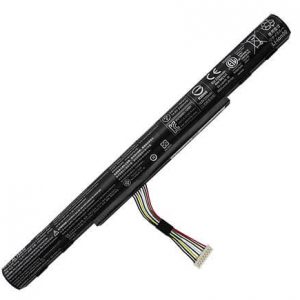
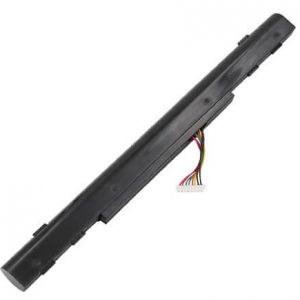
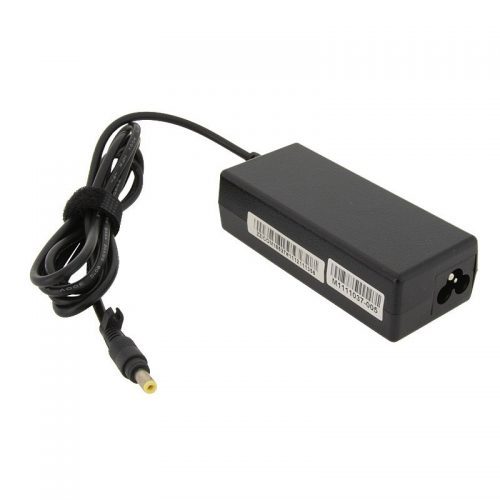
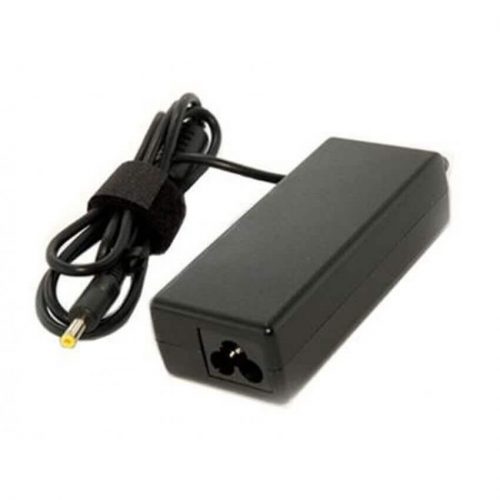
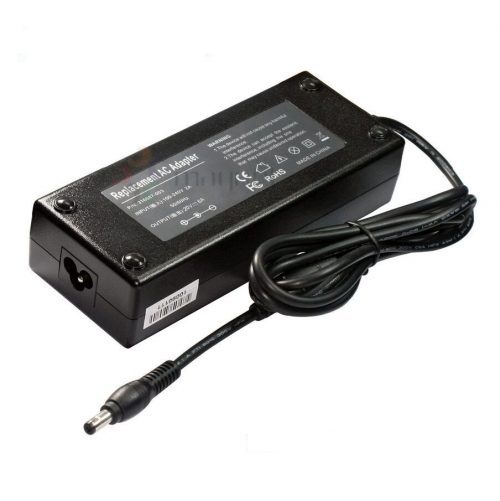
Original HP ProBook 450 G2 Battery VI04
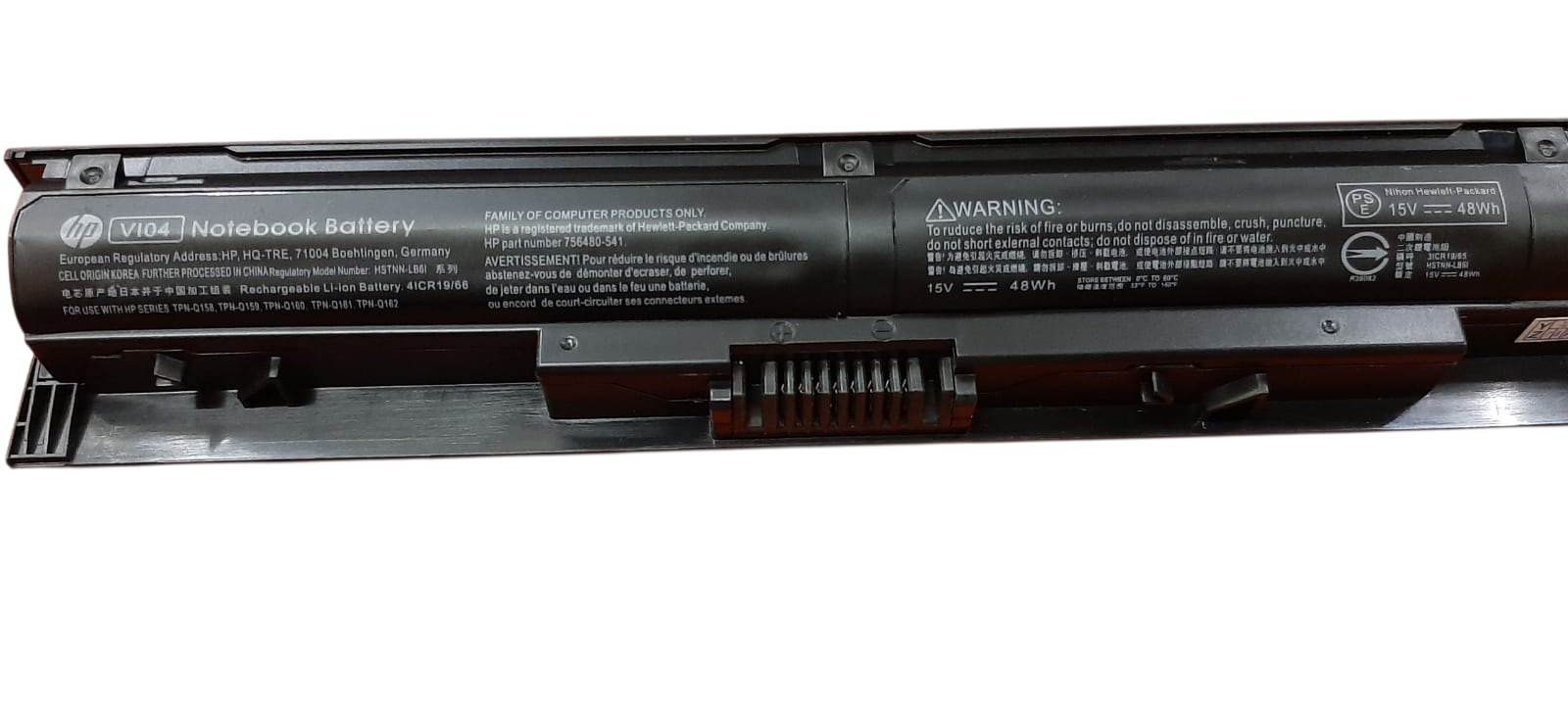
Original HP ProBook 450 G2 Battery VI04
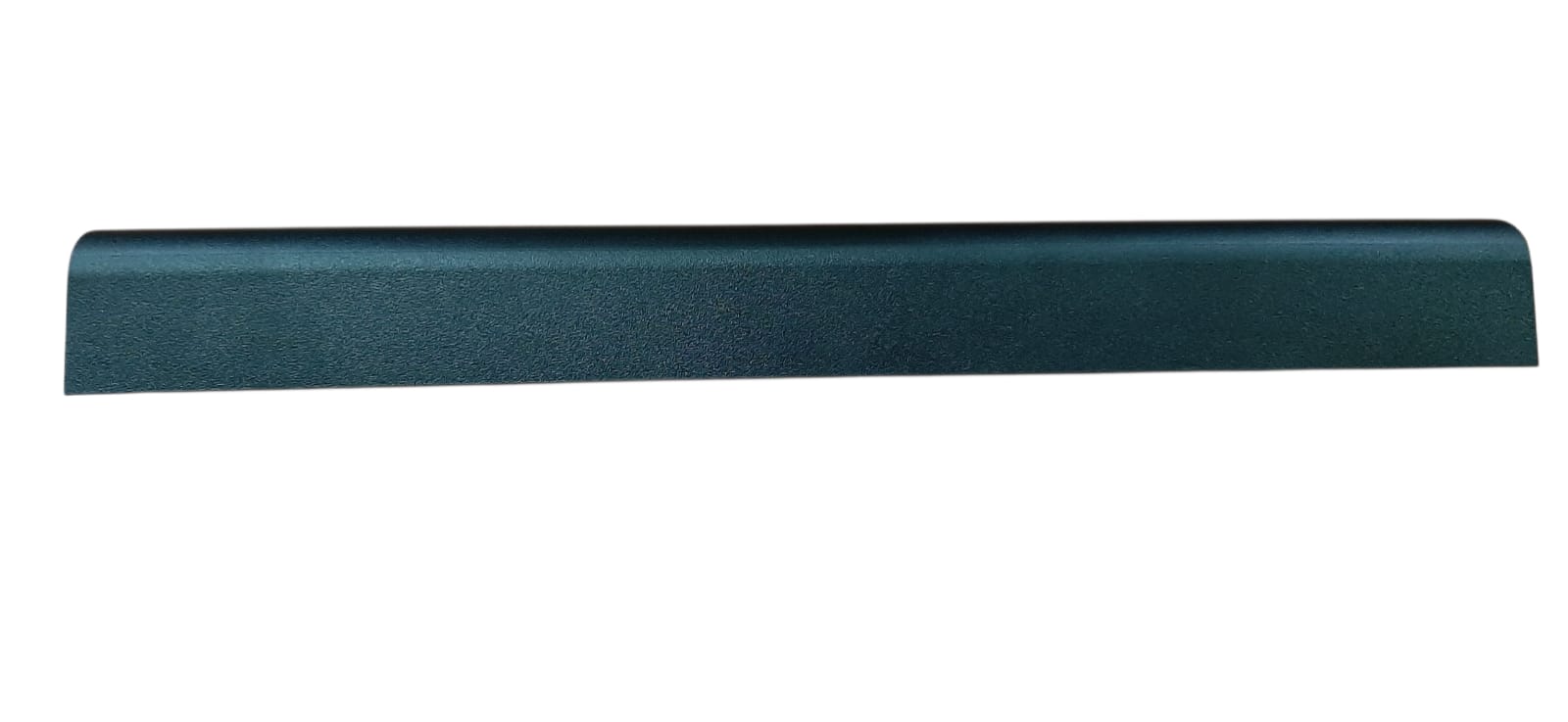
Original HP ProBook 450 G2 Battery VI04
Specifications for Original HP ProBook 450 G2 Battery VI04 :
| Feature | Description |
| Model | VI04 |
| Voltage | 14.8V |
| Capacity | 2200 mAh |
| Battery Type | Li-ion |
| Number of Cells | 4-cell |
| Color | Black |
| Warranty | 3 Months |
| Compatible Part Numbers | HSTNN-LB6J, HSTNN-DB6I, 756743-001 |
| Compatible Laptop Models | HP ProBook 440 G2, 445 G2, 450 G2, 455 G2 Series, HP Pavilion 14-v, 15-p, 17-f Series, HP Envy 14-v, 15-k, 17-k Series |
Bonus Tips for Battery Maintenance
- Optimal Charge Range: For the best long-term battery health, try to keep your laptop’s charge between 20% and 80%. Regularly charging to 100% and letting it completely drain can reduce its overall lifespan.
- Update Your Drivers: Make sure your laptop’s drivers and BIOS are up to date. Manufacturers often release updates that improve power management efficiency, which can help prolong battery life.
- Manage Power Settings: Utilize your laptop’s built-in power plans. “Power Saver” mode is great for when you’re on the go and need to stretch every last minute of battery life.
Factors to Consider When Purchasing a Battery
- Check the Model Number: Always confirm the battery model number (in this case, VI04) and your laptop model to ensure a perfect match. A slight mismatch in part numbers can lead to a battery that doesn’t fit or function correctly.
- Compare Voltage: The new battery’s voltage should be identical or very close to the original. For example, a 14.8V battery is typically compatible with a 14.4V laptop. However, a significant difference can damage your device.
- Consider the Seller’s Reputation: Buy from a reputable seller who offers a clear warranty and stands by their product. This protects you against counterfeit or low-quality batteries that can be a safety risk and may not perform as advertised.
HP ProBook 440 G2 Battery, HP Probook 445 G2 Battery, HP Probook 455 G2 Battery