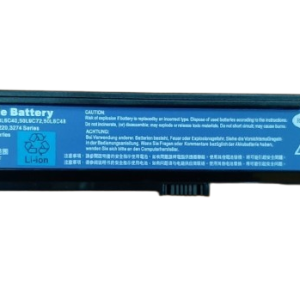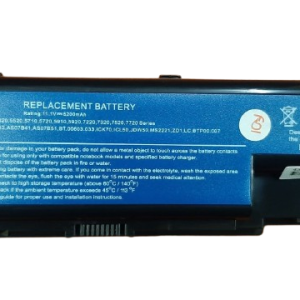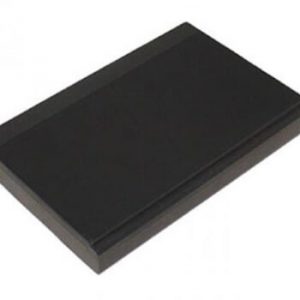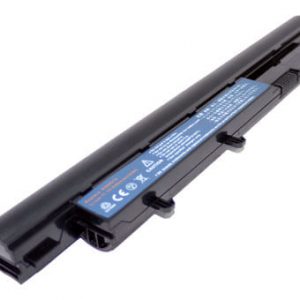
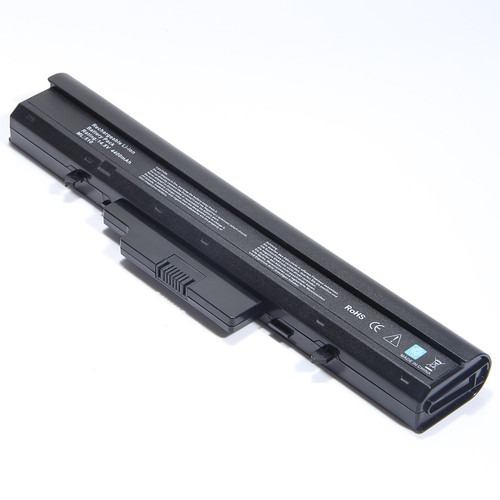


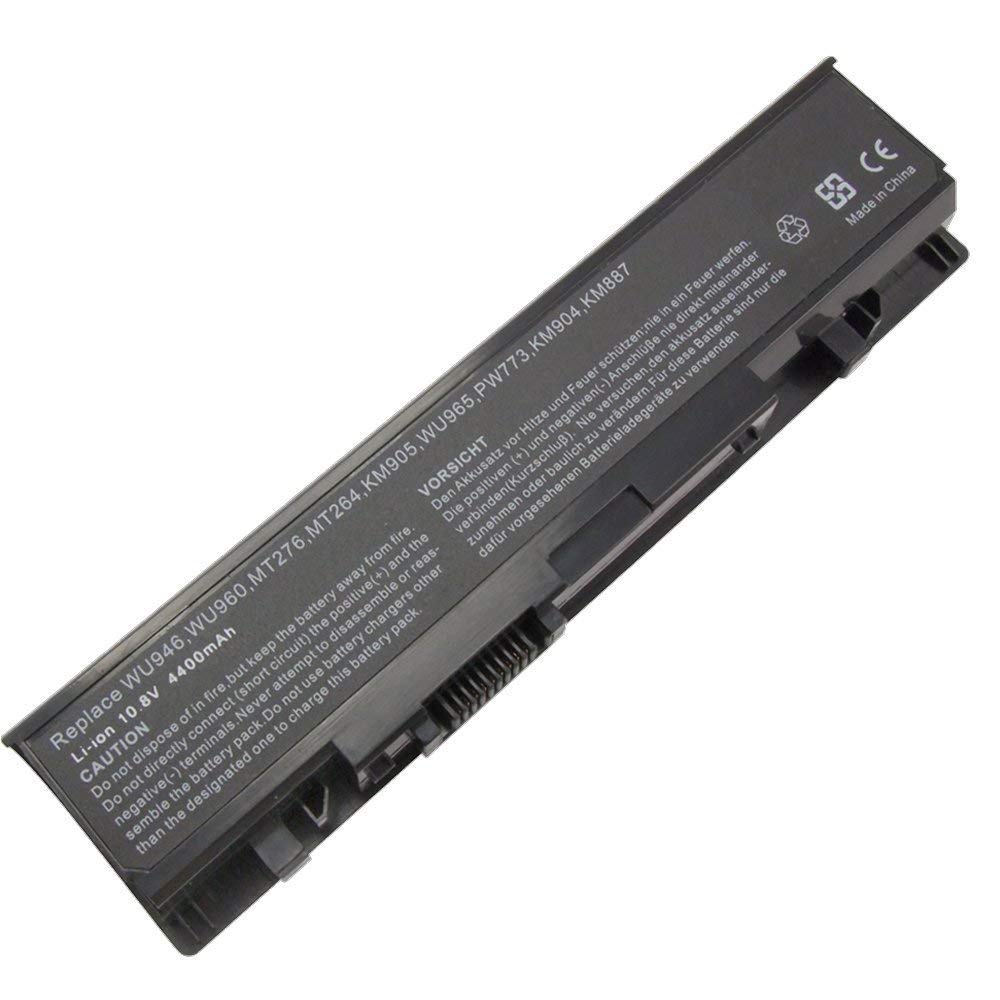
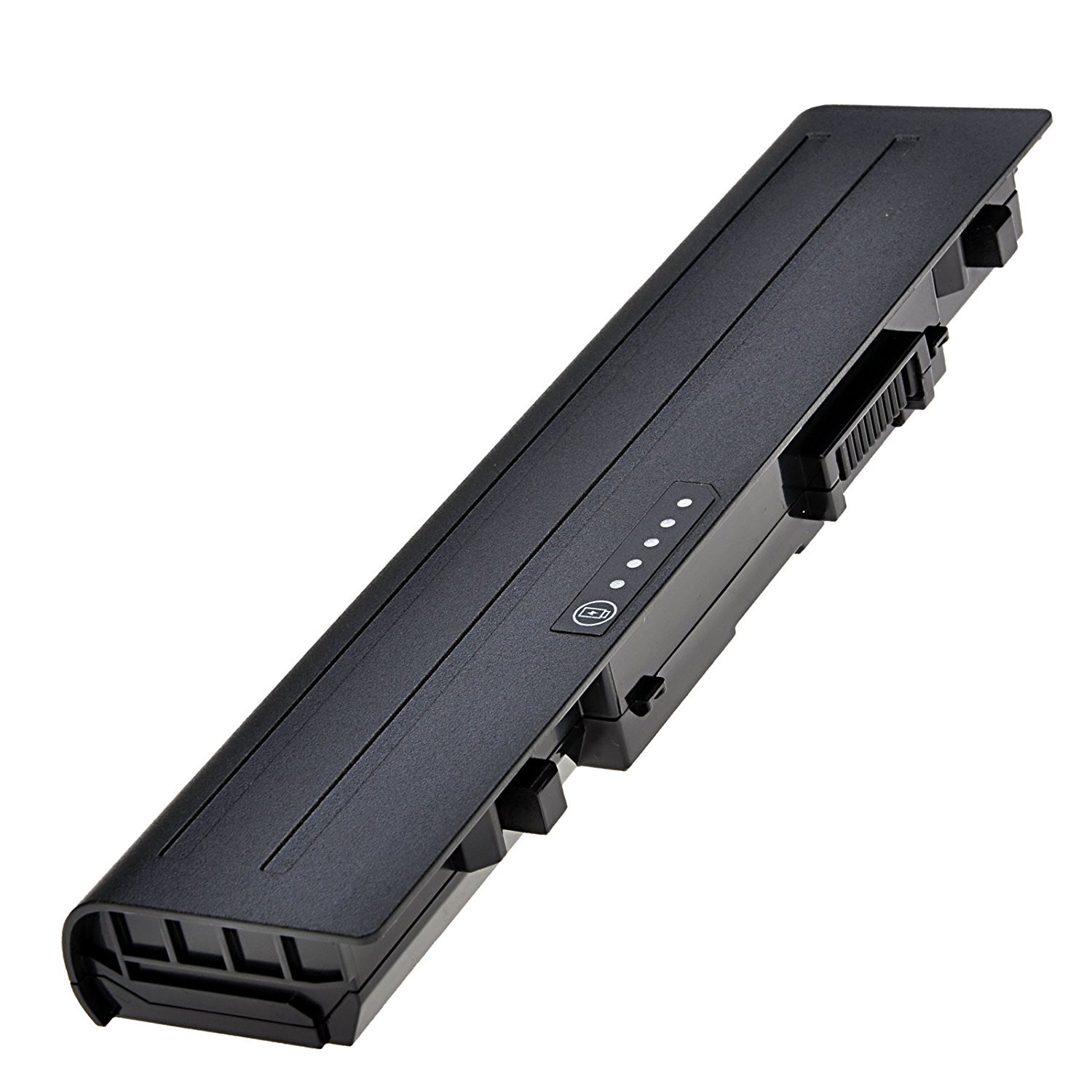

Replacement Dell 1555 Studio Laptop Battery – High Quality & Affordable!
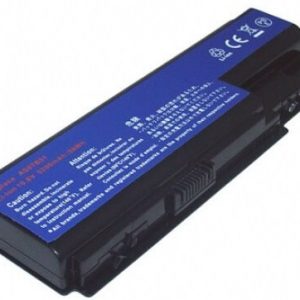
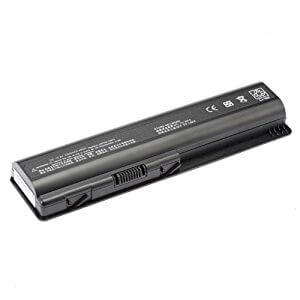
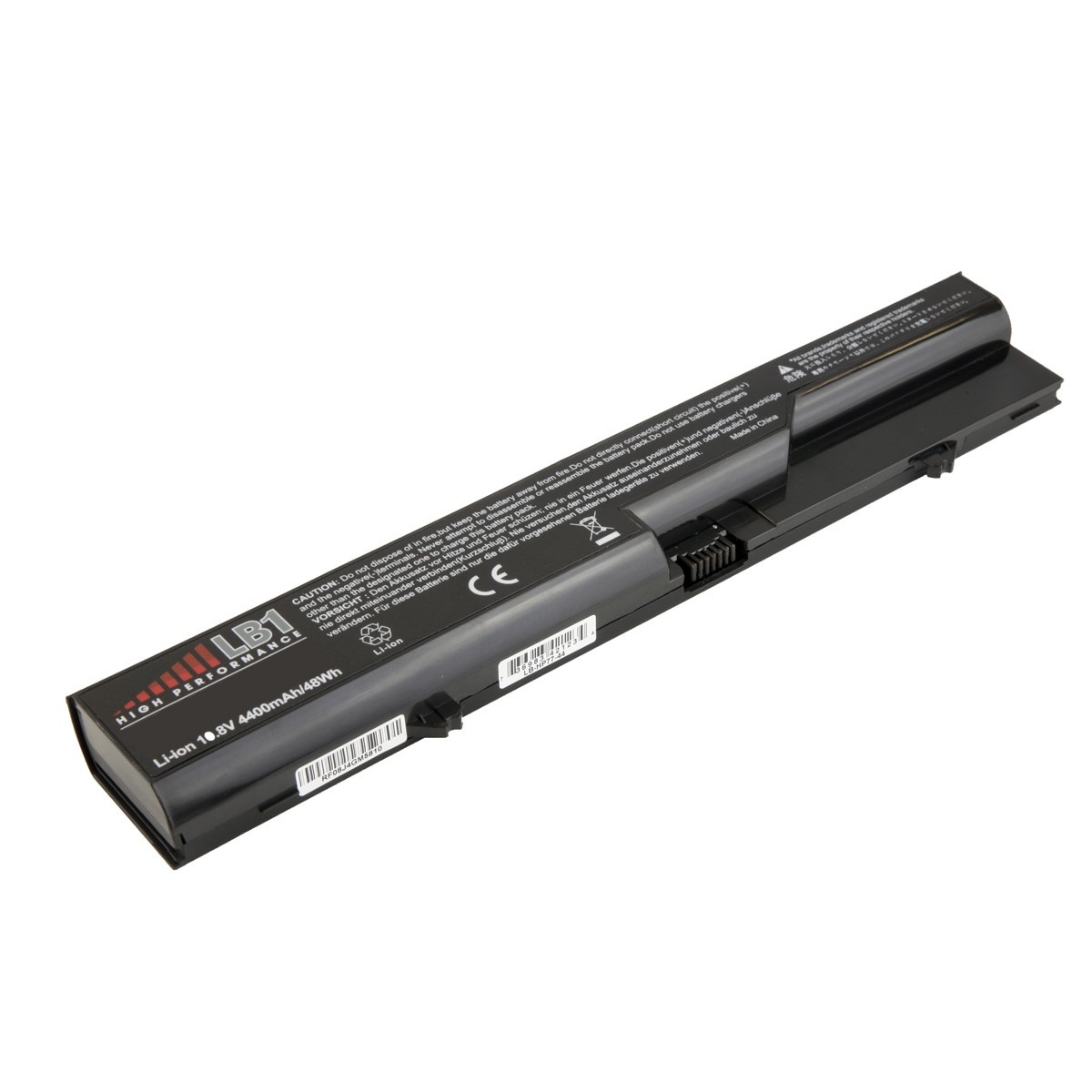
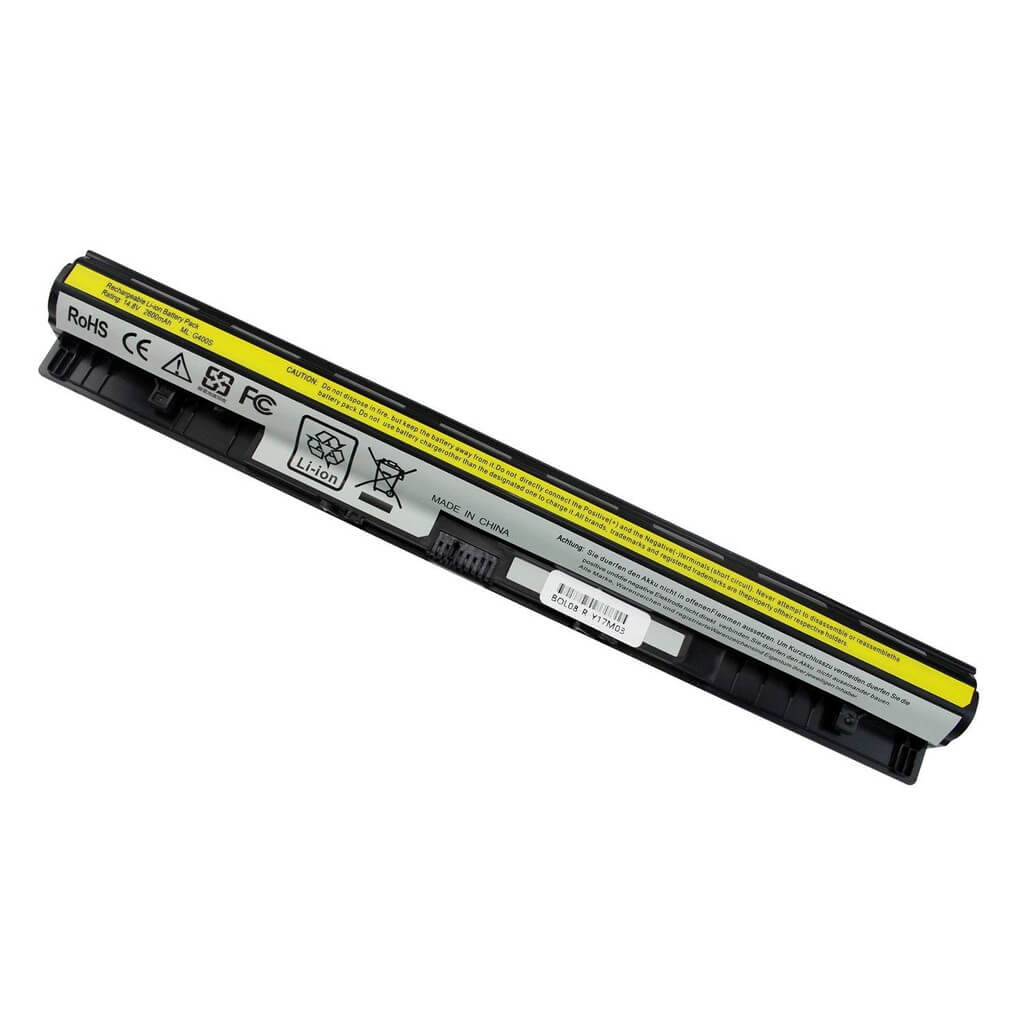
Is your Dell 1555 Studio laptop no longer holding a charge? It’s time to get a new Replacement Dell 1555 Studio Laptop Battery from www.laptopparts.co.ke. Designed to be a perfect fit for your Dell Studio, this replacement battery will restore your laptop’s mobility and performance, allowing you to work and create without being tied to a power outlet. This Replacement Dell 1555 Studio Laptop Battery is the reliable and long-lasting solution you need.
At www.laptopparts.co.ke, we understand that quality and affordability go hand in hand. Our Replacement Dell 1555 Studio Laptop Battery is a high-quality product that won’t break the bank. We offer this battery at a competitive price, making it an excellent investment for extending your laptop’s lifespan. We also stand by our products with a 3-month warranty on every Replacement Dell 1555 Studio Laptop Battery, giving you complete peace of mind.
To make the process even easier, we offer free installation with your purchase. You won’t have to worry about the hassle of replacing the battery yourself. Our skilled technicians will ensure the new Replacement Dell 1555 Studio Laptop Battery is installed correctly and securely. The high-quality cells and built-in safety features of this Replacement Dell 1555 Studio Laptop Battery protect your laptop from overcharging and short circuits, ensuring a safe and reliable power source for years to come.
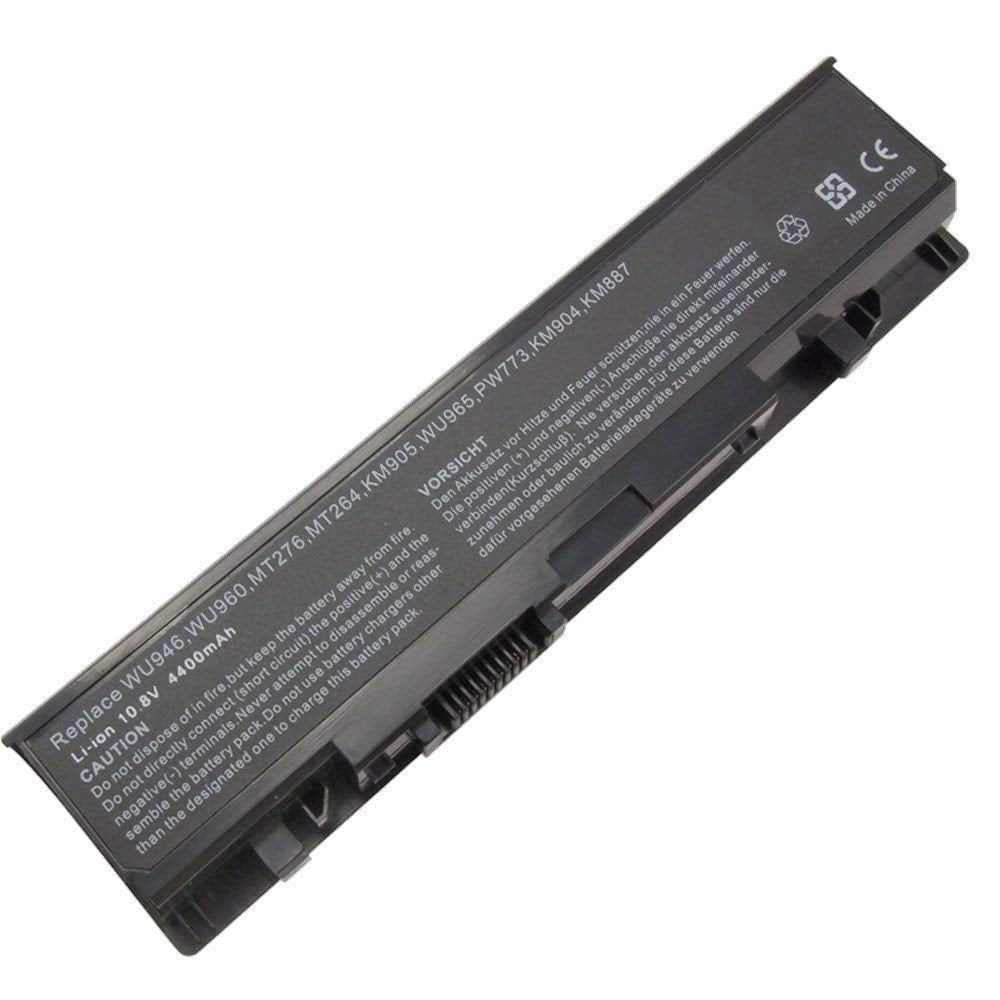
Replacement Dell 1555 Studio Laptop Battery

Replacement Dell 1555 Studio Laptop Battery
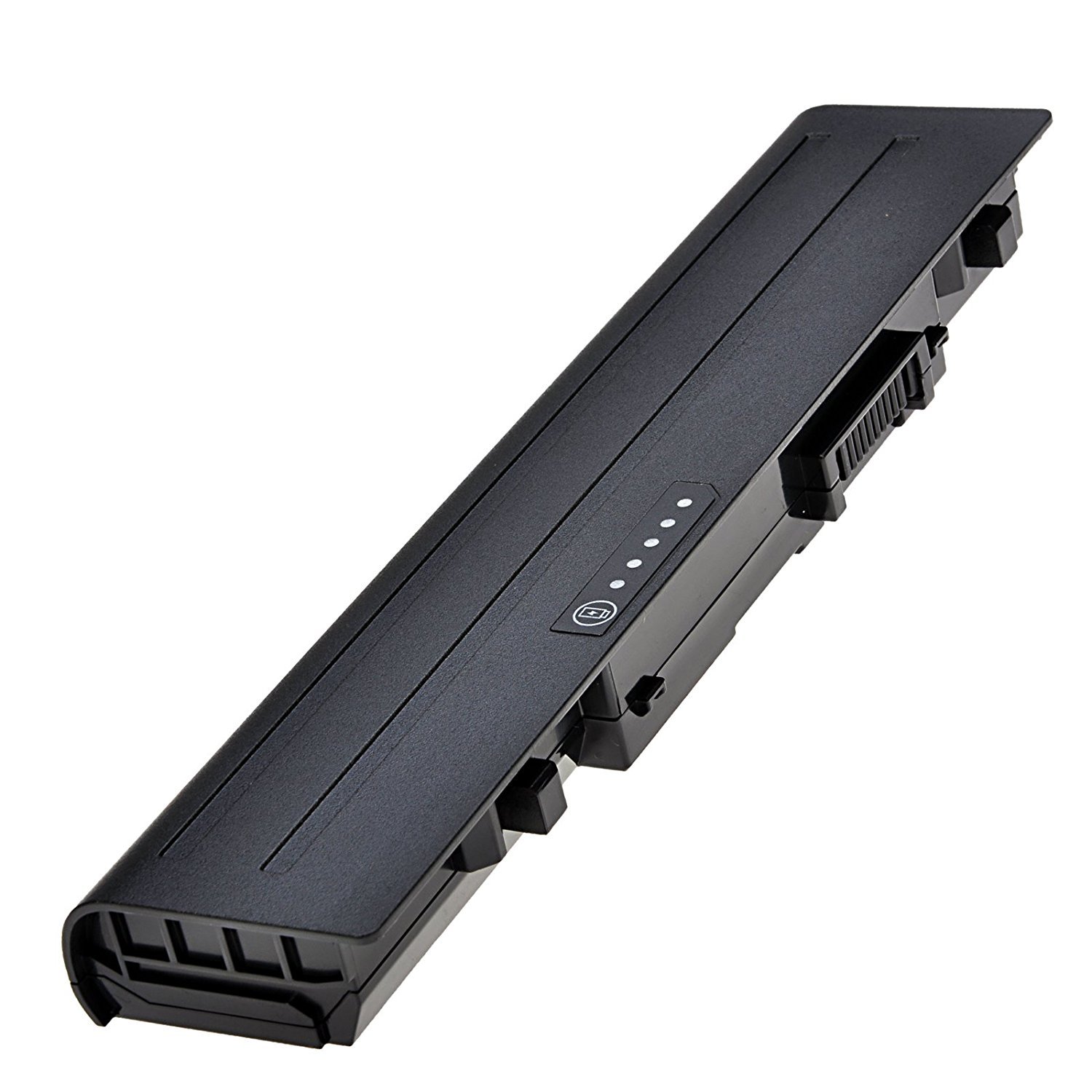
Replacement Dell 1555 Studio Laptop Battery
Specifications for Replacement Dell 1555 Studio Laptop Battery:
| Feature | Details |
| Battery Type | Li-ion |
| Voltage | 10.8V / 11.1V |
| Capacity | 4400 mAh |
| Color | Black |
| Compatible Part Numbers | 312-0701, KM958, WU960, WU965, MT276, MT264, KM905, PW773, KM904 |
| Compatible Laptop Models | Dell Studio 1535, Dell Studio 1536, Dell Studio 1537, Dell Studio 1555, Dell Studio 1557, Dell Studio 1558 |
Suggested Keywords: Dell Studio 1555 battery, Dell 1555 battery replacement, laptop battery Kenya, 312-0701 battery, Dell laptop battery price, Studio 1537 battery, Dell Studio 1557 battery.
Bonus Tips for Maintaining Your Laptop Battery
- Avoid Extreme Temperatures: Your battery performs best at room temperature. Extreme heat can significantly shorten its lifespan, so avoid leaving your laptop in a hot car or direct sunlight.
- Keep It Charged: For modern lithium-ion batteries, it’s not necessary to fully discharge them before charging. It’s often better to keep the charge level between 20% and 80% to reduce stress on the cells and prolong the overall lifespan.
- Update Your Drivers and OS: Power management is often improved with software updates. Keeping your operating system and drivers up to date can help your laptop use power more efficiently, extending your battery’s life.
Factors to Consider While Purchasing a Battery
- Compatibility: Always verify that the new battery is compatible with your specific laptop model and matches the part numbers. A mismatch can lead to fit issues or even damage your laptop.
- Voltage and Capacity: Ensure the voltage (V) is the same or very close to your old battery’s voltage. The capacity (mAh or Wh) determines how long the battery will last on a single charge. A higher capacity battery will give you a longer run time.
- Warranty and Quality: A good warranty is a strong indicator of a quality product. Be cautious of extremely cheap batteries, which may not have the necessary safety features to protect your device.