
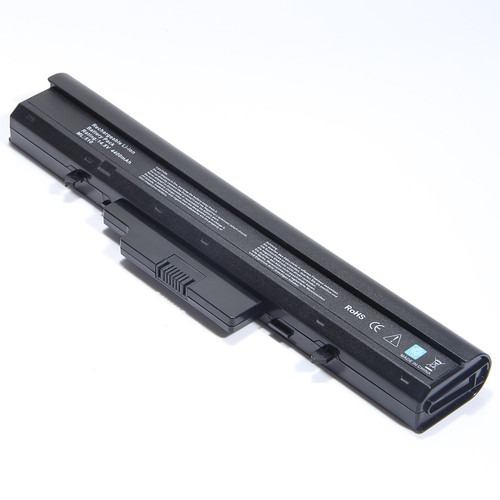

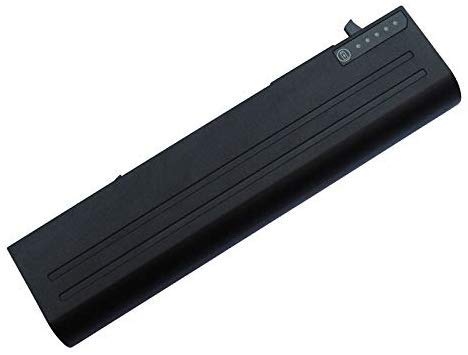

Replacement Dell Studio 1435 Laptop Battery – High Quality & Affordable!
Is your Dell Studio 1435 no longer holding a charge? Don’t replace your entire laptop just yet! This high-quality Dell Studio 1435 Laptop Battery from www.laptopparts.co.ke is the perfect solution to restore your laptop’s mobility and productivity. Designed to be a direct fit, this battery ensures seamless integration and dependable performance, giving your trusty laptop a new lease on life.
At www.laptopparts.co.ke, we understand that quality should not come at a high price. That’s why this Dell Studio 1435 Laptop Battery offers exceptional performance at an affordable cost, making it a smart and practical choice for any user. To give you peace of mind, we back this battery with a 3-month warranty. This is our promise of a quality, reliable product.
As part of our commitment to excellent service, we offer free installation for every Dell Studio 1435 Laptop Battery purchased. You won’t have to worry about a complex installation process. Our expert technicians will take care of it for you, ensuring your new battery is installed correctly and safely. This Dell Studio 1435 Laptop Battery is built with high-quality cells to ensure long-lasting power, so you can work and play without being tied to a power outlet. Get your Dell Studio 1435 Laptop Battery today and experience the difference!

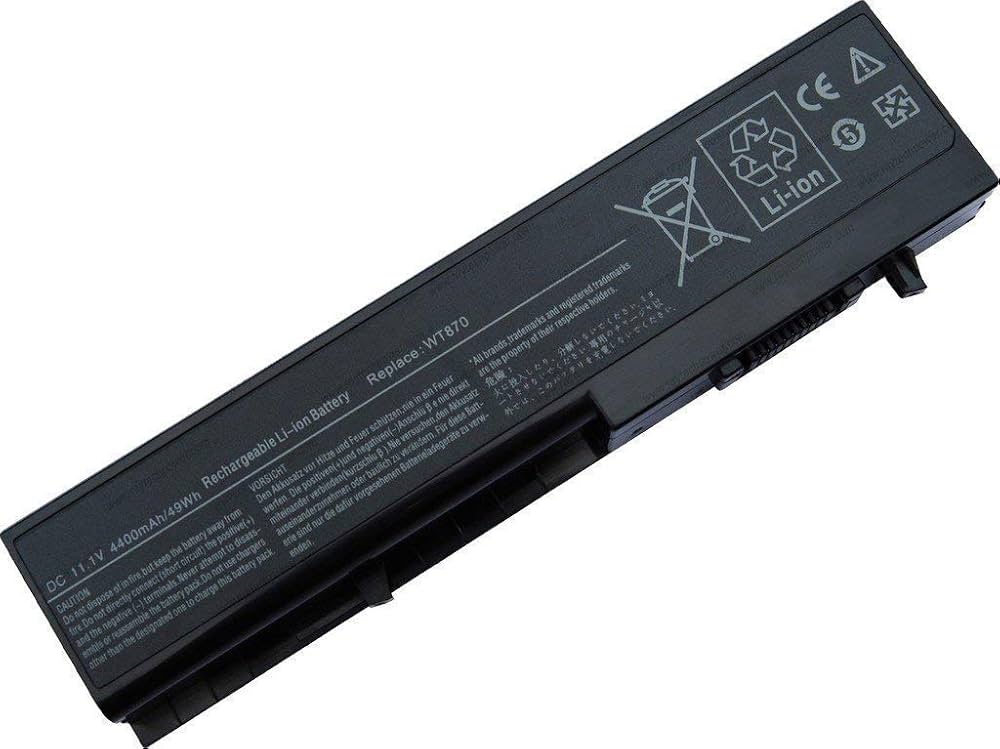
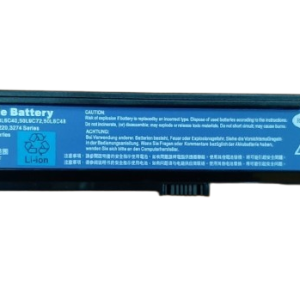
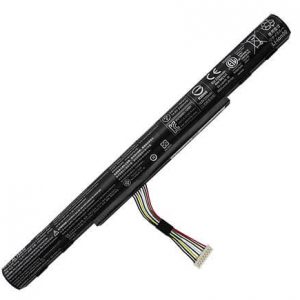
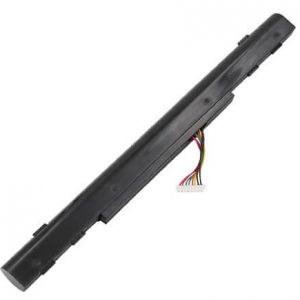
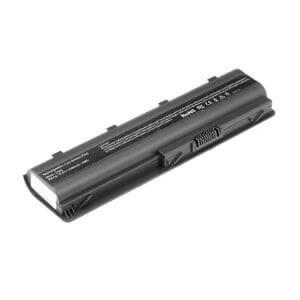
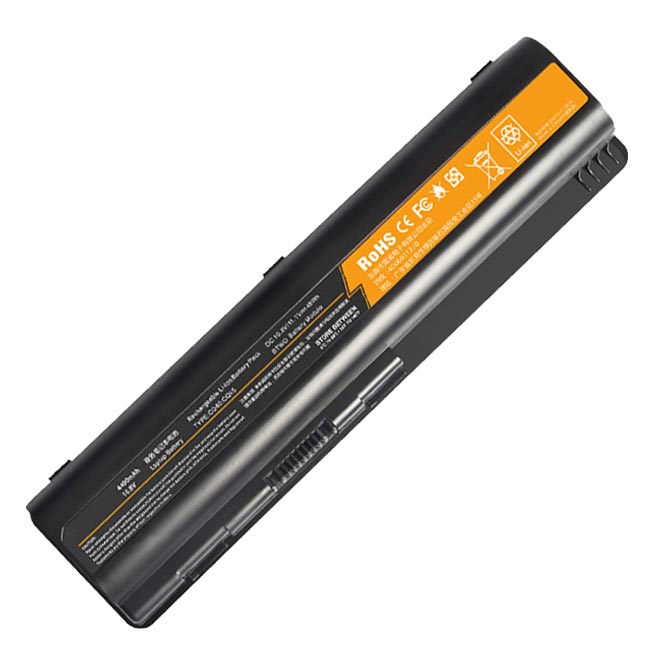
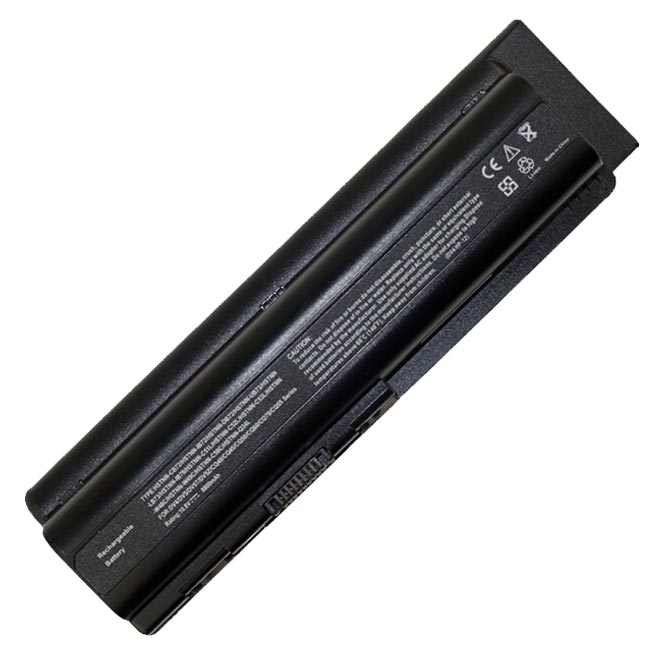
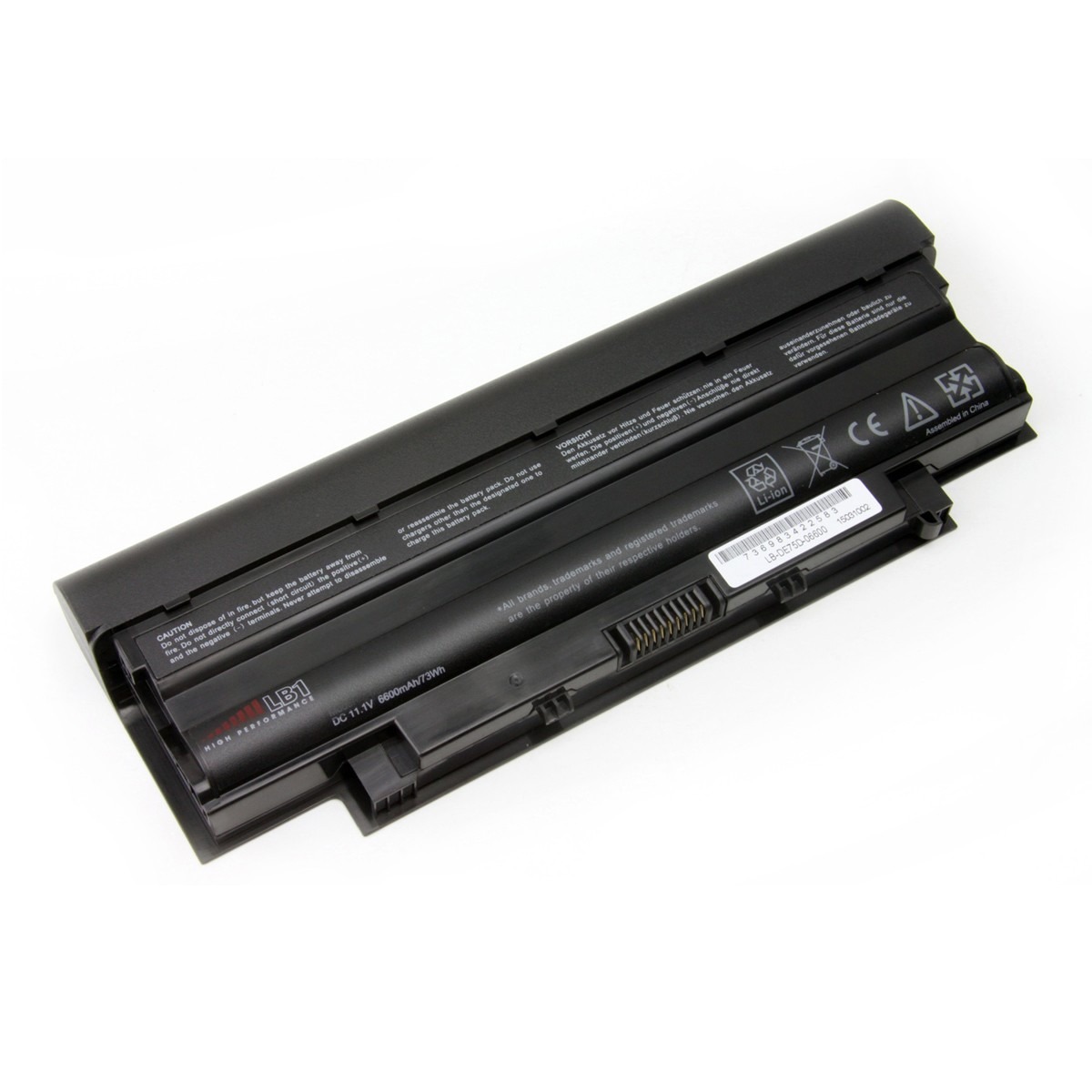
Dell Studio 1435 Laptop Battery
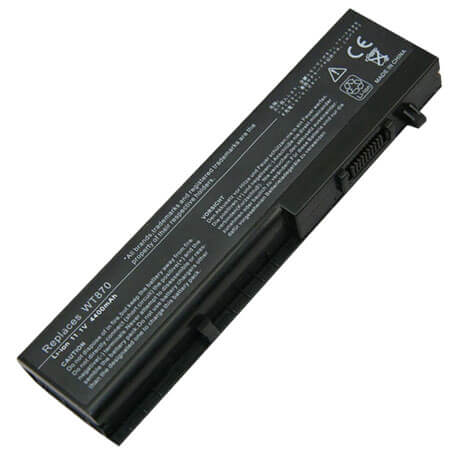

Specifications for Dell Studio 1435 Laptop Battery:
| Feature | Details |
| Battery Type | Li-ion |
| Voltage | 11.1V (compatible with 10.8V) |
| Capacity | 4400mAh |
| Color | Black |
| Compatible Part Numbers | HW355, HW357, HW358, HW421, PP24L, RK813, TR514, TR518, TR520, TR653, WT866, WT870, WT873 |
| Compatible Laptop Models | Dell Studio 1435, Dell Studio 14, Dell Studio 1435n, Dell Studio 1436 |
Suggested Keywords: Dell Studio 1435 battery, Dell 1435 battery, replacement battery Dell Studio 1435, laptop battery Kenya, WT870 battery, Dell Studio 1436 battery, Dell laptop battery price.
Bonus Tips for Maintaining Your Laptop Battery
- Avoid Extreme Temperatures: Your battery performs best in a cool, dry environment. Avoid leaving your laptop in a hot car or in direct sunlight, as heat is a major cause of battery degradation.
- Don’t Fully Discharge: Try not to let your battery’s charge level consistently drop to 0%. Modern lithium-ion batteries do not have a “memory effect” and work best when kept between 20% and 80% charge.
- Keep Your Laptop Clean: Ensure the cooling vents are clear of dust and debris. Proper airflow helps prevent overheating, which directly impacts battery health.
Factors to Consider When Purchasing a Battery
- Compatibility: This is the most crucial factor. Always check the battery’s part number and the list of compatible laptop models to ensure it will fit and function correctly.
- Voltage and Capacity: The new battery’s voltage should be the same as your old one (e.g., 10.8V and 11.1V are generally interchangeable). A higher capacity (mAh) will give you a longer runtime, which can be a great upgrade.
- Quality and Warranty: Be cautious of generic, unbranded batteries, as they may lack safety features. A good warranty, like our 3-month guarantee, indicates a high-quality product and provides assurance.





Reviews
There are no reviews yet.