
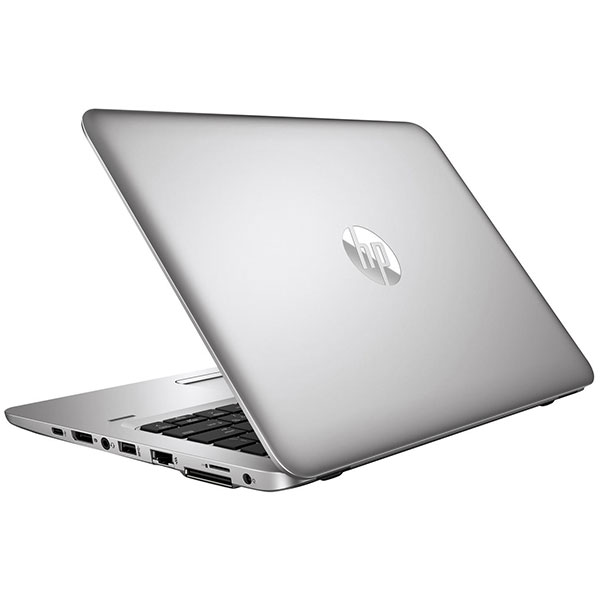
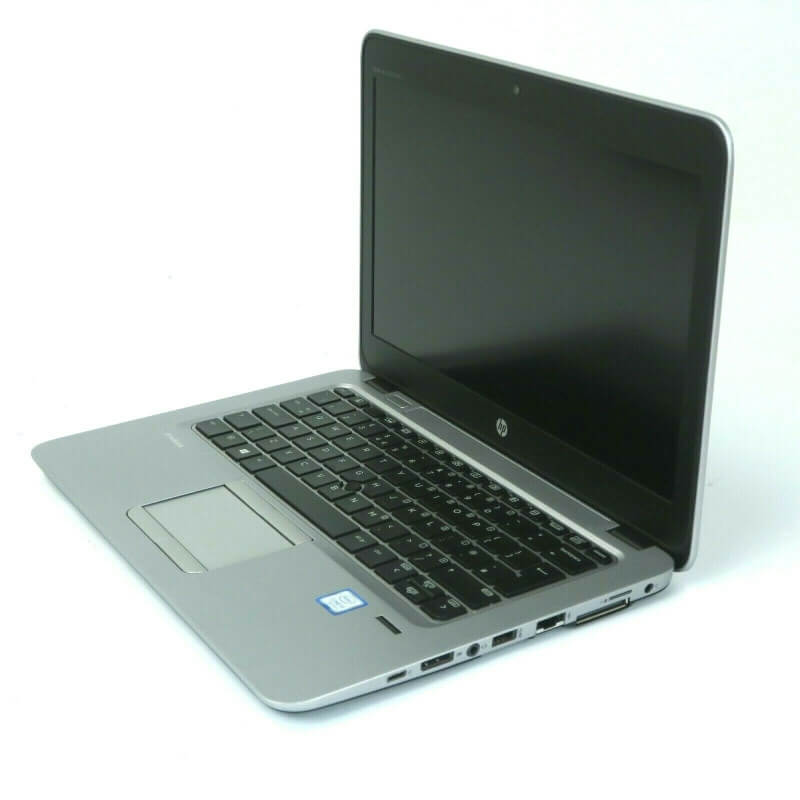
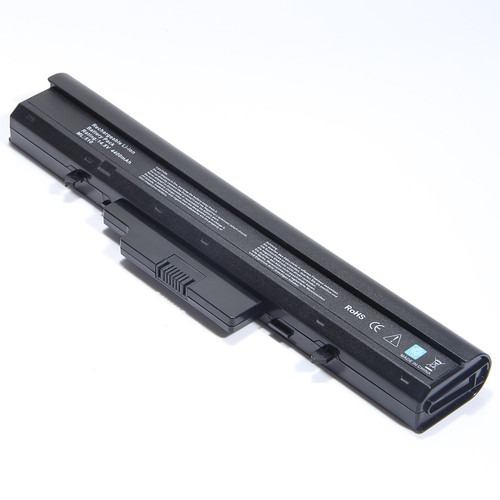

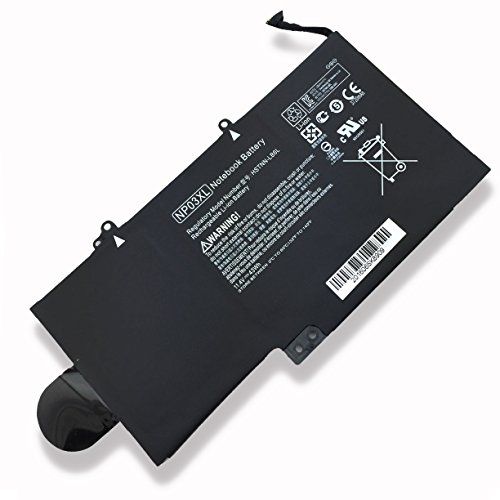

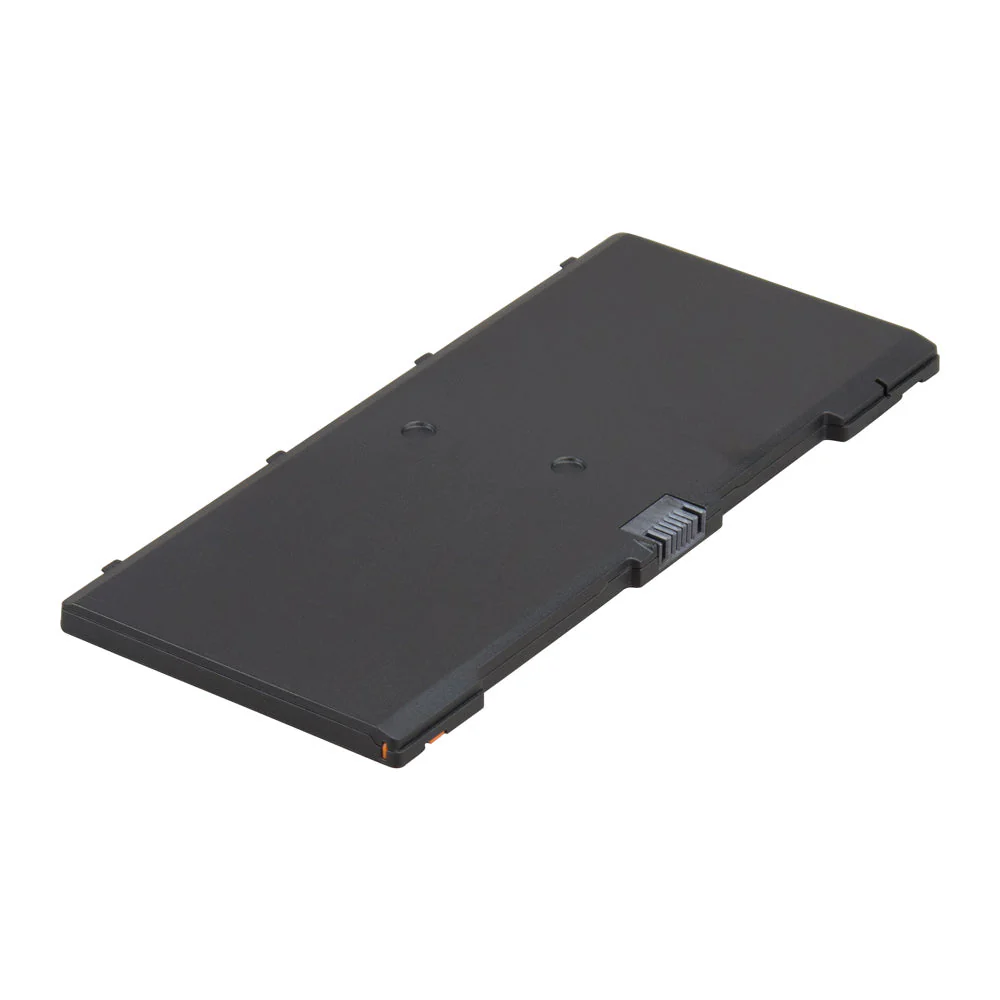



Replacement FN04 Notebook Battery for HP ProBook 5330M – High Quality and Affordable!
Restore your HP ProBook 5330M with a brand new, affordable FN04 Notebook Battery for HP ProBook 5330M from www.laptopparts.co.ke ! Don’t let a failing battery slow you down. Our replacement FN04 Notebook Battery for HP ProBook 5330M provides reliable power and extended runtime, so you can stay productive and connected wherever you go. This high-quality battery is designed to meet or exceed original specifications, ensuring seamless compatibility and long-lasting performance.
We understand the importance of quality and value. That’s why this FN04 Notebook Battery for HP ProBook 5330M comes with a 3-month warranty for your peace of mind. Our batteries are rigorously tested to ensure they are safe and efficient. Plus, we make it easy to get back to work with free installation services. You can trust our team to get your laptop running like new. This premium FN04 Notebook Battery for HP ProBook 5330M is a perfect, affordable replacement.
Looking for a trusted source for your laptop’s power needs? Look no further. Our replacement FN04 Notebook Battery for HP ProBook 5330M is the perfect fit. With an extended lifespan and robust construction, this FN04 Notebook Battery for HP ProBook 5330M is an excellent investment for your device.
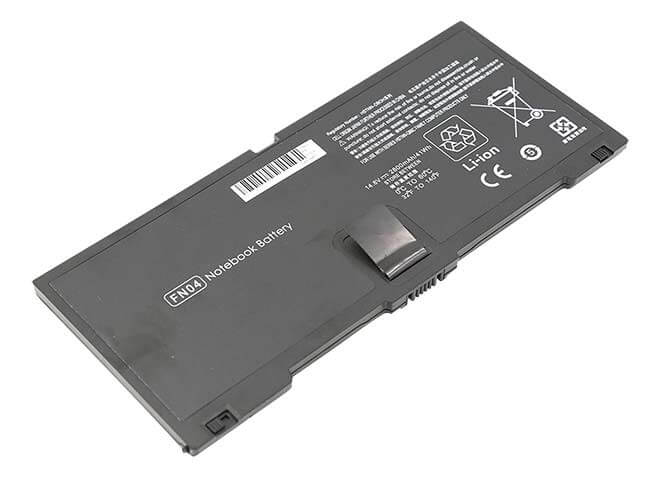
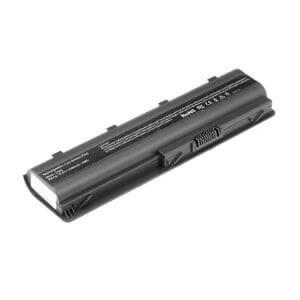
FN04 Notebook Battery for HP ProBook 5330M

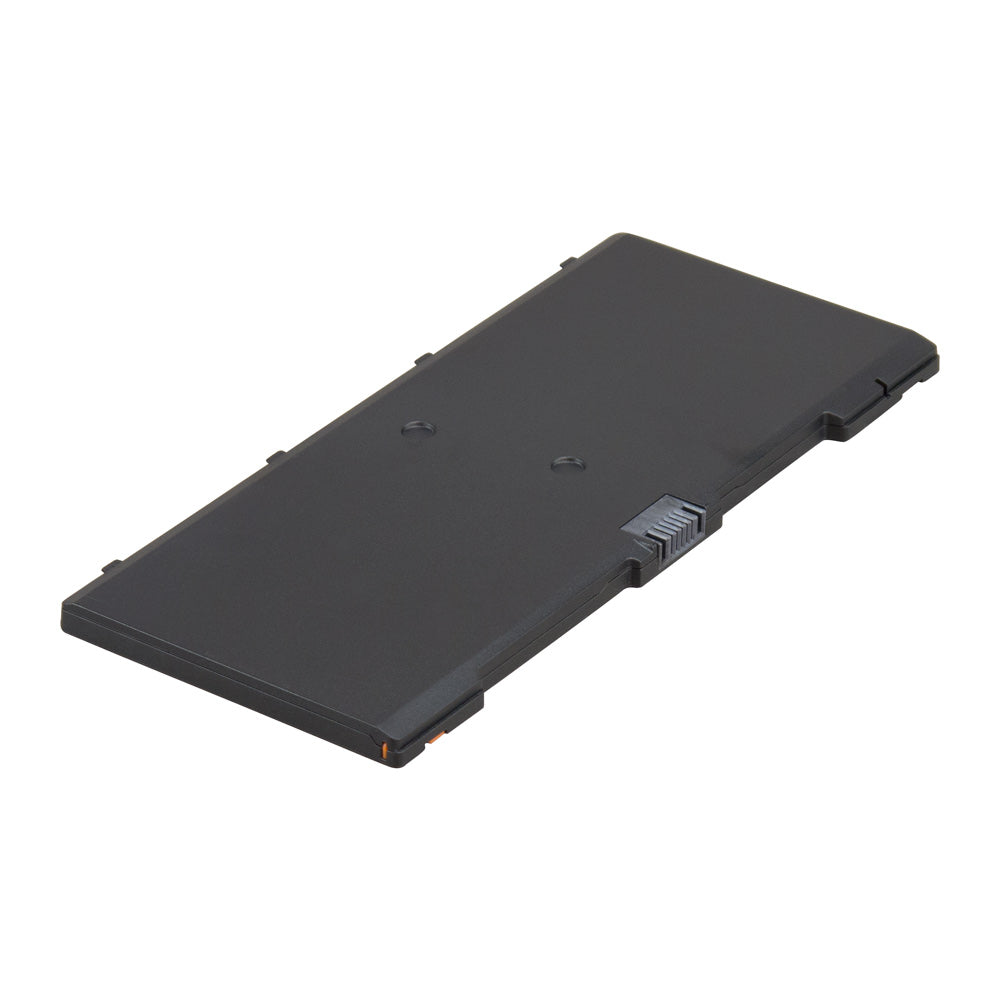
Specifications and Compatibility for Replacement FN04 Notebook Battery for HP ProBook 5330M :
| Feature | Details |
| Battery Type | Lithium-Ion (Li-ion) |
| Voltage | 14.8V |
| Capacity | 2800mAh (41Wh) |
| Color | Black |
| Condition | Brand New |
| Warranty | 3 Months |
| Compatible Laptop Models | HP ProBook 5330m Series |
| Compatible Part Numbers | FN04, HSTNN-DB0H, QK648AA, 635146-001, 634818-271 |
| Safety Features | Overcharge, Overheat, and Short-Circuit Protection |
Factors to Consider When Buying a Laptop Battery
When purchasing a new battery, it’s essential to get the right one for your laptop. Here’s what you should consider:
- Compatibility: The most critical factor is ensuring the new battery is compatible with your laptop model and part number. Always check the battery part number on your old battery and compare it to the replacement.
- Capacity and Voltage: Match the voltage (V) of the replacement battery to your original battery. A slight difference, like between 10.8V and 11.1V, is usually fine, but a major difference can damage your device. A higher capacity (mAh or Wh) can provide longer runtime, as long as it’s compatible.
- Quality and Safety: Look for batteries from reputable suppliers that meet safety standards and come with built-in protections against issues like overcharging. This ensures both the longevity of the battery and the safety of your laptop.
- Warranty: A good warranty is a sign of a quality product. A warranty period of at least 6 months shows that the seller stands behind their product.
Tips for Maintaining a Laptop Battery
Taking care of your battery can greatly extend its lifespan.
- Avoid Extreme Temperatures: Don’t expose your laptop to very high or low temperatures. Using or charging your laptop in a hot environment can cause permanent damage to the battery’s capacity.
- Mind Your Charge Cycles: Modern lithium-ion batteries don’t need to be fully drained before charging. Instead, try to keep your battery charge between 20% and 80% for daily use.
- Adjust Power Settings: Use your laptop’s built-in power-saving modes. You can dim the screen brightness, turn off Wi-Fi or Bluetooth when not in use, and close unnecessary background applications to save power.
- Regular Updates: Keep your laptop’s operating system and drivers updated. Manufacturers often release updates that improve power management efficiency.
- Store Properly: If you’re not going to use your laptop for an extended period, charge the battery to around 50% before storing it in a cool, dry place.






Reviews
There are no reviews yet.