

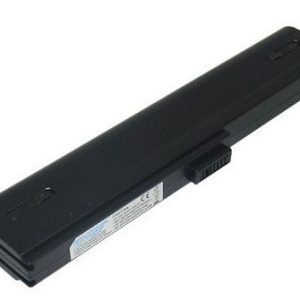
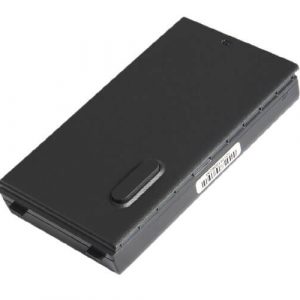

Enhance Your Laptop’s Life with the Asus A32-1015 Laptop Battery!
Is your Asus laptop struggling to hold a charge? Look no further! At www.laptopparts.co.ke, we offer the high-quality Asus A32-1015 Laptop Battery, designed to bring your device back to life. This reliable Asus A32-1015 Laptop Battery is the perfect replacement for your worn-out original, ensuring you can work, study, or play without constant worry about power outlets. Our Asus A32-1015 Laptop Battery is built to meet or exceed original specifications, providing a seamless fit and optimal performance.
Experience extended usage times with our premium Asus A32-1015 Laptop Battery. No more interruptions during important tasks! This Asus A32-1015 Laptop Battery offers excellent durability and charge retention, allowing you to maximize your productivity on the go. Investing in a new Asus A32-1015 Laptop Battery is a cost-effective way to revive your laptop and avoid the expense of a new machine.
We understand the importance of value, which is why we offer this Asus A32-1015 Laptop Battery at an affordable price. Plus, for your peace of mind, every Asus A32-1015 Laptop Battery comes with a 3-month warranty. As an added benefit, we provide free installation for all our laptop batteries when you purchase from us!
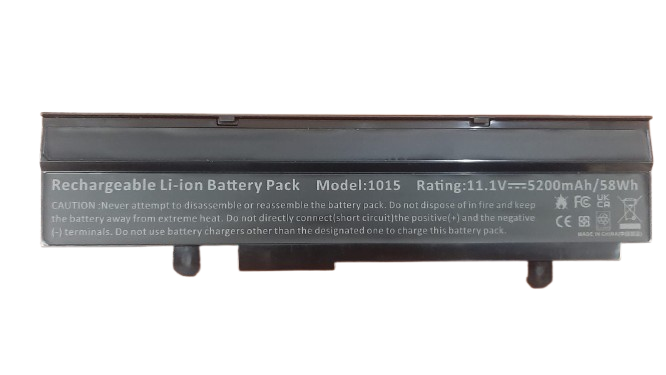
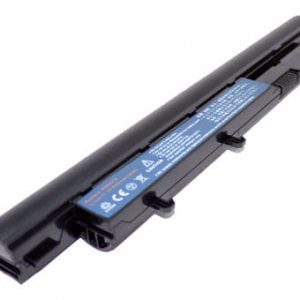
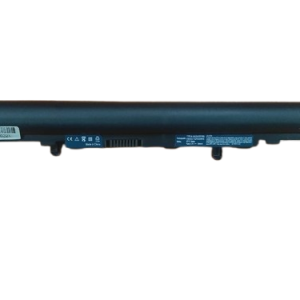
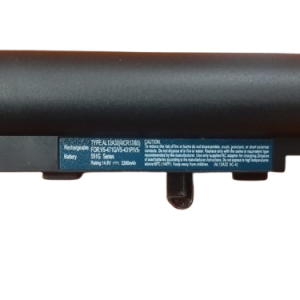
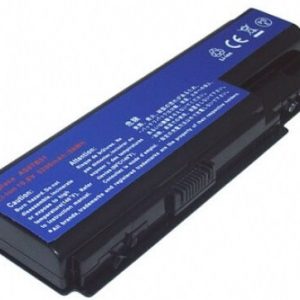
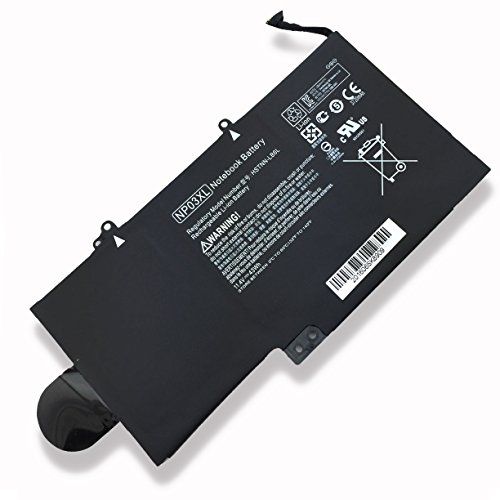
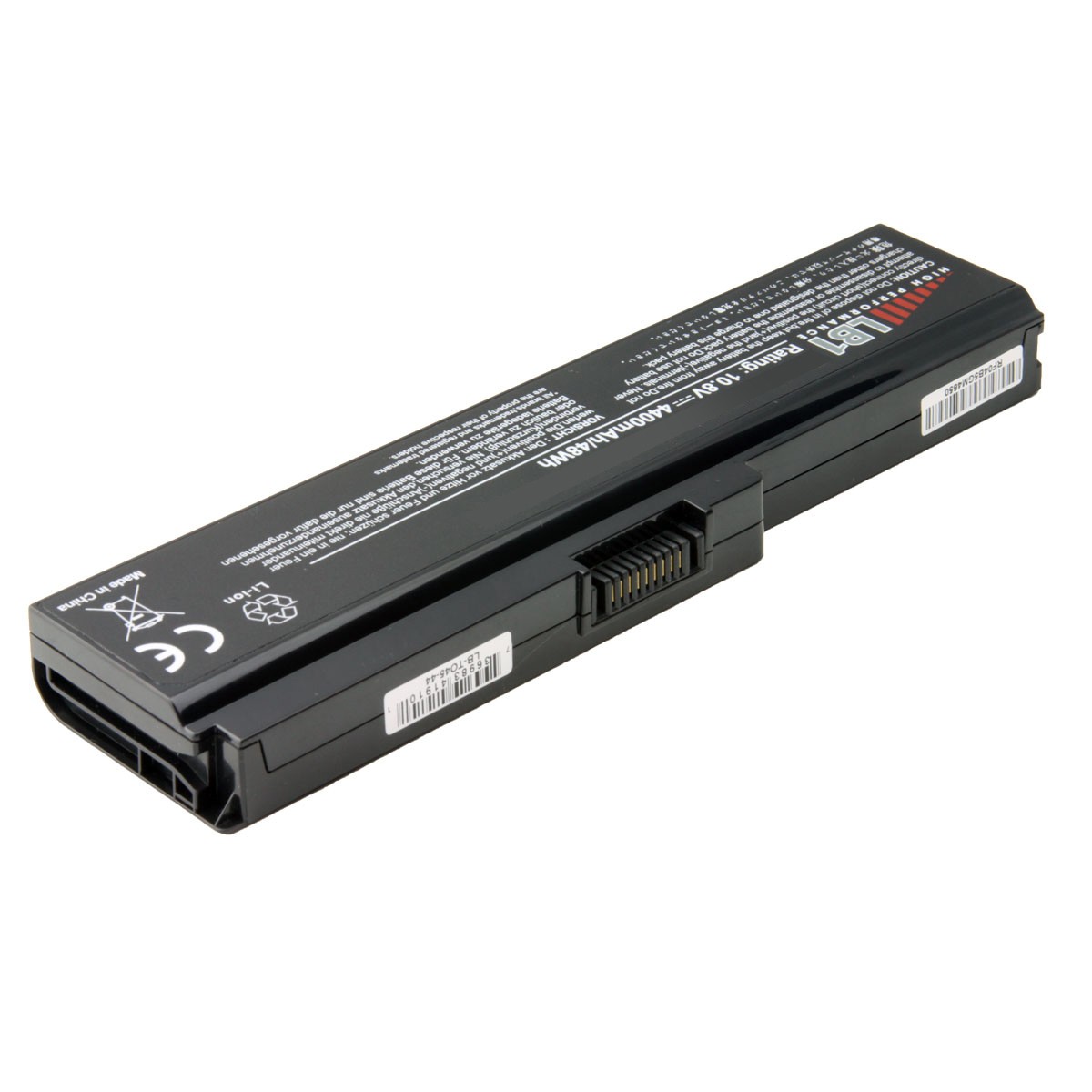
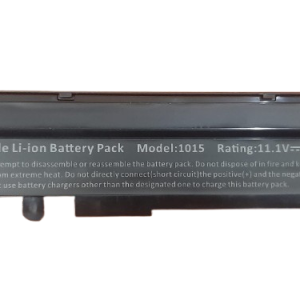
Asus A32-1015 Laptop Battery
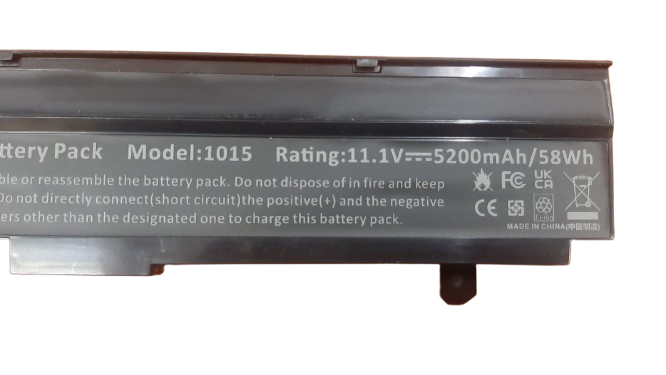
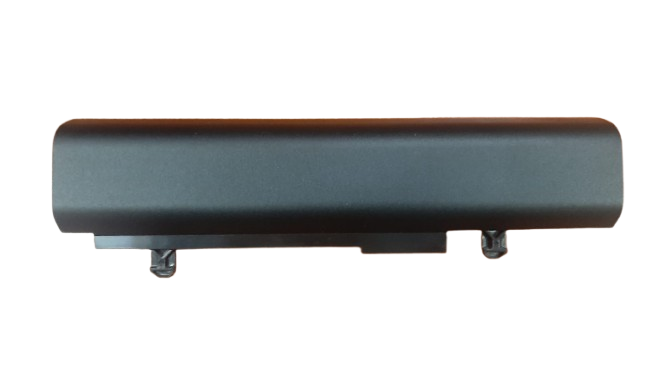
Specifications for Asus A32-1015 Laptop Battery:
Bonus Tips for Maintaining Your Laptop Battery:
- Avoid Extreme Temperatures: Keep your laptop in a cool, dry place. Excessive heat or cold can degrade battery life.
- Don’t Fully Discharge or Charge: For optimal longevity, try to keep your battery charge between 20% and 80%.
- Unplug When Fully Charged (if possible): While modern laptops have charge management, prolonged 100% charging can still put stress on the battery. If you mostly use your laptop plugged in, consider removing the battery if it’s easily detachable.
- Manage Power Settings: Use your laptop’s power-saving modes and dim your screen brightness to conserve battery life.
- Close Unused Programs: Background applications consume power. Close any software you’re not actively using.
- Disable Unnecessary Peripherals: Turn off Wi-Fi, Bluetooth, and unplug USB devices when not in use.
Factors to Consider While Purchasing a Laptop Battery:
- Compatibility: Always double-check the battery’s part number and your laptop model to ensure a perfect match.
- Voltage and Capacity: Ensure the voltage of the new battery matches your old one (slight differences like 10.8V and 11.1V are usually compatible). A higher mAh or Wh (capacity) means longer battery life.
- Quality and Brand: Opt for reputable brands or trusted sellers to ensure you’re getting a quality product with safety features.
- Warranty: A good warranty provides peace of mind and indicates the seller’s confidence in their product.
- Price: Compare prices from different vendors, but be wary of unusually low prices, which might indicate a low-quality product.
Reviews
There are no reviews yet.