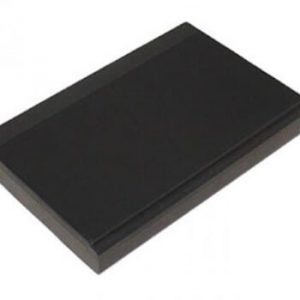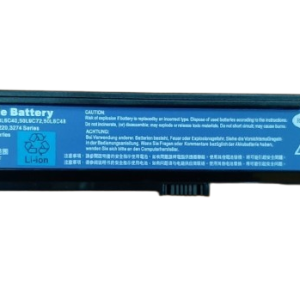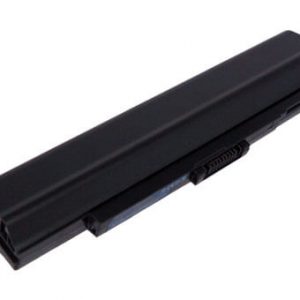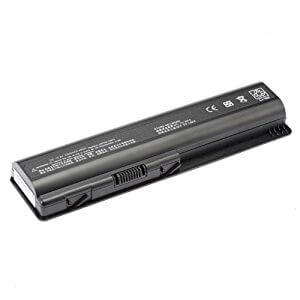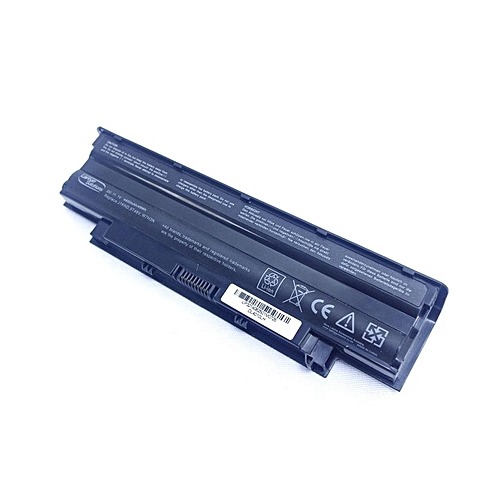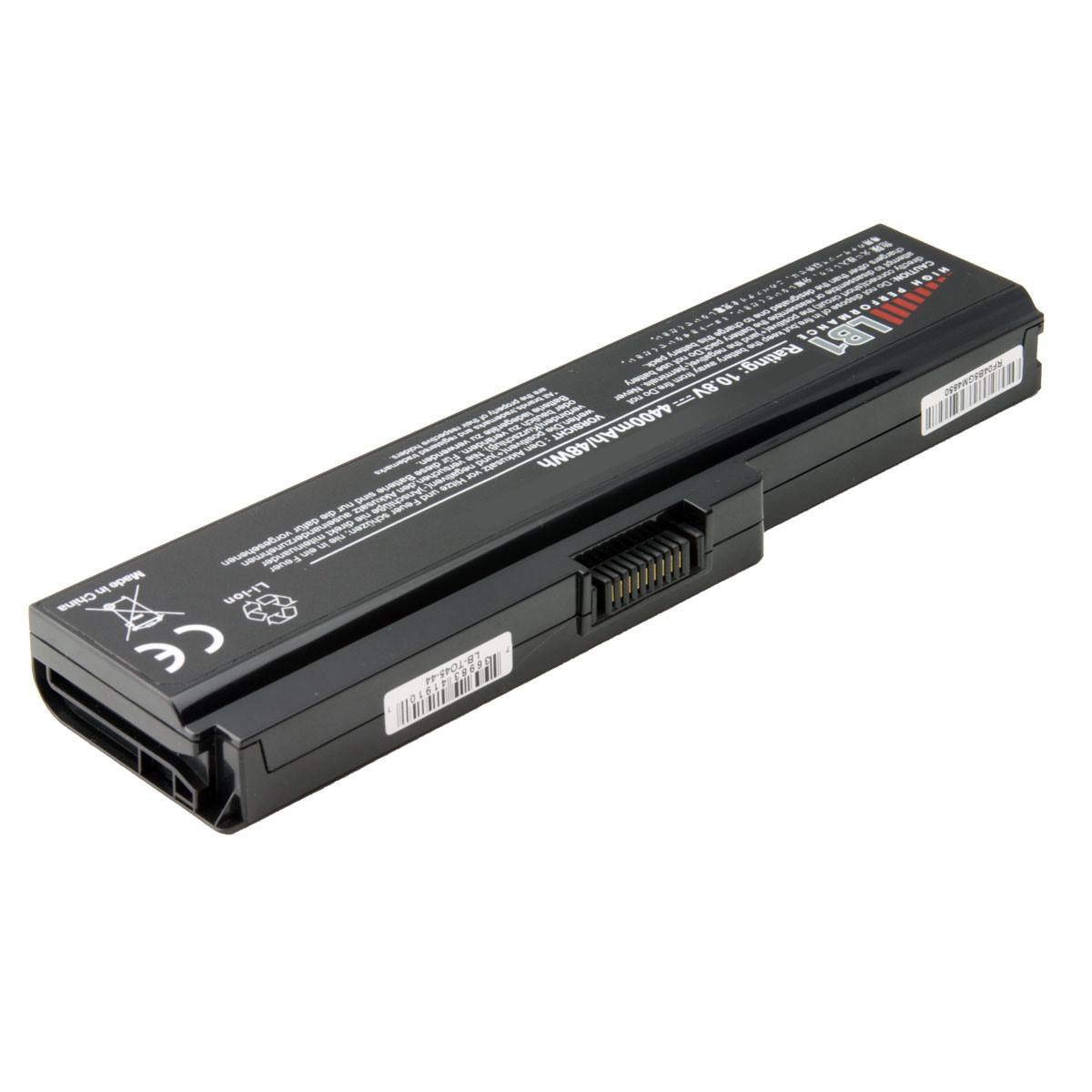






Boost Your Laptop’s Life with a New ASUS A32 U20 Laptop Battery!
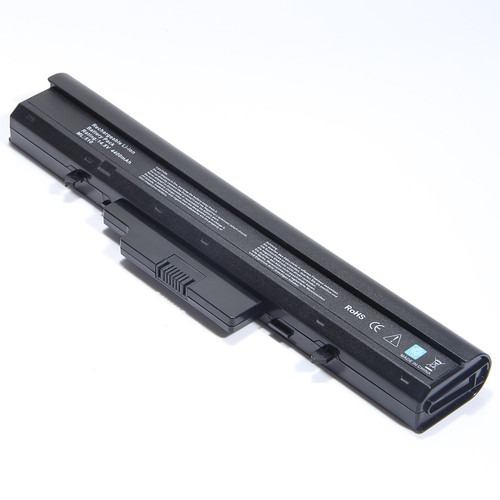
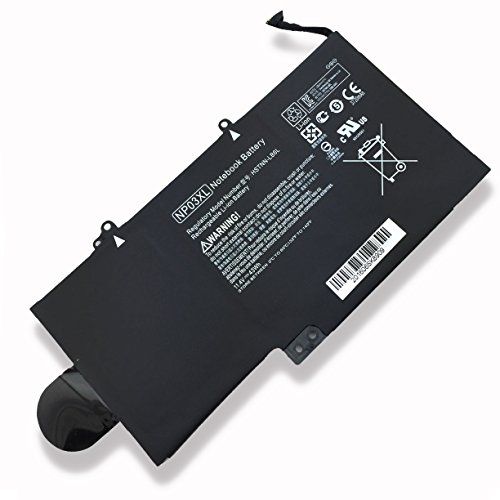
Is your ASUS laptop struggling to hold a charge? Are you constantly tethered to a power outlet? It sounds like you need a reliable replacement, and the ASUS A32 U20 Laptop Battery from www.laptopparts.co.ke is your perfect solution! This high-quality ASUS A32 U20 Laptop Battery is designed to bring your laptop back to life, offering extended usage and dependable performance. Don’t let a dying battery slow you down; invest in a new ASUS A32 U20 Laptop Battery today!
At www.laptopparts.co.ke, we understand the importance of a long-lasting battery. That’s why we offer this premium ASUS A32 U20 Laptop Battery at an affordable price, ensuring you get the best value for your money. Say goodbye to frequent charging and hello to uninterrupted productivity with our top-notch ASUS A32 U20 Laptop Battery.
Every ASUS A32 U20 Laptop Battery we sell comes with a reassuring 3-month warranty, giving you peace of mind. Plus, we offer free installation services for your new ASUS A32 U20 Laptop Battery when you purchase from us, making the upgrade process hassle-free. Get your ASUS A32 U20 Laptop Battery from a trusted source!


 Specifications for ASUS A32 U20 Laptop Battery:
| Feature | Description |
| Battery Type | Li-ion (Lithium-ion) |
| Voltage | 11.1V (compatible with 10.8V systems) |
| Capacity | 4400mAh – 5200mAh (typically 6-cell) |
| Color | Black |
| Condition | Brand New, High Quality Replacement |
| Warranty | 3 Months |
| Installation | Free Installation |
| Compatible Part Numbers | A31-U20, A31-U80, A32-U20, A32-U50, A32-U80, A33-U50, L0A2011, L062061, 70-NUP1B2100Z, 90-NVA1B2000Y, etc. |
| Compatible Laptop Models (Partial List) | ASUS U20 Series (U20, U20A, U20A-B2, U20F, U20FT, U20G), ASUS U50 Series (U50, U50A, U50F, U50V, U50VG), ASUS U80 Series (U80, U80A, U80E, U80F, U80V), ASUS U81 Series (U81, U81A), ASUS U89 Series (U89, U89V) |
Bonus Tips for Maintaining Your Laptop Battery:
- Avoid Extreme Temperatures: Keep your laptop and battery away from excessive heat or cold. High temperatures are particularly damaging to battery life.
- Optimal Charge Levels: For lithium-ion batteries, it’s generally recommended to keep your charge between 20% and 80%. Avoid consistently draining it to 0% or keeping it at 100% for extended periods.
- Unplug When Fully Charged (Mostly): While modern laptops have smart charging features, if you primarily use your laptop plugged in, consider occasionally using it on battery power to “exercise” the cells.
- Manage Background Apps: Close unnecessary applications running in the background as they consume power.
- Adjust Screen Brightness: Lowering your screen brightness can significantly extend battery life.
Keep Software Updated: Operating system and driver updates often include power management improvements.
Factors to Consider While Purchasing a Battery:
- Compatibility: This is the most crucial factor. Ensure the battery’s part number and compatible models match your laptop. Always double-check your laptop’s model and the existing battery’s details.
- Voltage and Capacity (mAh/Wh): The voltage should match your original battery. A slightly higher or lower capacity (mAh/Wh) within a reasonable range (e.g., 10.8V vs. 11.1V, or a higher mAh within the same physical size) is usually fine and might even offer longer run time.
- Brand and Quality: Opt for reputable brands or trusted aftermarket providers. Cheaper, low-quality batteries can pose risks and offer poor performance.
- Warranty: A good warranty indicates the seller’s confidence in their product. Our 3-month warranty is a testament to the quality of our ASUS A32 U20 Laptop Battery.
- Reviews and Ratings: Check customer reviews to gauge real-world performance and reliability.