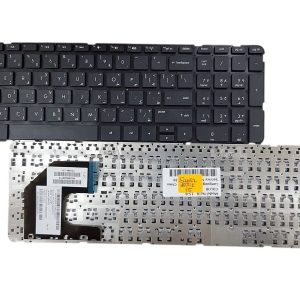

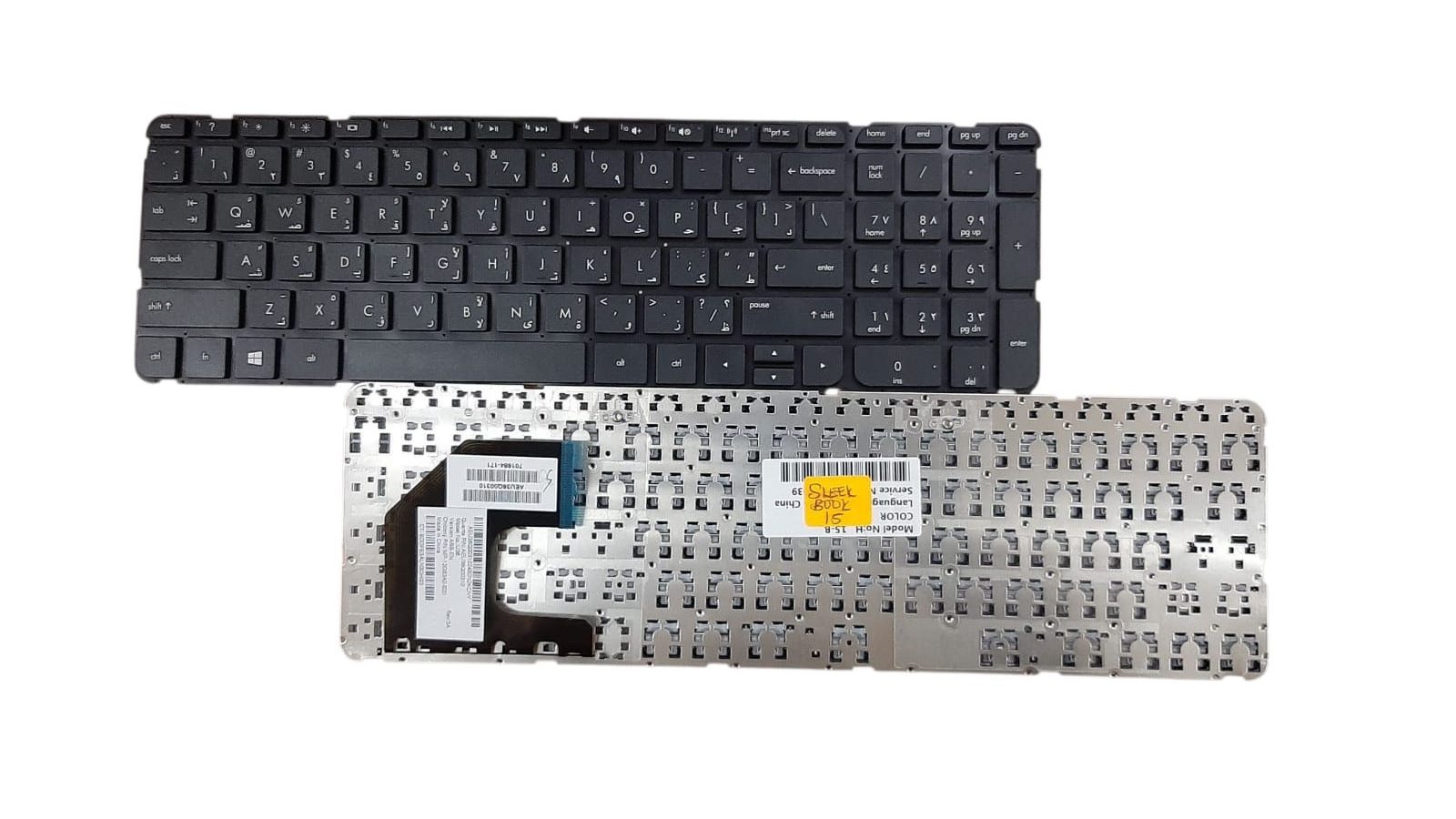
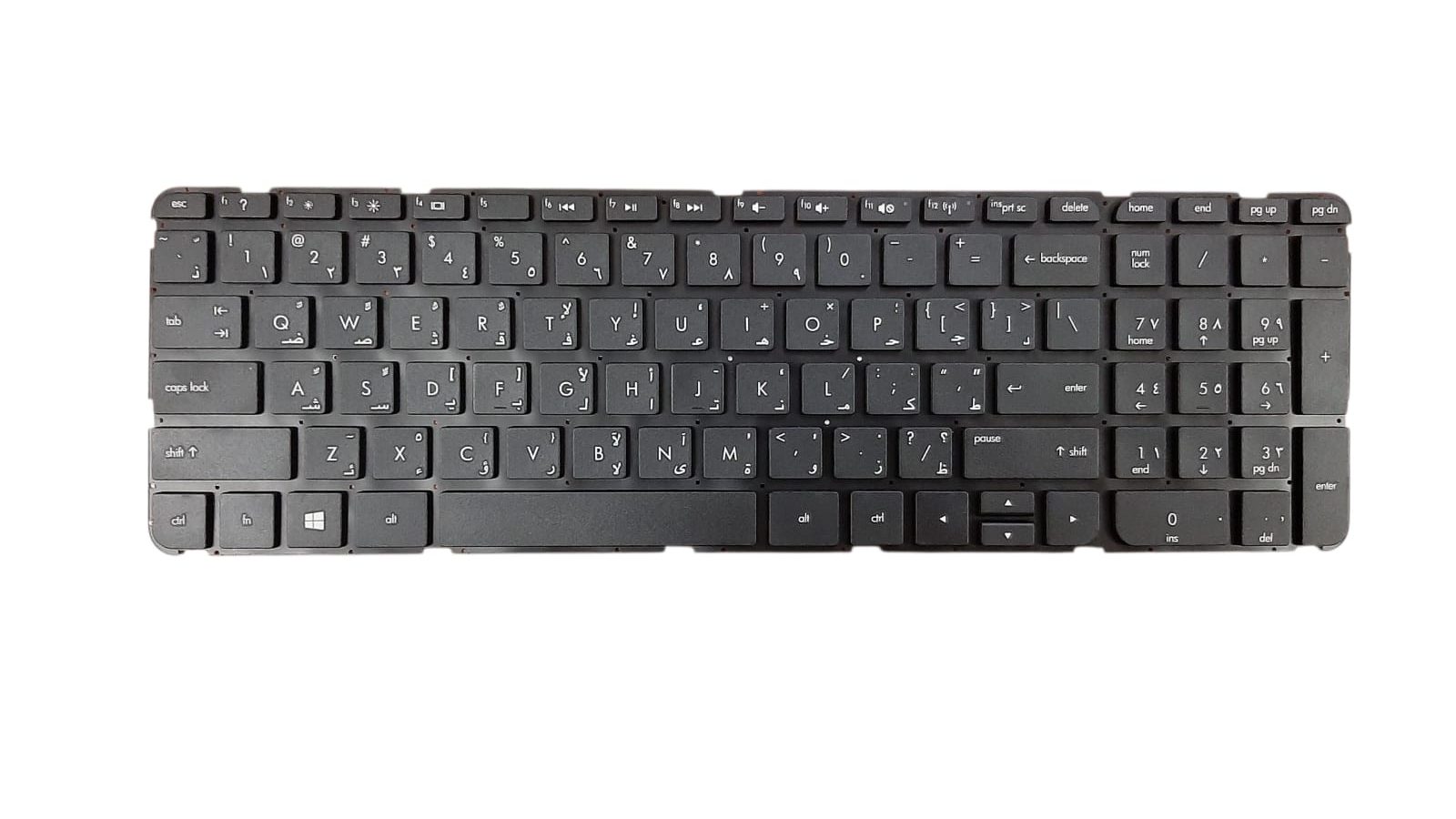
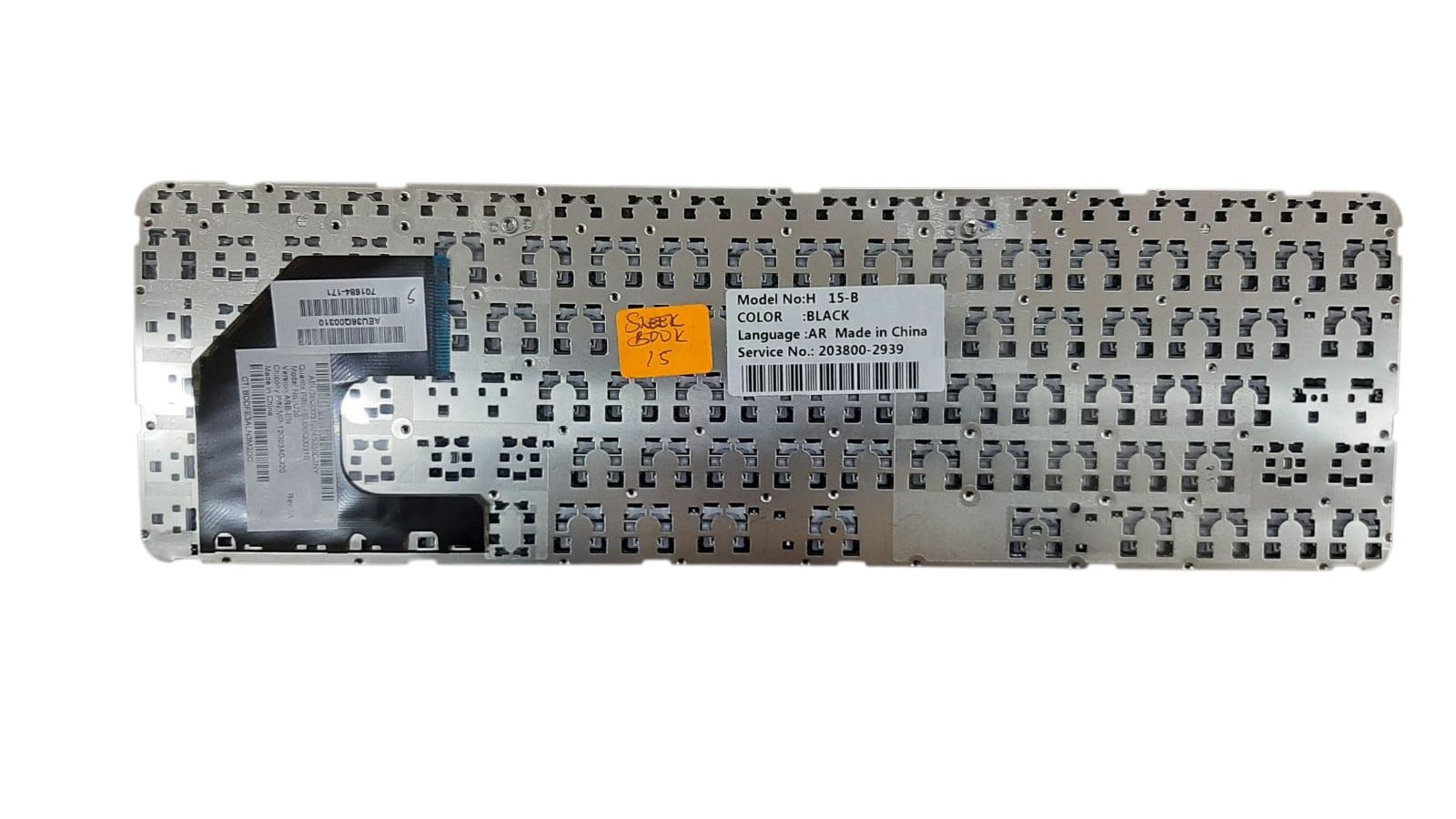
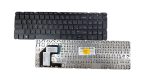

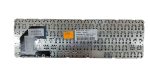
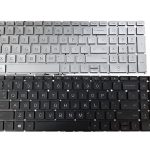

HP Pavilion Sleekbook 15-B Series Keyboard (Non backlight)
Original price was: KSh2,499.00.KSh1,999.00Current price is: KSh1,999.00.
Specifications for HP Pavilion Sleekbook 15-B Series Keyboard :

HP Pavilion Sleekbook 15-B Series Keyboard – High Quality & Affordable!
A non-functional or damaged keyboard can severely impact your productivity. If you’re struggling with unresponsive keys or a completely broken keyboard on your HP Pavilion Sleekbook 15-B series laptop, look no further. At laptopparts.co.ke, we offer a high-quality replacement, the HP Pavilion Sleekbook 15-B Series Keyboard, to get your device back to its best. This keyboard is an affordable and reliable solution for all your typing needs.
Our HP Pavilion Sleekbook 15-B Series Keyboard is designed to provide a perfect fit and a comfortable typing experience, just like your original one. We understand the importance of quality, and that’s why each HP Pavilion Sleekbook 15-B Series Keyboard we sell undergoes rigorous testing to ensure it meets our high standards. You can be confident in the durability and performance of this replacement part. The HP Pavilion Sleekbook 15-B Series Keyboard is a simple and effective fix for a common laptop problem.
For your peace of mind, every purchase of our HP Pavilion Sleekbook 15-B Series Keyboard comes with a 3-month warranty. We stand by the quality of our products and are committed to your satisfaction. To make your life even easier, we provide free installation for all our Nairobi-based customers. Our expert technicians will handle the replacement of your HP Pavilion Sleekbook 15-B Series Keyboard quickly and professionally, so you can get back to work or play without delay.
Don’t let a faulty keyboard slow you down. The HP Pavilion Sleekbook 15-B Series Keyboard is the perfect upgrade or replacement you’ve been searching for. With our detailed specification table below, you can easily confirm that this is the right keyboard for your laptop model.
HP Pavilion Sleekbook 15-B Series Keyboard
HP Pavilion Sleekbook 15-B Series Keyboard
HP Pavilion Sleekbook 15-B Series Keyboard
Specifications for HP Pavilion Sleekbook 15-B Series Keyboard :
Bonus Tips for Maintaining Your Laptop Battery
A healthy battery is crucial for the longevity of your laptop. Here are some tips to help you get the most out of your battery:
- Mind the Temperature: Batteries are sensitive to extreme heat and cold. Always use and store your laptop in a cool, dry place. Avoid leaving it in direct sunlight or a hot car, as this can cause permanent damage to the battery’s health.
- Avoid Deep Discharges: It’s best to not let your battery drain completely to 0% regularly. Modern lithium-ion batteries prefer to be charged in small increments. Try to keep your battery level between 20% and 80% for optimal lifespan.
- Unplug When Fully Charged: While modern laptops have a feature to stop charging once they reach 100%, it’s still a good practice to unplug your laptop when it’s fully charged if you’re going to be using it on AC power for a long time. This reduces the heat generated and can prolong battery life.
Factors to Consider When Purchasing a New Battery
When the time comes to buy a new battery, keep these points in mind to ensure you get the right one:
- Compatibility is Key: Double-check the battery’s part number and your laptop model number to ensure they are compatible. A wrong fit can cause significant issues. The part number is usually located on the battery itself.
- Check the Voltage: The voltage (V) on the new battery must match the voltage of your old one. A mismatch can damage your laptop’s motherboard.
- Look for a Warranty: A good warranty is a sign of a quality product. A reputable seller will provide a warranty to protect you from any defects in the battery.
- Buy from a Reputable Seller: Purchase from a trusted source with good reviews and a physical location if possible. This guarantees that you are getting a genuine and quality product.