
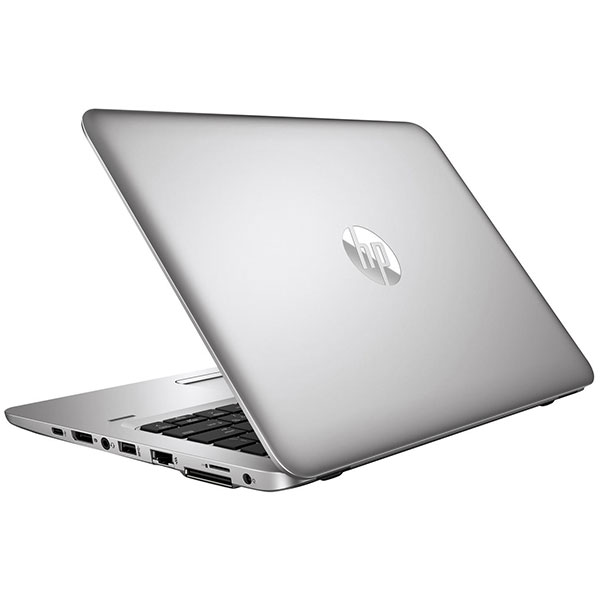
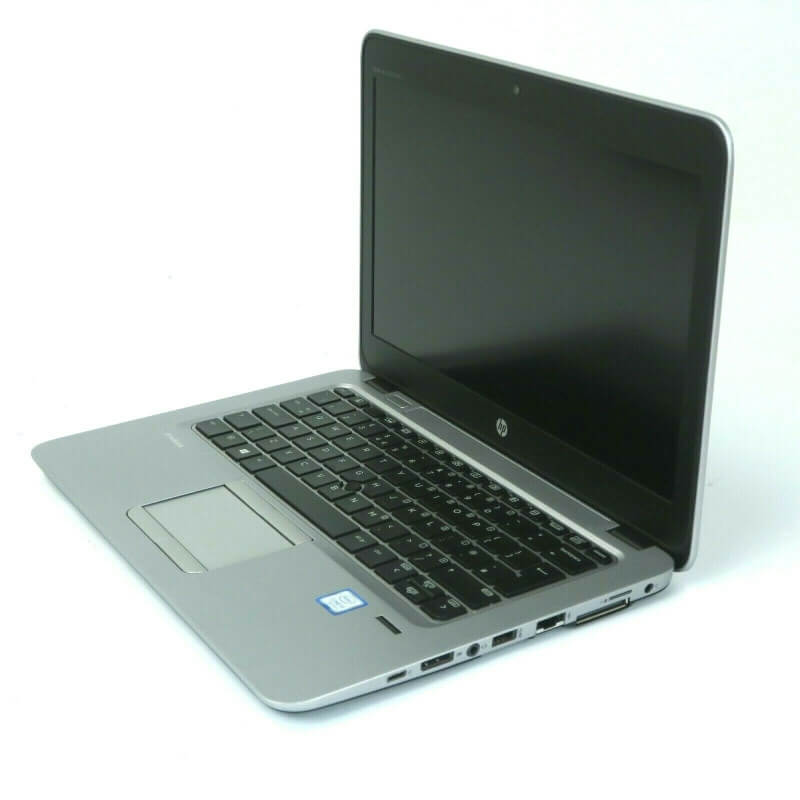
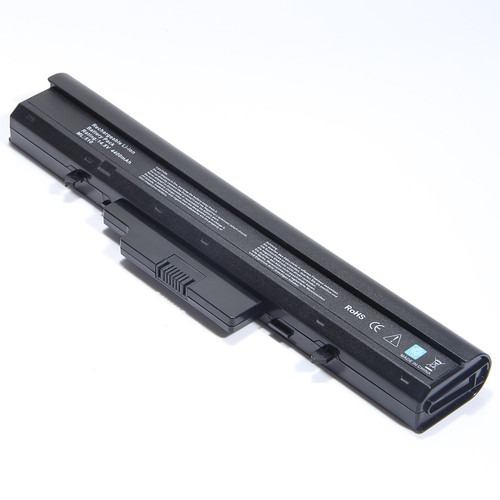

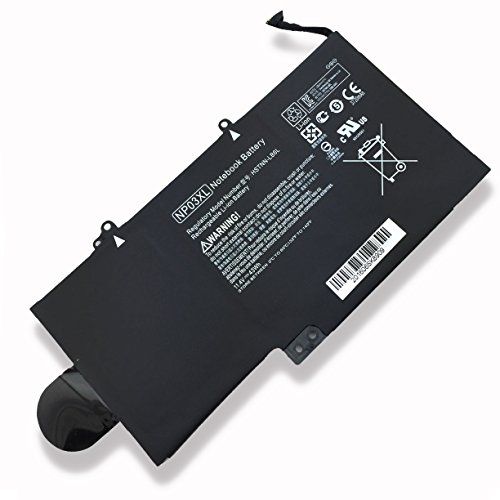
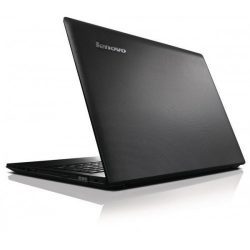

Boost Your Laptop’s Life with an Original HP Probook 450 G0 G1 Battery FP06!
Is your HP Probook 450 G0 or G1 struggling to hold a charge? Don’t let a dying battery slow you down! At www.laptopparts.co.ke, we offer the Original HP Probook 450 G0 G1 Battery FP06, designed to bring your laptop back to life with reliable, long-lasting power. This Original HP Probook 450 G0 G1 Battery FP06 is the perfect replacement for your worn-out battery, ensuring optimal performance for your daily tasks.
We understand the importance of quality and affordability. That’s why our Original HP Probook 450 G0 G1 Battery FP06 is priced competitively, making it an affordable solution for your power needs. Plus, for your peace of mind, every Original HP Probook 450 G0 G1 Battery FP06 comes with a 3-month warranty and free installation services right here in Nairobi! Get your Original HP Probook 450 G0 G1 Battery FP06 today and experience uninterrupted productivity.
Why choose our Original HP Probook 450 G0 G1 Battery FP06?
This Original HP Probook 450 G0 G1 Battery FP06 is specifically manufactured to meet the high standards of HP, guaranteeing compatibility and safety for your device. Say goodbye to unexpected shutdowns and hello to extended working hours. Investing in an Original HP Probook 450 G0 G1 Battery FP06 is an investment in your laptop’s longevity and your productivity.

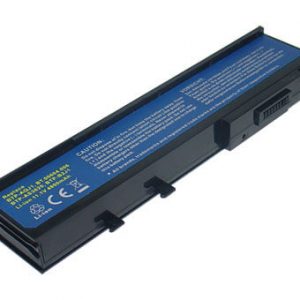
Original HP Probook 450 G0 G1 Battery FP06


Product Specifications for Original HP Probook 450 G0 G1 Battery FP06:
Bonus Tips for Maintaining Your Laptop Battery:
- Charge Cycles: Lithium-ion batteries have a limited number of charge cycles. Try to keep your battery level between 20% and 80% to maximize its lifespan. Avoid consistently draining it to 0% or keeping it plugged in at 100% for extended periods.
- Avoid Extreme Temperatures: High heat and extreme cold can degrade your battery faster. Do not leave your laptop in direct sunlight or in a very cold car.
- Optimize Power Settings: Utilize your laptop’s power management settings (e.g., “Power Saver” mode in Windows) to reduce power consumption and extend battery life on a single charge.
- Manage Background Apps: Close unnecessary applications running in the background, as they consume power even when not actively used.
- Keep Drivers and Firmware Updated: Manufacturers often release updates that improve power management. Ensure your laptop’s drivers and firmware are up to date.
- Calibrate Your Battery (Periodically): Some manufacturers recommend periodically recalibrating your battery to ensure the reported charge level is accurate. Check your laptop’s manual or manufacturer’s website for instructions.
Factors to Consider While Purchasing a Laptop Battery:
- Compatibility: Always verify the battery’s compatibility with your specific laptop model and part number. This is the most crucial factor.
- Voltage and Capacity (mAh/Wh): Match the voltage (V) of your old battery to the new one. While a small difference (e.g., 10.8V and 11.1V) is usually fine, significant differences can cause issues. Higher mAh or Wh means longer battery life.
- Original vs. Aftermarket: While aftermarket batteries can be cheaper, original batteries often offer better performance, safety, and longevity due to higher quality cells and adherence to manufacturer specifications.
- Warranty: A good warranty indicates the seller’s confidence in their product. A 3-month warranty, like ours, provides a good safety net.
- Seller Reputation: Purchase from reputable sellers like www.laptopparts.co.ke to ensure you get a genuine and reliable product. Check for customer reviews and services offered.
HP Probook 450 G1 Battery, HP ProBook 440 G1 Battery, HP ProBook 445 G1 Battery, HP ProBook 470 G1 Battery



abbynduta –
The battery works great, just like the original one that came with my laptop.